


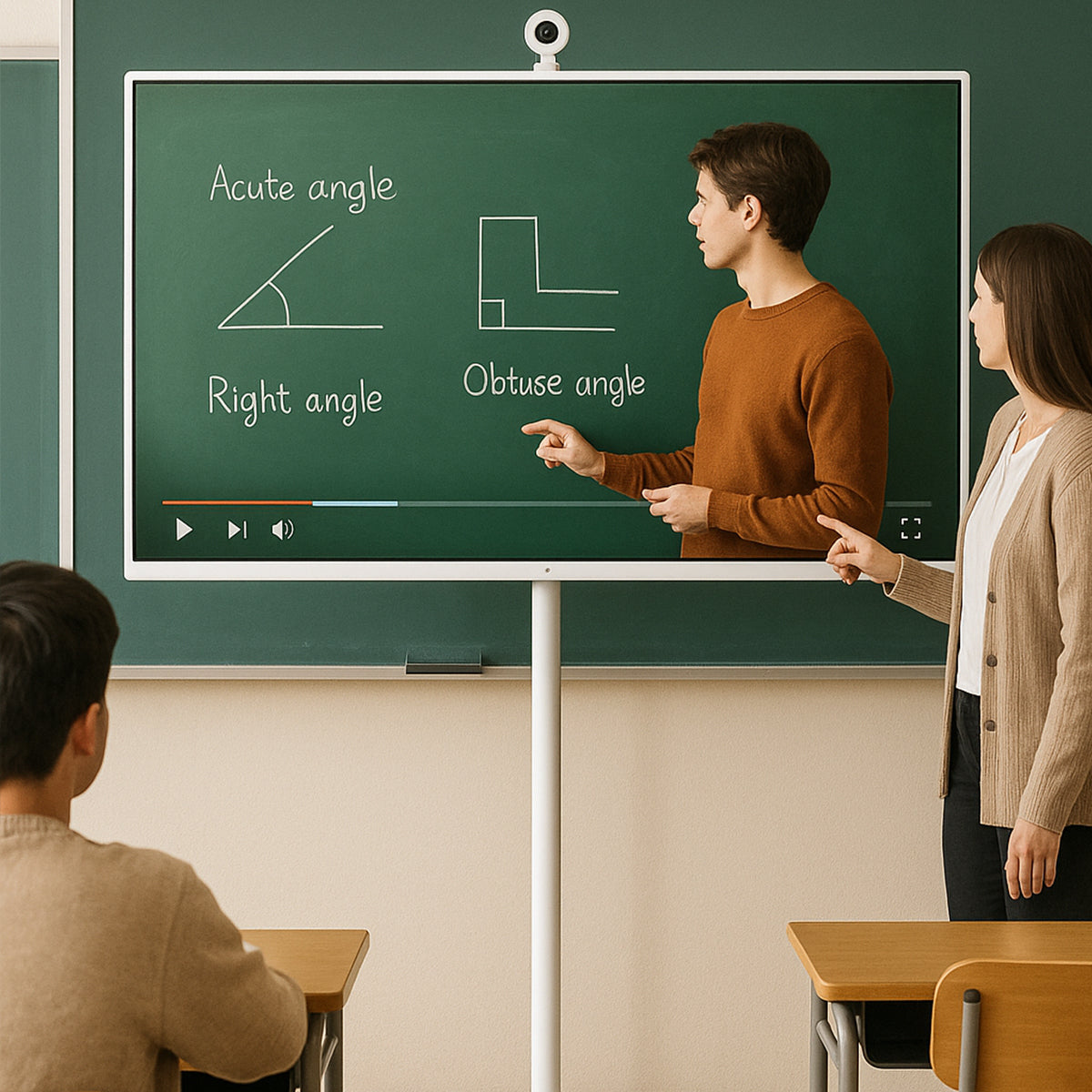
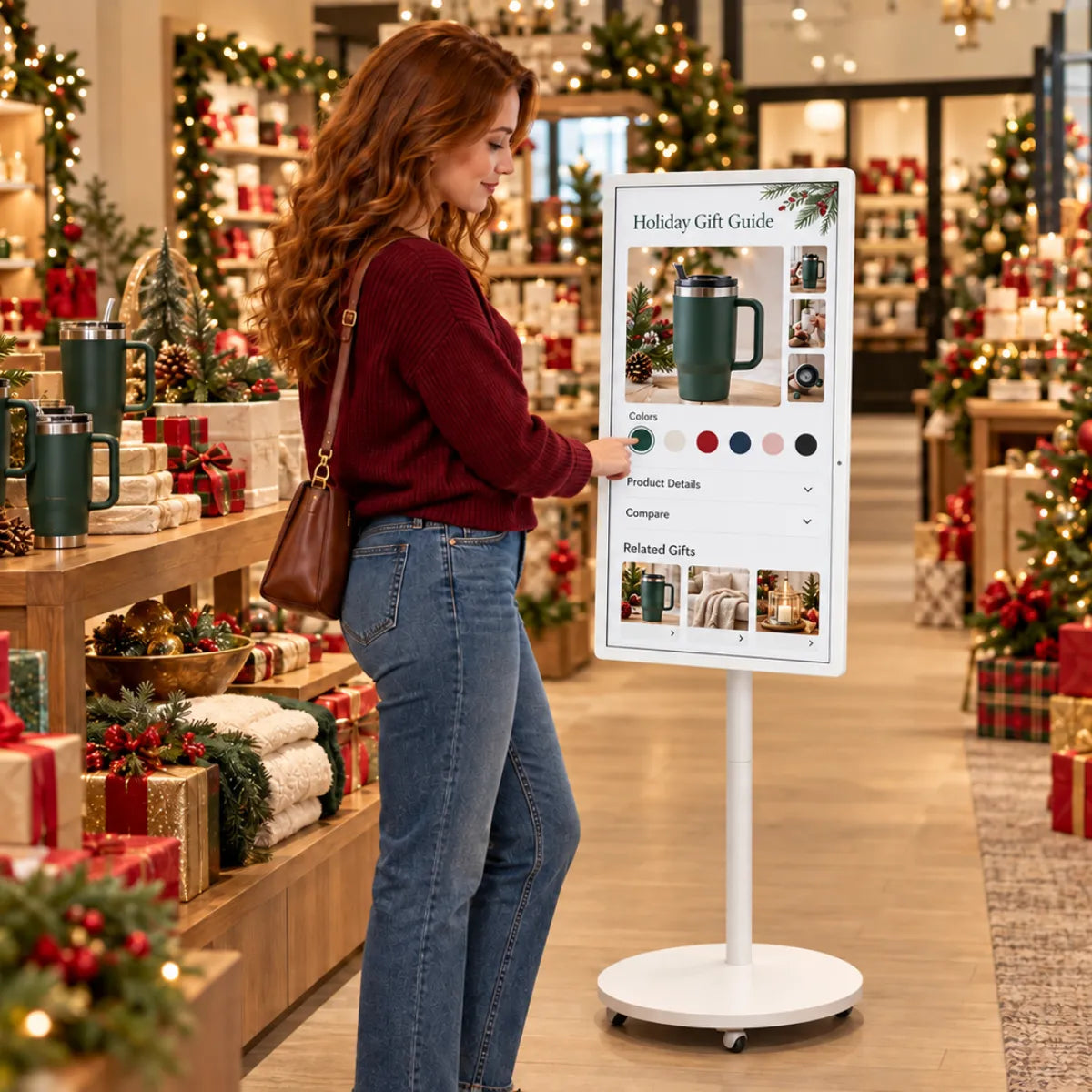

Interactive Learning Without Limits
Portable Interactive Displays for Modern Classrooms, Training Spaces, and Shared Learning Environments.
Learning That Moves With Students
Support learning experiences that can move between classrooms, study spaces, workshops, and training environments.
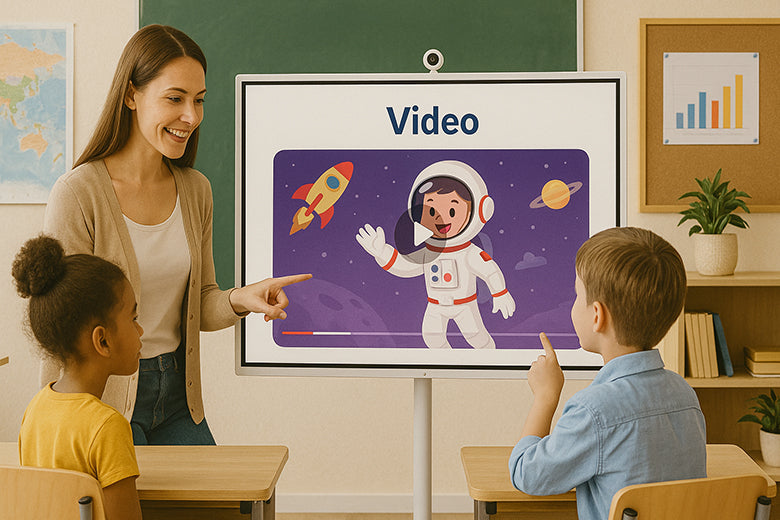
🏫Interactive Lessons
Turn passive lessons into engaging learning experiences with touch interaction, videos, digital content, and wireless screen sharing.
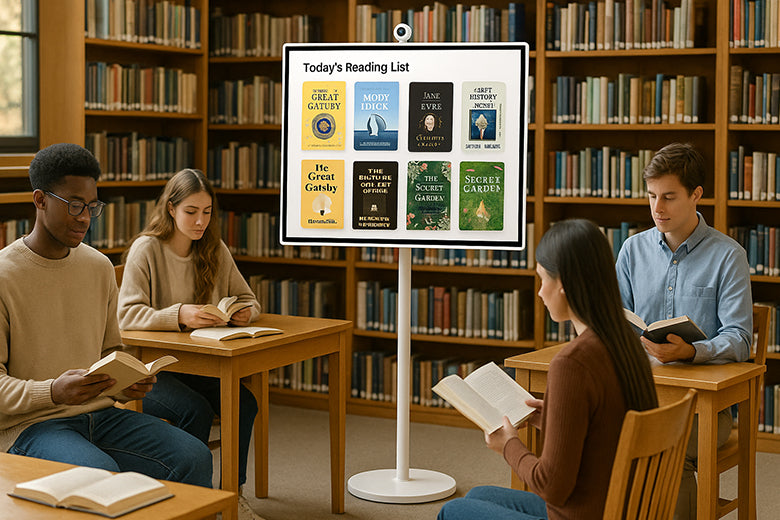
📽️ Flexible Presentations
Move between classrooms, libraries, workshops, and learning spaces without relying on fixed displays.
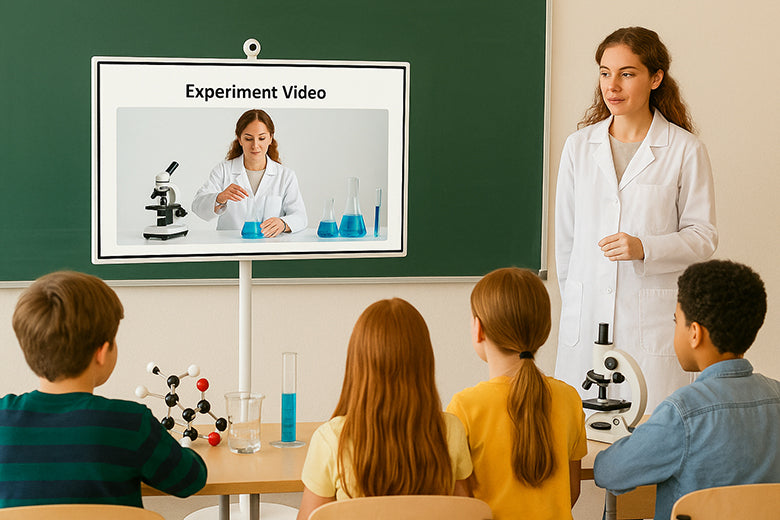
📚 STEM & Science Learning
Display experiments, share data, demonstrate concepts, and improve student engagement during STEM lessons.
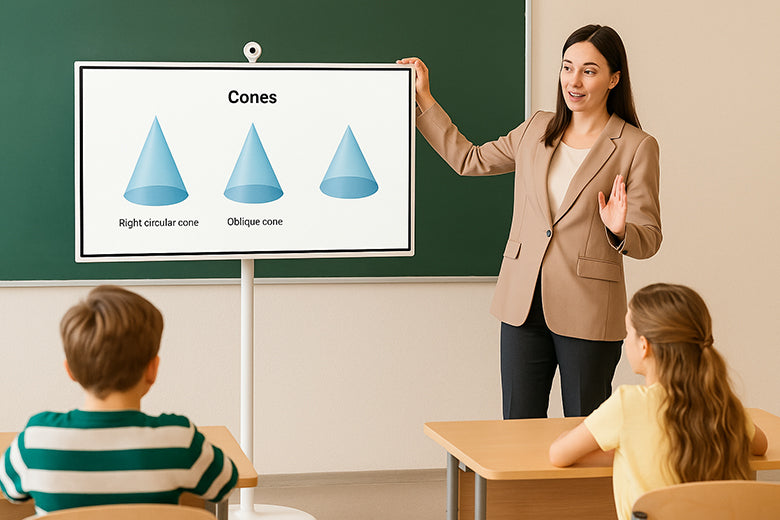
🚗 Mobile Teaching
Ideal for shared classrooms, mobile teaching carts, tutoring centers, and multipurpose learning spaces.
Why Educators Choose GFF
Designed for today’s classrooms — smart, simple, and stress-free
| 📌 Common Teaching Challenges | 💡 How GFF Helps |
|---|---|
| “Fixed screens limit movement” | Roll anywhere in seconds |
| “Shared classrooms create setup issues” | Wireless screen sharing |
| “Cable clutter wastes lesson time” | Plug-and-play operation |
| “Technology often feels complicated” | Adjustable positioning |

Want to know more about GFF?
Follow GFF's social medias for more live news.
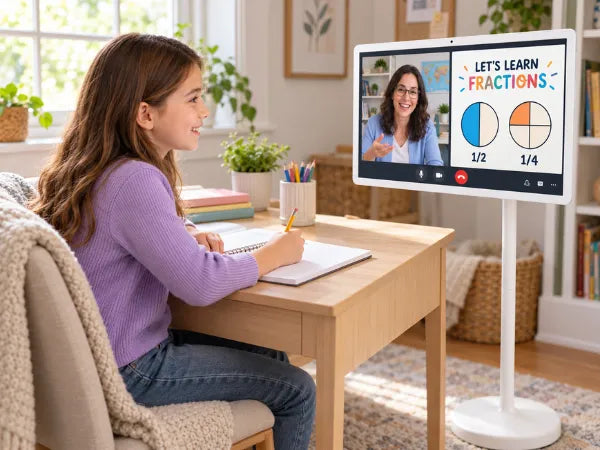
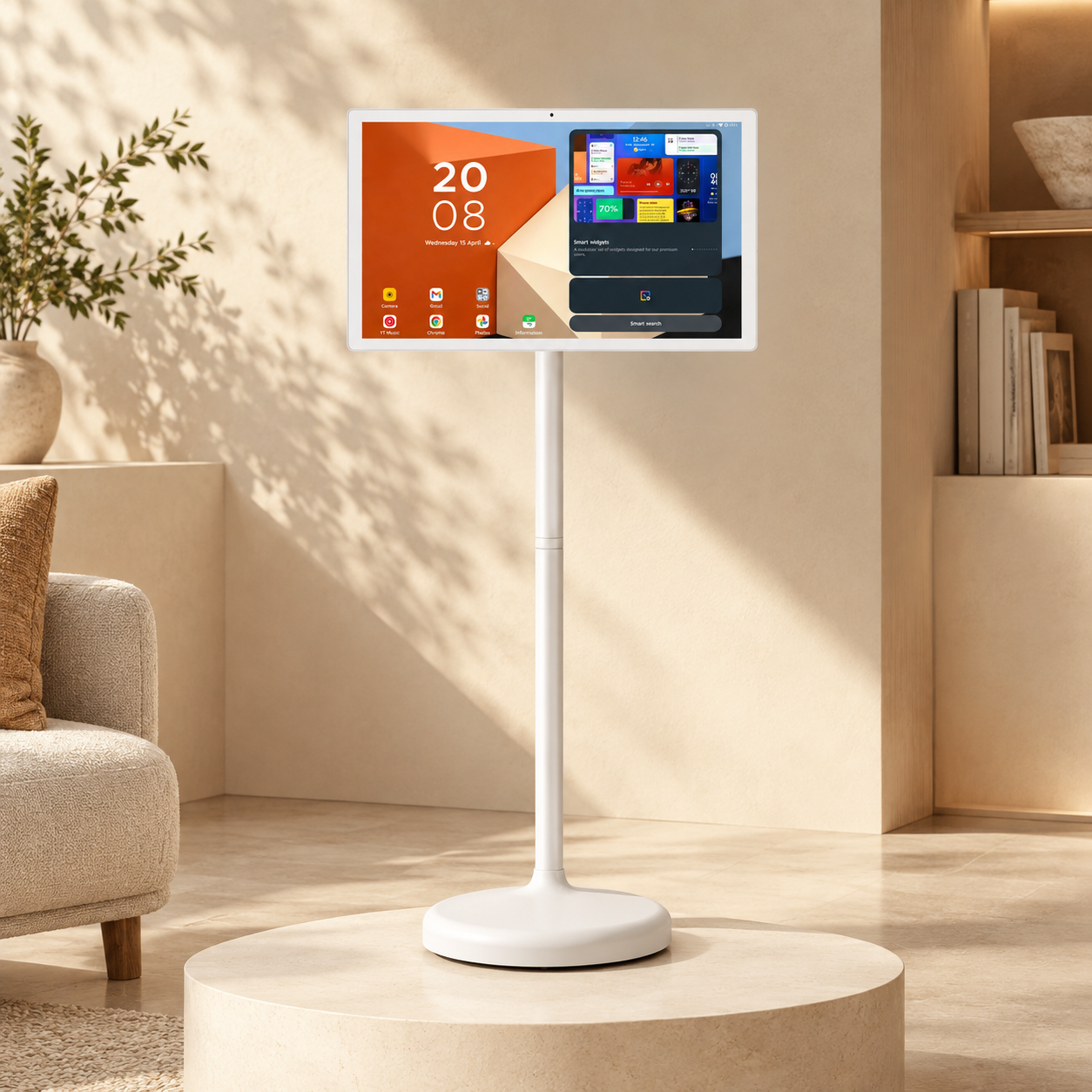
S1-22 | A Personal Learning Companion
A compact 22-inch Full HD touchscreen for one-on-one lessons, learning apps, and interactive activities.
Ship S1-22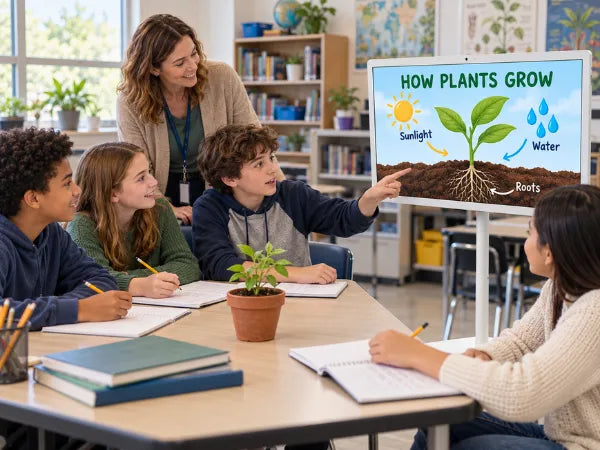
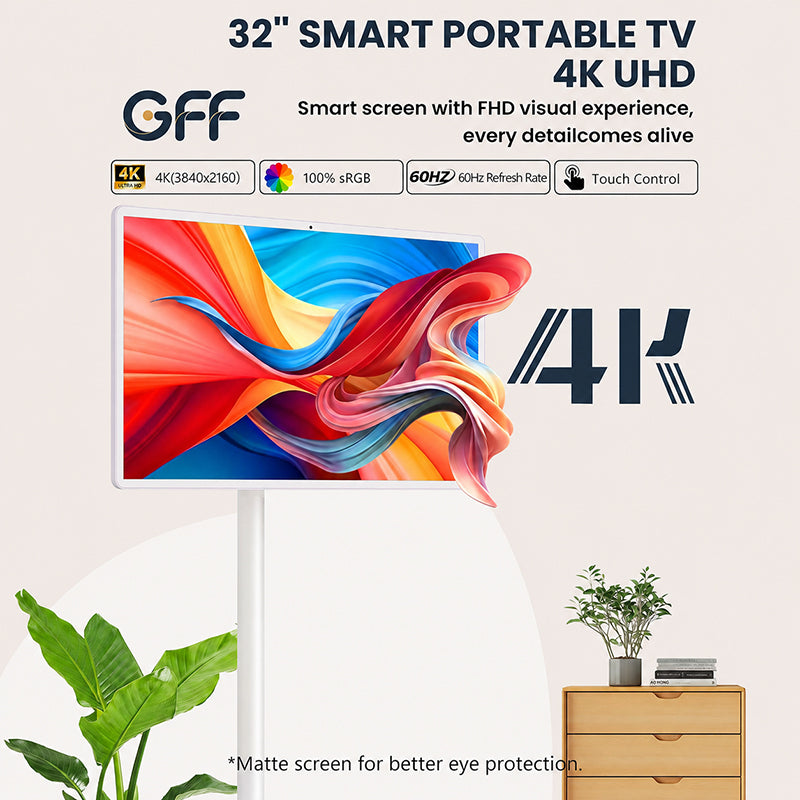
S2-32 | Bring Group Lessons to Life
A larger 32-inch 4K touchscreen for sharing lesson materials, educational videos, and group projects.
Shop S2-32Education FAQ
Can GFF replace an interactive whiteboard?
For many classrooms, yes.
GFF provides touch interaction, wireless casting, and mobile flexibility without requiring permanent installation.
Is GFF suitable for shared classrooms?
Absolutely.
Teachers can move it between rooms and start teaching within seconds.
Can students interact with the screen?
Yes.
The touchscreen supports intuitive interaction for lessons, presentations, and collaborative activities.
Does it support educational apps?
Yes.
Android OS gives access to learning apps, video platforms, cloud tools, and browser-based resources.
Which model is better for schools?
S1-22 Pro works well for tutoring and small learning spaces.
S2-32 Ultra is recommended for larger classrooms and group instruction.