
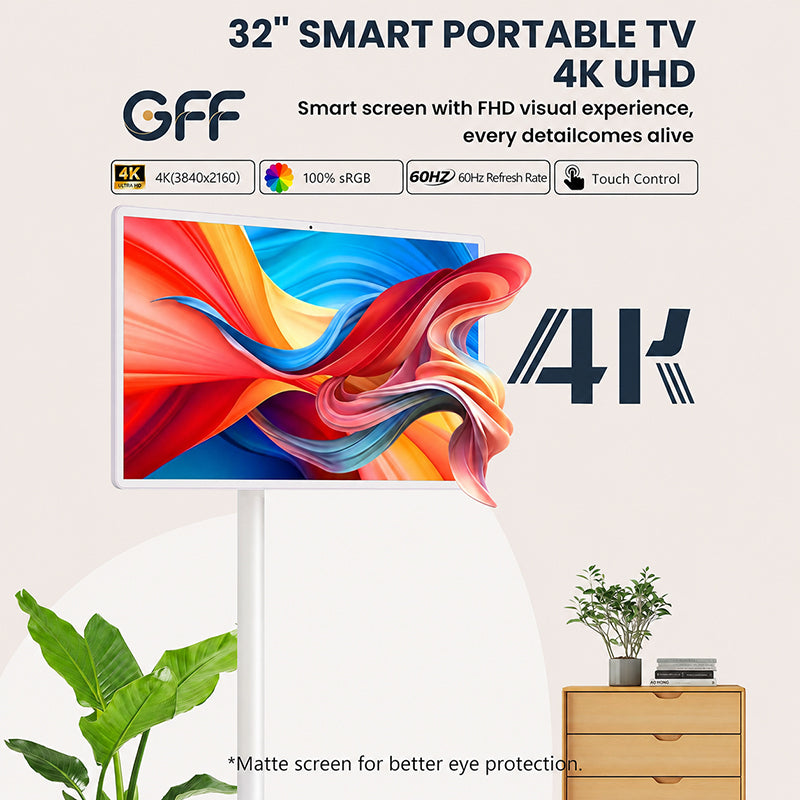

A regular smart TV, not really. Without Wi-Fi, most of its apps go quiet and you're left with a very expensive black rectangle. A GFF portable TV is a different story. It works as a TV and as a tablet, so you can download videos ahead of time and watch them with no connection at all. And if you do want to get online, it connects to your phone's hotspot just like a tablet would.
Here's what you can watch offline, how to hook up a hotspot, and how to get the screen ready for a night outdoors.
What Can You Watch on a GFF Portable TV Without Internet?
More than you'd think. Since the screen runs like a giant tablet, it can store and play content directly on the device. That gives you two main options:
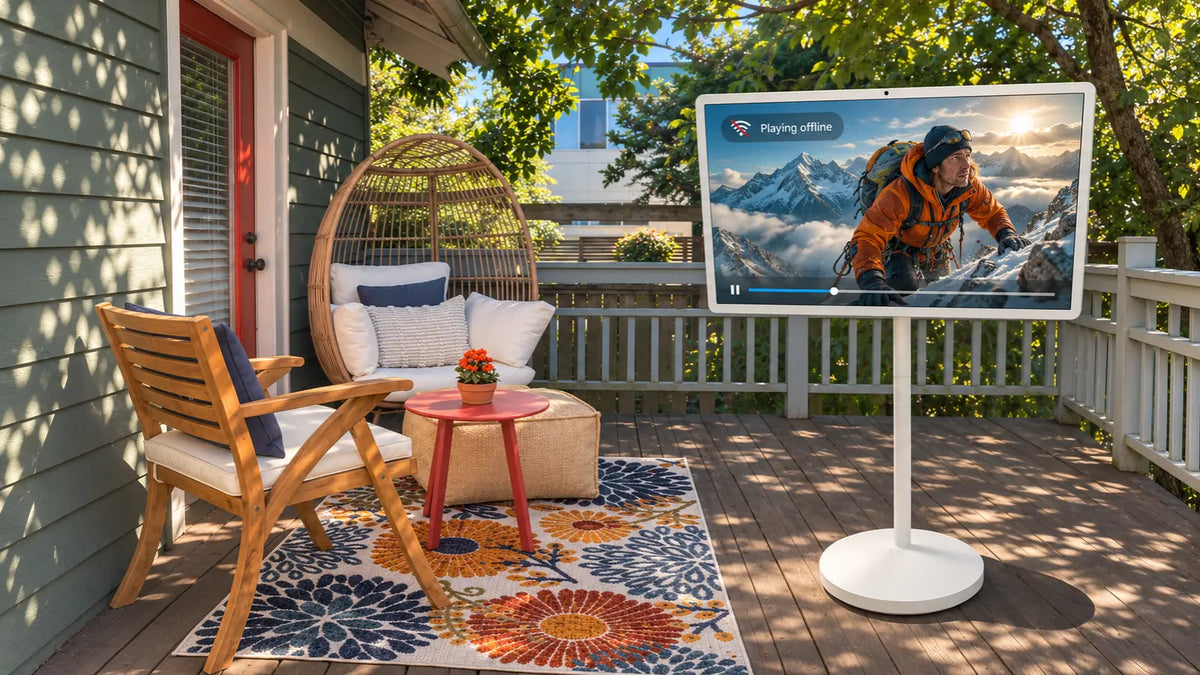
- Downloaded videos and content: Save movies, shows or clips to the screen while you're on Wi-Fi, then watch them anywhere. This is the easiest way to prepare for a trip, a camping weekend or a spot with no signal.
- Content from other devices: The USB and USB-C ports let you plug in a flash drive, a laptop or a phone and play what's on it. No internet needed, because the screen is just showing what you've connected.
If you know you'll be offline, download first and stream never. It's a five-minute job that saves a lot of buffering circles later.

Can You Connect a Portable TV to a Phone Hotspot?
Yes, and it's as simple as it sounds. Turn on the hotspot on your phone, then do this on the portable TV:
- Step 1: Open the Wi-Fi settings on the screen.
- Step 2: Look for your phone's hotspot in the list of available networks.
- Step 3: Select it, enter the password, and connect.
That's the whole process. Once you're connected, streaming apps work the way they would at home. Just keep an eye on your phone's data plan, since video eats through it faster than almost anything else.

How to Get Your Portable TV Ready for Outdoor Viewing
Taking the screen outside is where a portable TV really earns its keep. A little prep up front makes the night go smoothly.
- Charge it fully beforehand. The built-in battery means you don't need an extension cord running across the patio, but it only helps if it starts full.
- Download your content in advance. Don't count on a strong signal in the backyard or at the campsite. Load up the movies you want while you're still on home Wi-Fi.
- Have a backup plan for connection. If you want to stream, switch on your phone's hotspot and connect before the show starts, not halfway through the opening scene.
- Lock the wheels. Uneven ground and a big screen don't mix. Once you've found a good spot, lock the wheels so it stays put.
- Pick a shaded spot. Direct sunlight washes out any screen. Dusk, a covered patio or the shade of a tree will make the picture look much better.
That's about all it takes. Roll it out, lock it in place, and press play.

