



Table of Contents
You swipe smoothly on your smartphone, but doing the same on a self-service kiosk at the airport feels like a task. It’s not due to the glass; the magic lies in the invisible layers of touch screen technology hidden around or beneath it.
Selecting between different screen types is about the physical relationship you have with your device. Whatever you are doing, like managing a smart home hub or sketching digital art, the hardware determines the experience.
This blog will talk about two main touchscreen layers: capacitive and Infrared touch. Its key differences and who offers the best capacitive touch screen.
What Is Capacitive Touch Technology?
Are you reading this blog on a tablet or a smartphone? Then you are almost certainly using capacitive touch. In 2025, the global capacitive sensor market size was valued at $36.09 billion and is expected to grow from $37.93 billion in 2026 to $61.56 billion by 2034.
Unlike older systems that require physical pressure, capacitive depends on your natural electrical properties to function.
Basically, a capacitive touch screen has a glass insulator coated with a transparent conductor. Because the human body conducts electricity, your touch distorts the screen’s electrostatic field and the device’s processor constantly monitors these changes in capacitance to highlight the exact coordinates of your finger with amazing speed.
Furthermore, the reason the majority love this technology is due to multiple factors. First is precision because it detects the slightest graze of your finger, giving pixel-perfect navigation. Secondly, it easily handles hand gestures such as pinching to zoom in on the screen or multi-finger swipes. Lastly, the sensors are integrated directly behind or into the glass, so you get a bright and sharp visual display.
As amusing as capacitive touch is, it also has a limitation. The thing is, it requires a conductive input, so if you try to control the screen wearing winter gloves or using a plastic pen, the screen wouldn't respond because both fail to disrupt the electrical field.

The Infrared Touch Technology
In contrast, an infrared touch screen doesn’t care about the electrical conductivity of your skin. The technology uses a grid of invisible light, with a tiny “fence” of infrared beams crossing just above the glass's surface, instead of relying on your fingers. The Infrared Technology Touch Screen Market is going to expand significantly, reaching $14.11 billion by 2025.
How the Optical Grid Works
Touching an infrared screen doesn’t actually charge a layer; you are simply breaking the path of the light beams. In this technology, sensors and emitters are located within the monitor’s bezel, creating a constant X and Y axis of light. Whenever an object interrupts this grid, the sensors detect exactly where the light was blocked and register a touch command.
The IR Advantage
The infrared touch screen offers several unique benefits for specific environments.
Unlike capacitive touch, it only requires a physical break in light, allowing you to operate the screen with your finger, gloves or a pencil. If it can block light, it can “touch.”
Then, the main touch screen technology sits in the frame rather than inside the glass, so the screen can be very thick and rough without losing sensitivity.
Do you know it's usually the most cost-effective solution for massive displays? That’s why they are frequently used in interactive classrooms or corporate boardrooms.
Capacitive versus Infrared: The Key Differences
When comparing these technologies, don’t judge based on technical specifications. If you want to understand which is better for you, look through the User Experience, as the feel of the interaction and the hardware’s physical design are the real deciding factors.
The Tactile Experience and "Fluidity"
The construction is the primary differentiator. Capacitive touch is considered ideal for responsiveness and fluidity because the sensors are integrated into the glass, leaving zero “air gap”. This means the cursor appears exactly where your finger meets the surface, making the smart device feel like a natural extension.
On the other hand, an infrared touch screen depends on a grid of light that is slightly above the glass. This occasionally creates a “parallax effect,” where your touch gets registered just before the actual contact with the display.
The "Bezel" and Sleek Design
Interestingly, modern software relies on “edge swiping” gestures. Here, capacitive touch screen technology lets flat, edge-to-edge glass designs that make your gestures effortless. Whereas infrared setups require a raised frame to house the emitters, making swiping from the sides feel restricted or clunky.
Sensitive To The Environment
The touch screen technologies are sensitive to the environment. The bright direct sunlight or a stray sleeve accidentally blocking the light path “tricks” the IR screens. On the other hand, a capacitive touch arrangement impresses you more in high-light environments and becomes inconsistent if heavy moisture settles on the surface.
| Feature | Capacitive Touch | Infrared (IR) |
|---|---|---|
| Input Method | It requires a conductive input, meaning only your finger can operate the screen. | Use your finger, pen or wear gloves to charge the screen; this technology doesn’t care. |
| Transparency | Excellent | Good but requires a bezel |
| Durability | Very scratch-resistant | High durability as glass is just a protector |
| Multi-touch | Pretty advanced | The sensor density limits it |
Which Touch Technology Is Better for Home Use?
When selecting technology for the home, your decision moves beyond raw specs to how naturally the device cooperates with you during daily tasks. Be it using messy hands to quickly scroll through a digital recipe or managing your home’s security system, you want an instantaneous touch screen technology.
The Gold Standard for Home Interaction
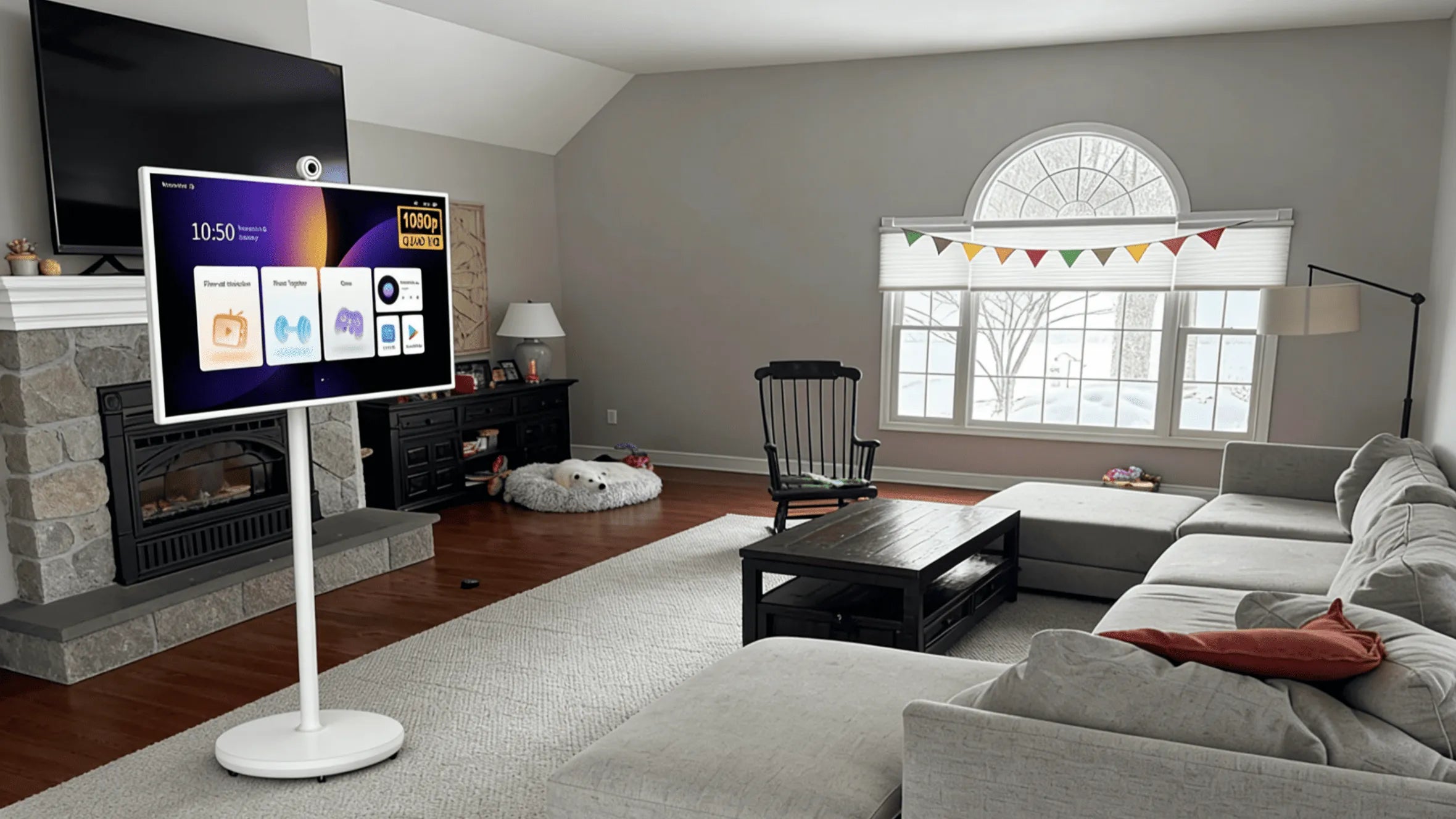
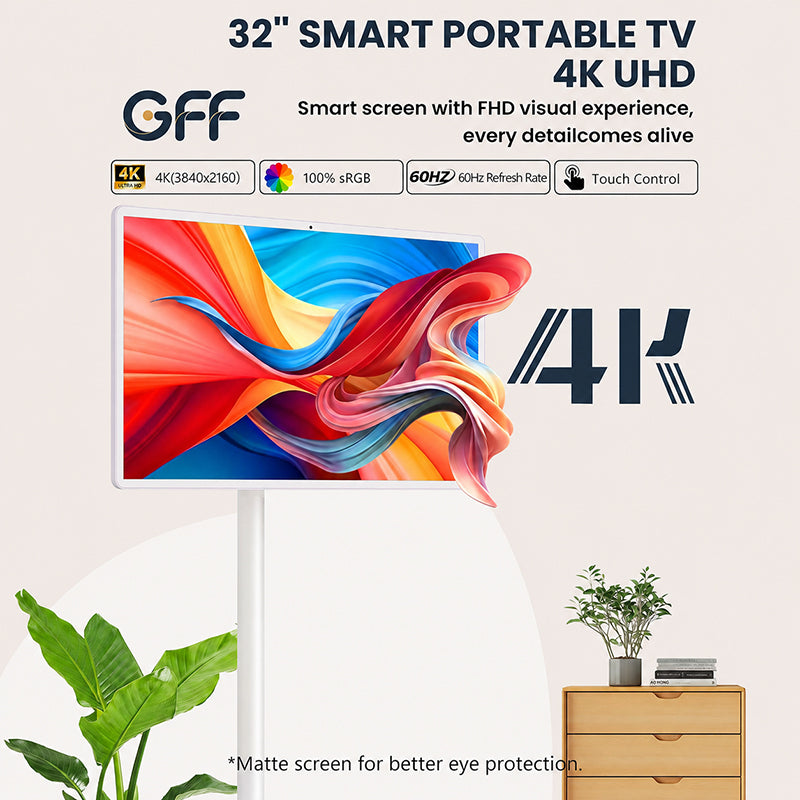
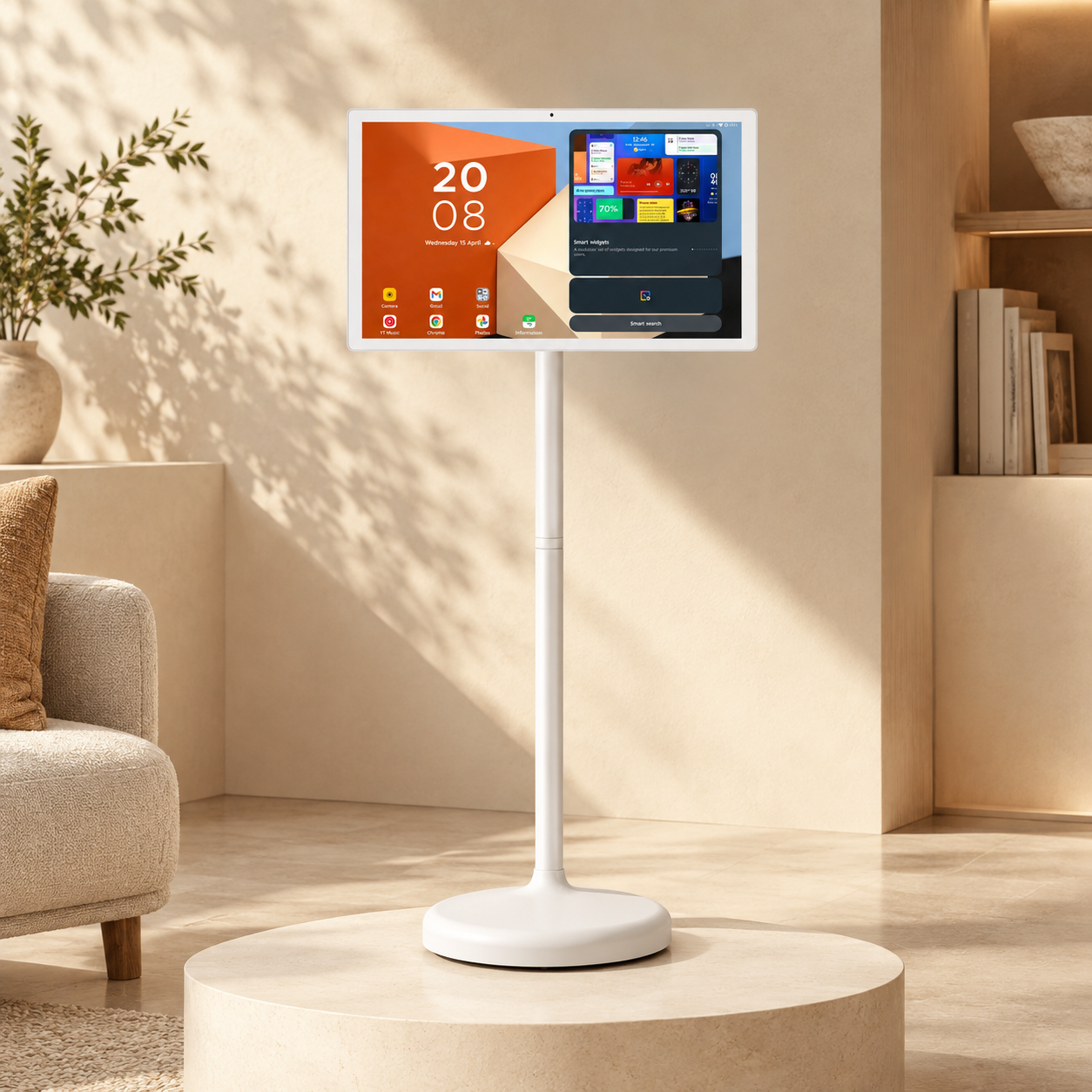
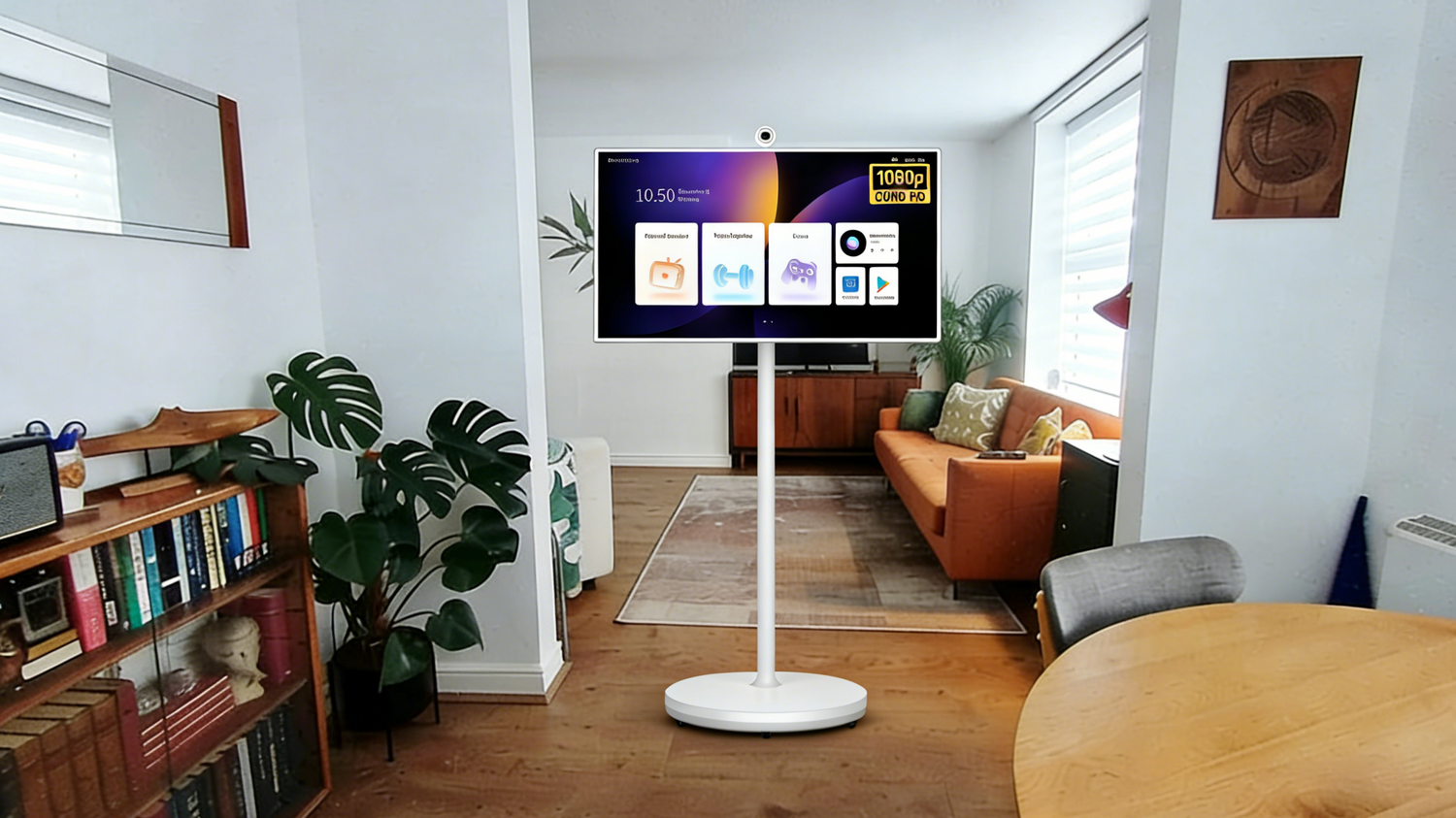
In the world of supreme home interfaces, the GFF S1 uses capacitive touch technology to offer you an amazing and seamless experience. Plus, many home users find capacitive touch screen technology much better as it aligns with their tablets or smartphones. The infrared system is widely used in industrial settings.

Aesthetics and "Flush" Design
At home, design is also important; therefore, people vote for capacitive screens. These allow modern flush designs to sit flat against the device’s positioning, creating a premium look.
The infrared touch screen is very heavy and requires recessed frames, discouraging consumers from using it for domestic purposes.
The Responsiveness
It is drilled in your mind to expect a certain level of speed from our electronics. In this case, a capacitive touch system ensures zero lag when typing on a virtual keyboard or dragging icons across the dashboard. Such responsiveness is crucial for a frustration-free experience, especially in homes.
Longevity and Cleanliness
Dust, pet hair, or kitchen grime are common in home environments, so get a capacitive touch screen as there are no nooks where debris can hide. On an infrared version, dust settles in the bezel and blocks the light sensors, resulting in “ghost touches.” With touch screen technology built into the glass, your device at least remains accurate and easy to clean for years to come.
Why Touch Layer Matters More as Screens Get Larger
Switching from smartphones to larger screens makes touchscreen technology selection an engineering hurdle because you want a device that offers accuracy and increases user comfort.
On a large scale, creating a capacitive touch screen is incredibly challenging and expensive. It requires precise engineering to produce a flawless conductive layer across a massive piece of glass, which is why industries go for the infrared touch screen. This is cheaper to manufacture because the sensors live in the frame, not in the glass.
But, hold your horses as infrared’s physical barriers become obvious on large displays. It creates a “parallax effect” because the IR light grid sits slightly above the glass surface, meaning there is an air gap between the point your finger rests and the cursor actually appears.
Therefore, it is recommended to stick with capacitive touch on larger surfaces because this technology promises you will never feel the disconnected gap between the data and your finger. There is no infrared “fence”, making the interaction intimate and perfect regardless of the screen’s size.
How to Tell Which Touch Technology a Screen Uses
That’s a good question, so here are two ways to test:
- The Bezel Test - Look at the screen’s edges for a deep frame around the glass. If there is, it's probably infrared. But if the glass is flat all the way to the edge, that's capacitive.
- The Glove Test - Wear a winter glove that is non-touch compatible and touch the screen. Does it still respond? Then that's an infrared touch screen, and if it ignores, it’s capacitive.
Lay Your Hands on The Best
Neither of the two technologies is bad; they just serve different masters. Infrared is the industrial world’s rough workhorse, while capacitive touch attracts homeowners through its elegance and sleek appearance.
Therefore, invest in the GFF S1 to enjoy the intimacy and speed of a capacitive touch screen. In a world where you spend hours touching glass, its fluidity is what gives you a relaxed digital life. So don’t waste time and buy this portable TV on wheels.