
Table of Contents
Most TVs you touch do nothing. Tap the screen all you want and the picture just sits there. A touch screen TV is different. Touch it and it responds, the same way a smartphone or tablet does. You can open apps, scroll content, draw, type, or navigate without ever picking up a remote.
The term gets applied loosely though. A touch screen TV for a classroom looks nothing like a touchscreen monitor on a desk, and neither is the same as a portable touch screen TV on wheels you can move between rooms. They all have touch input in common, but the technology, price, and practical use cases are very different.
Here's a clear breakdown of what touch screen TVs actually are, how the main types differ, and which one makes sense for which situation.
How Touch Screen Technology Works
Most consumer touch screen TVs and monitors use one of two technologies: capacitive touch or infrared touch (IR touch). The difference affects accuracy, durability, and how the screen feels in daily use.
Capacitive touch
Capacitive screens use a conductive layer that responds to the electrical charge in a fingertip, the same technology in every smartphone and tablet. It's fast, precise, and supports true multi-touch.
Most modern capacitive panels support 10-point multi-touch, allowing pinch-to-zoom, two-finger scroll, and stylus input. The GFF AI S1-32 Pro uses a 10-point capacitive touch screen, which is why it responds like a large tablet rather than a sluggish interactive display.
Infrared touch (IR touch)
IR touch screens project a grid of infrared light across the panel surface. When a finger or stylus breaks the beams, the screen registers the position. This works well on larger flat panel displays and is popular for commercial touch screens, interactive displays, and touch frame overlays added onto existing LED TVs. IR touch is less precise than capacitive at close range and can occasionally register accidental touches, but for kiosk or digital signage applications with simple, deliberate inputs, this is rarely an issue.

The Main Types of Touch Screen TVs
1. Touchscreen Monitor (Desktop)
A touchscreen monitor is a computer display with built-in touch input, typically 24 to 27 inches, designed for desk use. Brands like ASUS produce well-regarded capacitive touch monitors in this category. They're useful for creative work, annotating documents, or anyone who prefers a touch-first workflow at a desk. They need a connected PC to function, no standalone OS, no built-in speakers, no TV tuner.
Best for: creative professionals, designers, desk-based computer workflows
Not ideal for: standalone entertainment, portability, group viewing
2. Portable Touch Screen TV for Desktop
Transform your workspace with this sleek and versatile Portable Touch Screen for Desktop. Designed to enhance productivity and entertainment, this portable display features a responsive multi-touch screen that delivers smooth, intuitive control for work, presentations, creative tasks, and media viewing.
Its slim, lightweight design makes it easy to move and set up anywhere, while the integrated stand ensures stable positioning for comfortable use. Equipped with built-in speakers and wide compatibility with laptops, desktops, mini PCs, and mobile devices, it provides a seamless plug-and-play experience without taking up valuable desk space.
Whether you're extending your desktop, creating a more interactive workstation, or enjoying content on a larger screen, this portable touch monitor offers the perfect balance of portability, functionality, and modern design.
3. Smart TV with Touch Frame / IR Overlay
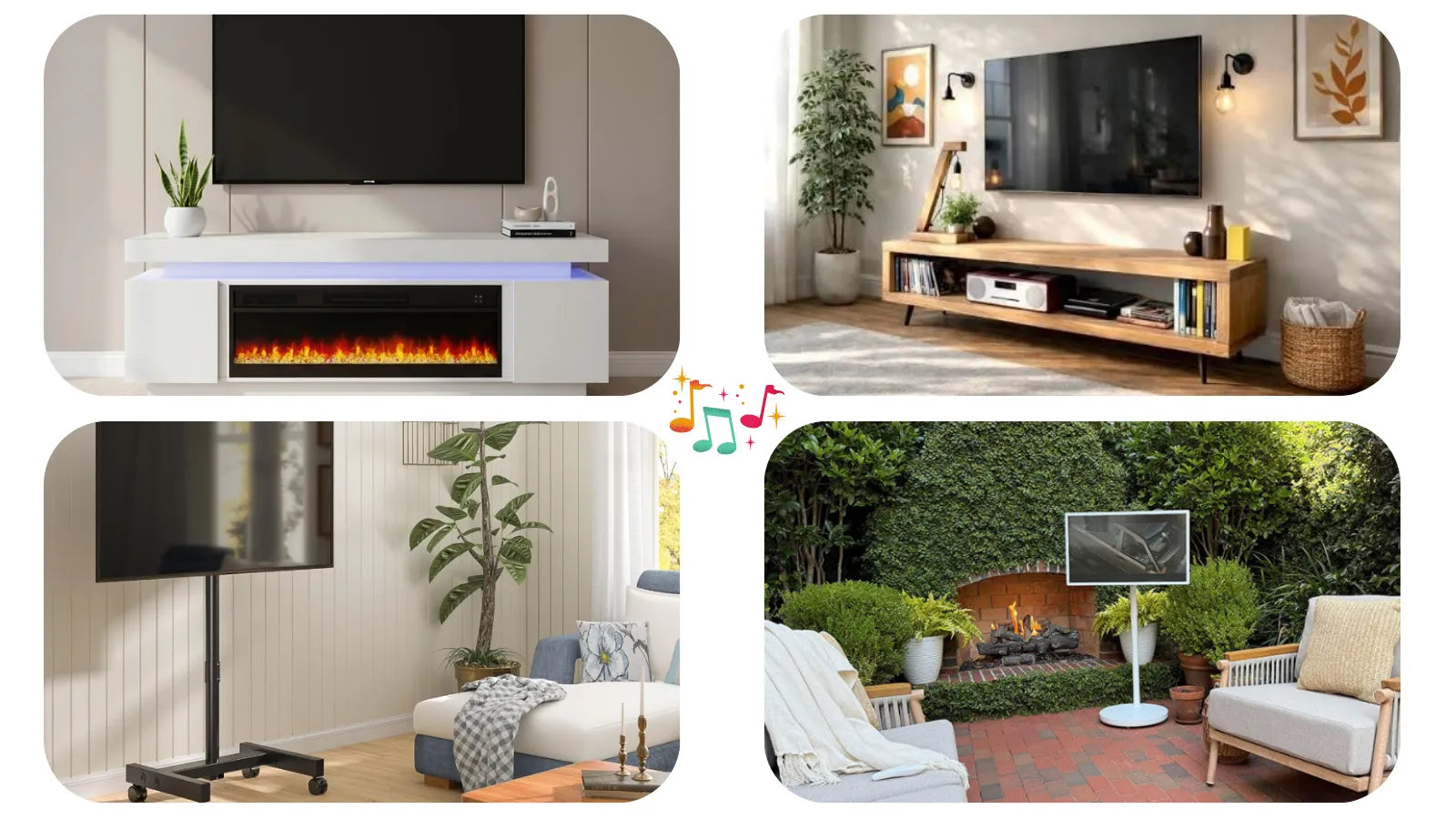
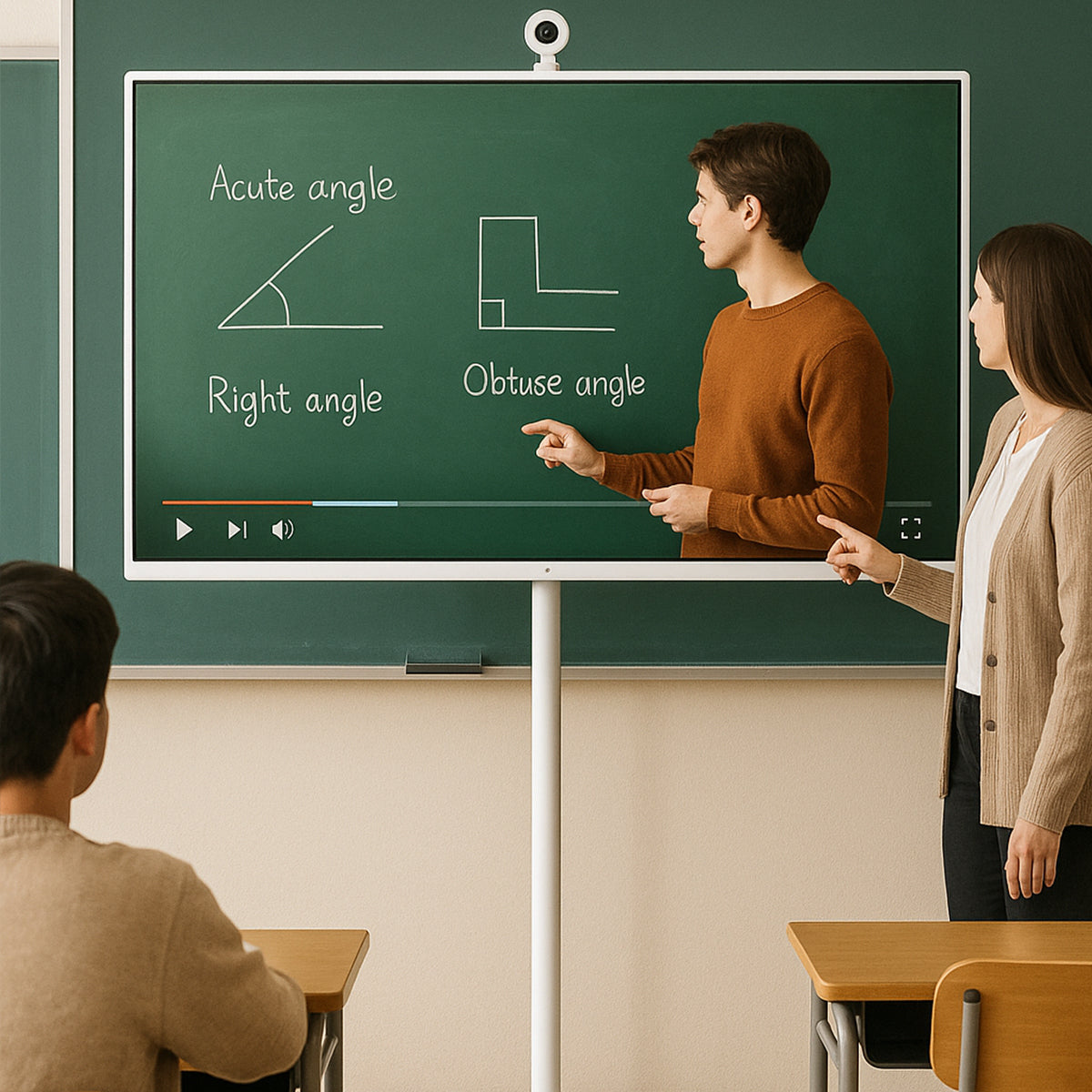
Some users add touch capability to an existing smart TV, a Samsung or LG flat screen, for example, by fitting an infrared touch frame around the bezel. These touch screen overlays are popular in educational settings and meeting rooms. The IR technology means accuracy is lower than native capacitive touch, and adding a frame changes the look of the installation. They work, but they're a workaround rather than a purpose-built solution.
Best for: classrooms, meeting rooms, adding touch to an existing wall-mounted TV
Not ideal for: portable use, precision annotation, plug and play simplicity
4. Commercial Touch Screen Display / Interactive Display
These large touch screen panels are found in corporate environments, retail kiosks, wayfinding directories, and educational institutions. They typically run from 55 inches upward, use capacitive or IR touch, and are built for multi-user environments. Brands like Samsung and LG make well-known commercial lines here. Built for permanence, high brightness for ambient light, anti-glare coatings, durable touch layers, but expensive, heavy, and designed for fixed installation rather than home use.
Best for: kiosks, digital signage, large educational settings, corporate lobbies
Not ideal for: home use, portability, consumer budgets
5. Portable Touch Screen TV on Wheels
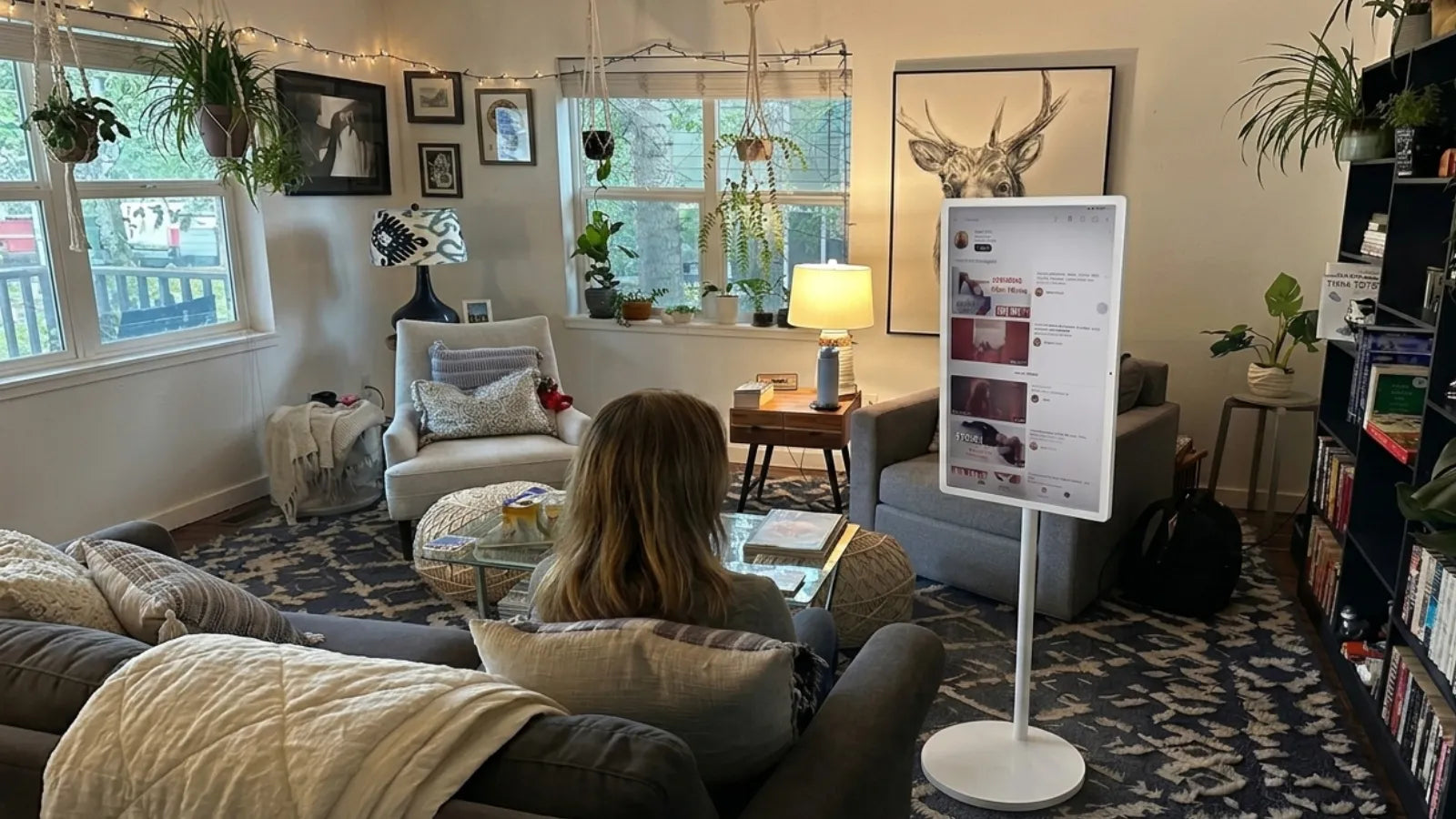
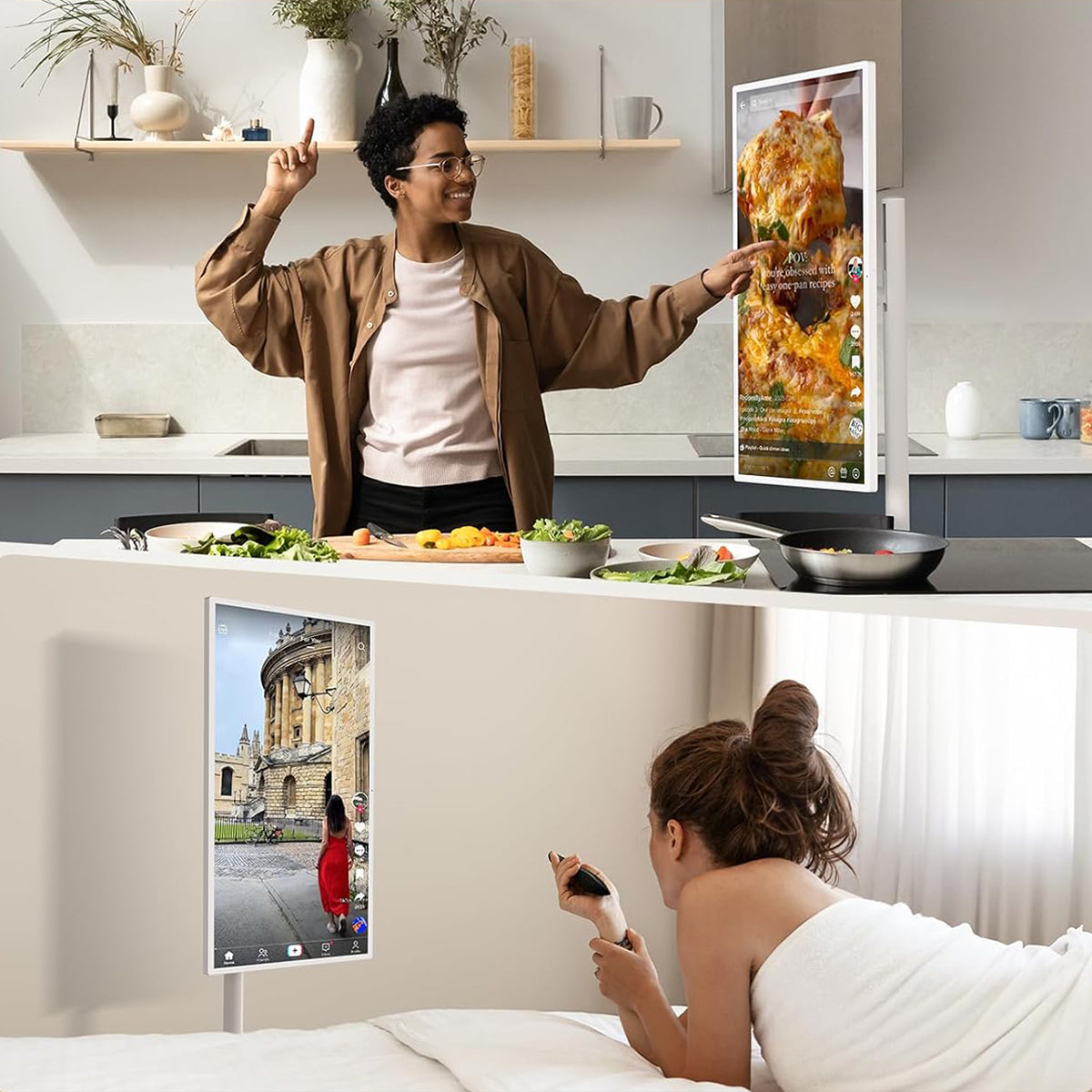
This is the fastest-growing category for home and small business use. A portable touchscreen TV combines a large touch display, built-in Android OS, battery, and a mobile stand into one self-contained unit.
GFF AI's S1-32 Pro is a strong example. It runs a 32-inch Full HD (1920×1080) 10-point capacitive touch LCD on Android 13, with touch, voice, and air remote control modes. The external 2K HD camera is plug-and-play for video calls. Battery runs 3 to 5 hours on the 8,000mAh cell with 65W fast charging. The stand adjusts via tilt ±20°, lift ±20cm, swivel ±45°, and pivot ±90°, rolling on 5 whisper-quiet wheels.
Best for: home entertainment, video calls, bedroom, kitchen, classroom, small business
Not ideal for: large-venue commercial signage or outdoor use in direct sunlight

6. Touch Screen PC / All-in-One
A touch screen all-in-one PC combines a full computer with a touch display in a single unit, usually sitting on a desk stand. Popular for creative work, reception desks, and point-of-sale. Unlike a portable TV on wheels, they're not designed for room-to-room mobility or entertainment viewing. USB-C and VESA mounting compatibility are standard features in this category.
Best for: reception desks, creative work, point-of-sale, kiosk replacement
Not ideal for: entertainment viewing, portable setups, bedroom or living room use
Touch Screen TV Types: Quick Comparison
| Type | Touch Tech | Best For | Portable? | Battery? | Price Range |
|---|---|---|---|---|---|
| Touchscreen TV for Desktop | Capacitive | Desk, PC use | Yes | No | $150–$600 |
| Smart TV + Touch Frame | IR overlay | Living room | No | No | $200–$800 |
| Commercial Display | IR / Capacitive | Kiosks, signage | No | No | $800–$5,000+ |
| Portable Touch Screen TV | Capacitive (10-pt) | Home, travel, work | Yes | Yes | $899 |
| Touch Screen PC / All-in-One | Capacitive | PC work, creative | No | No | $400–$2,000 |
The portable touch screen TV is the only category combining a built-in battery, genuine portability, consumer pricing, and a standalone OS, which is why it suits home users who want touch functionality without a fixed wall installation.
Frequently Asked Questions
What is the difference between a touch screen TV and a regular smart TV?
A regular smart TV responds to a remote or voice commands only. A touch screen TV has a capacitive or IR touch layer on the panel, so the screen registers finger input directly, the same way a tablet does.
Is capacitive touch better than infrared touch on a TV?
For precision and multi-touch gestures, capacitive is generally more accurate and responsive. IR touch works well for larger commercial displays or overlays on existing screens, but it can be less precise and more prone to accidental input. For home or personal use, capacitive is usually the better choice.
Can a touch screen TV work without a remote?
Yes. A touch screen TV with a built-in OS like Android 13 can be navigated entirely through touch, voice commands, or a connected device. The GFF AI S1-32 Pro includes an air remote mouse for distance control, but the touch panel handles everything independently.
What is a portable touch screen TV good for?
Any situation where you want a large display that isn't fixed to one wall or room. Common uses include home entertainment, video calls, kitchen or bedroom use, light work, and classroom or small business environments.
Do touch screen TVs work with a stylus?
Capacitive touch screens like the GFF AI S1-32 Pro work with capacitive styluses for annotation, drawing, and handwriting. IR touch screens accept any object that breaks the infrared grid, including a standard stylus.
The Bottom Line
A touch screen TV isn't one thing. It's a category that ranges from desktop touchscreen monitors and commercial interactive displays all the way to portable smart TVs on wheels that work like giant tablets. The right type depends entirely on where it's being used and what it's being asked to do.
For home use, portability, and the flexibility to move a large touch screen display from room to room without installation, a portable touch screen TV on wheels covers almost every scenario a fixed screen cannot.
To see what a portable touchscreen TV looks like in practice, explore the GFF AI S1-32 Pro, a 32-inch 10-point capacitive touch screen on wheels with Android 13, built-in battery, and plug-and-play 2K camera.