
Table of Contents
Today’s schools are quickly reevaluating how classroom technology supports modern teaching. Static projectors and wall-mounted displays ruled the learning environment for years. However, many institutions are now questioning whether fixed screens are still meeting their needs as education has become more flexible, collaborative, and student-centered.
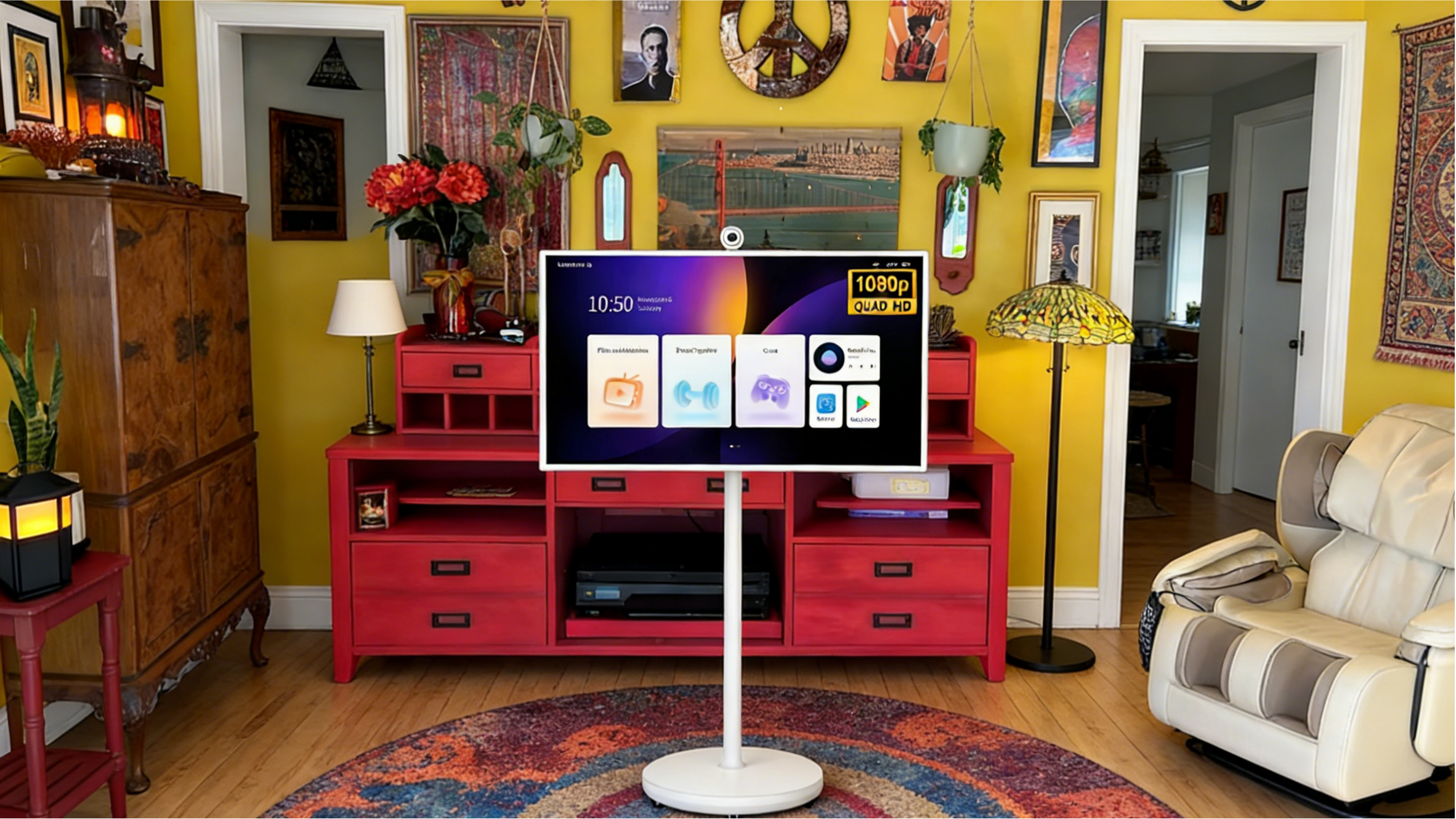
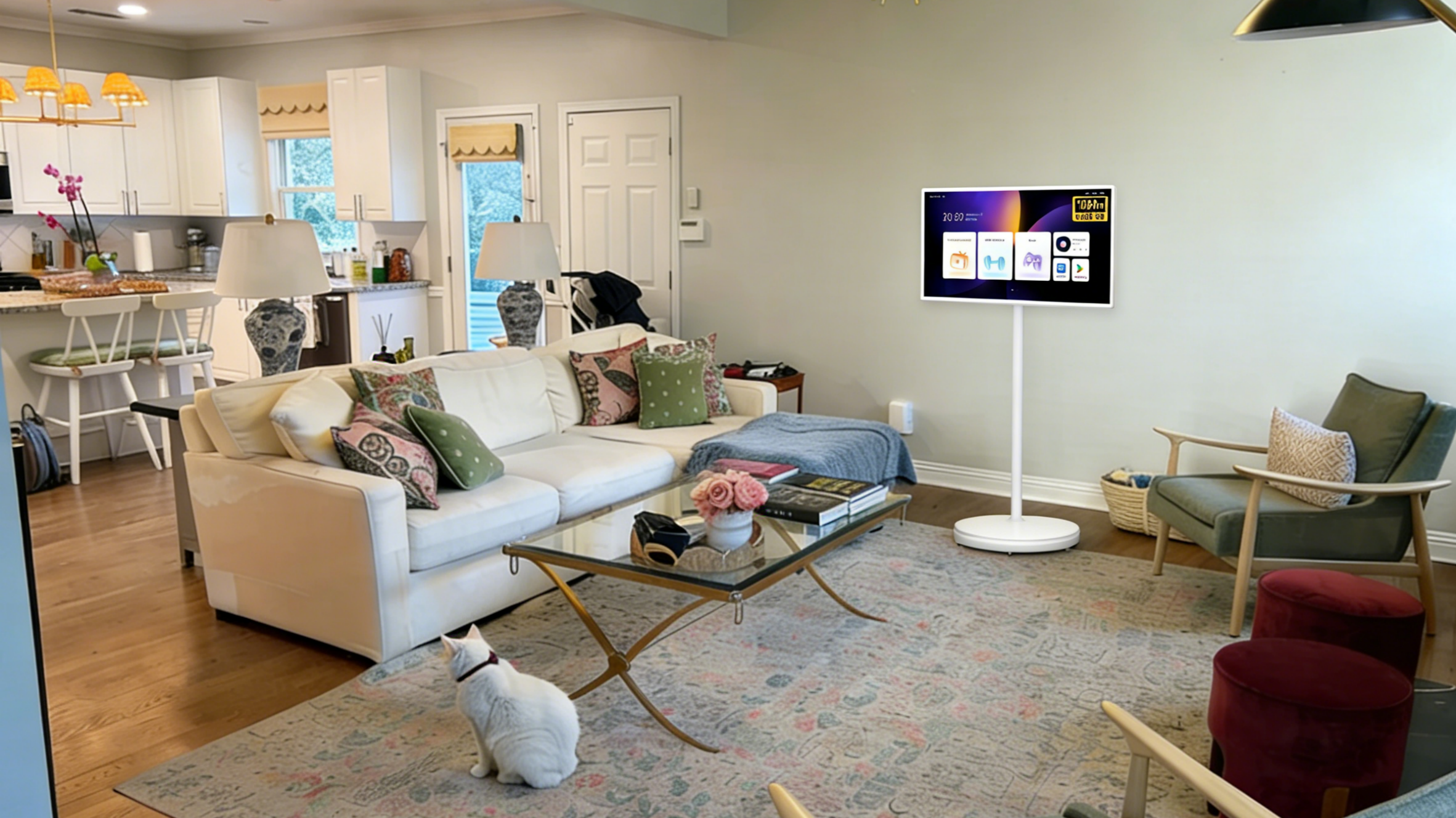
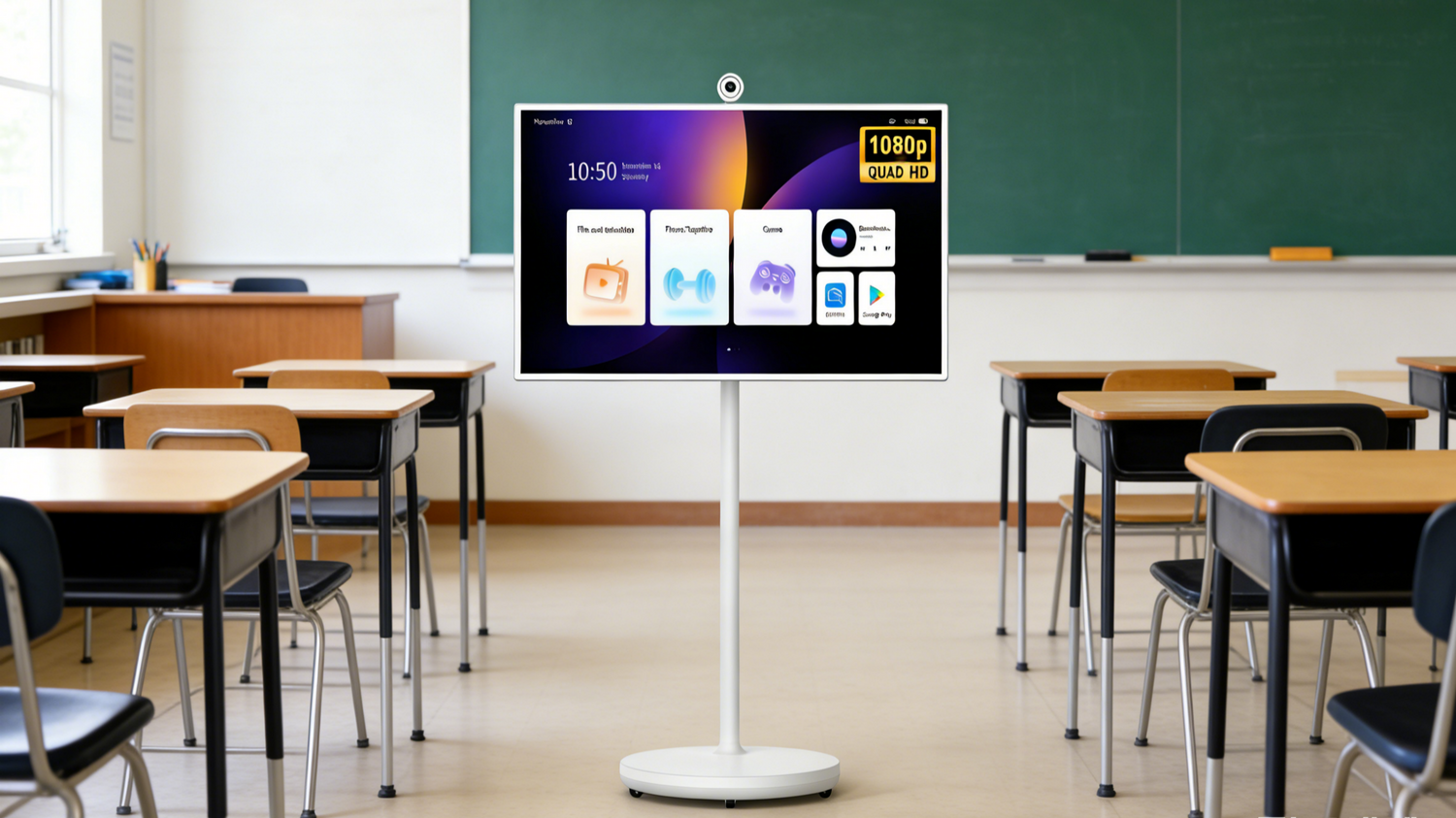
The emergence of mobile solutions such as TV on wheels, TV tablet on wheels, and rolling TV carts has unlocked new possibilities for dynamic instructions. Classrooms are shifting toward “active environments, using digital boards and movement-based technology to improve concentration.
We will discuss why schools are shifting their approach, the subjects that will benefit from fixed displays, where these screens excel, and what to use to support evolving educational models.
Modern Education Is No Longer One-Size-Fits-All
The current education looks very different from what it was a decade ago. Interactive, student -led and project-based approaches are replacing traditional lecturing models. Instead of confined spaces with rows of desks facing a single board, classrooms have become collaborative environments designed to motivate teamwork, motivation, and critical thinking.
These changes challenge the permanently mounted screens. Fixed displays assume that they are practical, and you always learn from one focal point. However, modern teaching usually requires students to go into the field, gather around group tables, or present from different parts of the room.
Flexibility is also essential. A TV on wheels lets educators move the display to the learning point. It doesn’t force you to reposition around a static screen. Similarly, a TV tablet on wheels serves smaller groups during breakout sessions. A rolling TV cart can transform shared spaces such as libraries into temporary learning spaces.
Now, education adapts to students, and technologies must follow the same:
The following are key shifts in modern education:
-
Project-Based Learning
Here, students work in groups to solve real-world problems -
Flipped Classrooms
Students consume the lecture at home, and the official classroom time is used for application and discussion. -
Hybrid and Blended Learning
The digital content aligns with in-person instructions -
Collaborative Learning Spaces
Technology and furniture are movable to support group dynamics -
STEAM Integration
Science, technology, engineering, arts, and mathematics demand interactive tools.
Why Updating Educational Display Equipment Matters Now
Schools face immense pressure to maximize budget efficiency and learning outcomes. Investing in outdated technology hinders instructional flexibility and long-term value.
Instead of installing multiple fixed screens in every classroom, use mobile solutions such as a TV on wheels or a rolling TV cart. This can serve multiple spaces, and a TV tablet on wheels also makes learning interactive without changing the structures.

Updating teaching display equipment makes sure that technology aligns with current trends. Not past assumptions.
Modern display solutions support collaborative learning:
- These allow multi-room use
- Minimize permanent installation costs
- Adapt to evolving curriculum requirements.
Subjects That Work Best with Fixed Screens
Despite increasing flexibility needs, fixed screens are still important in education. Certain subjects benefit from a stable visual hook where front-of- the-room instructions remain effective.
Mathematics
This subject relies heavily on visual continuity and structured explanation. You build step-by-step concepts for students to follow logical sequences without disturbance.
Mathematics often requires detailed equations, structured demonstrations, and consistent visual reference points.
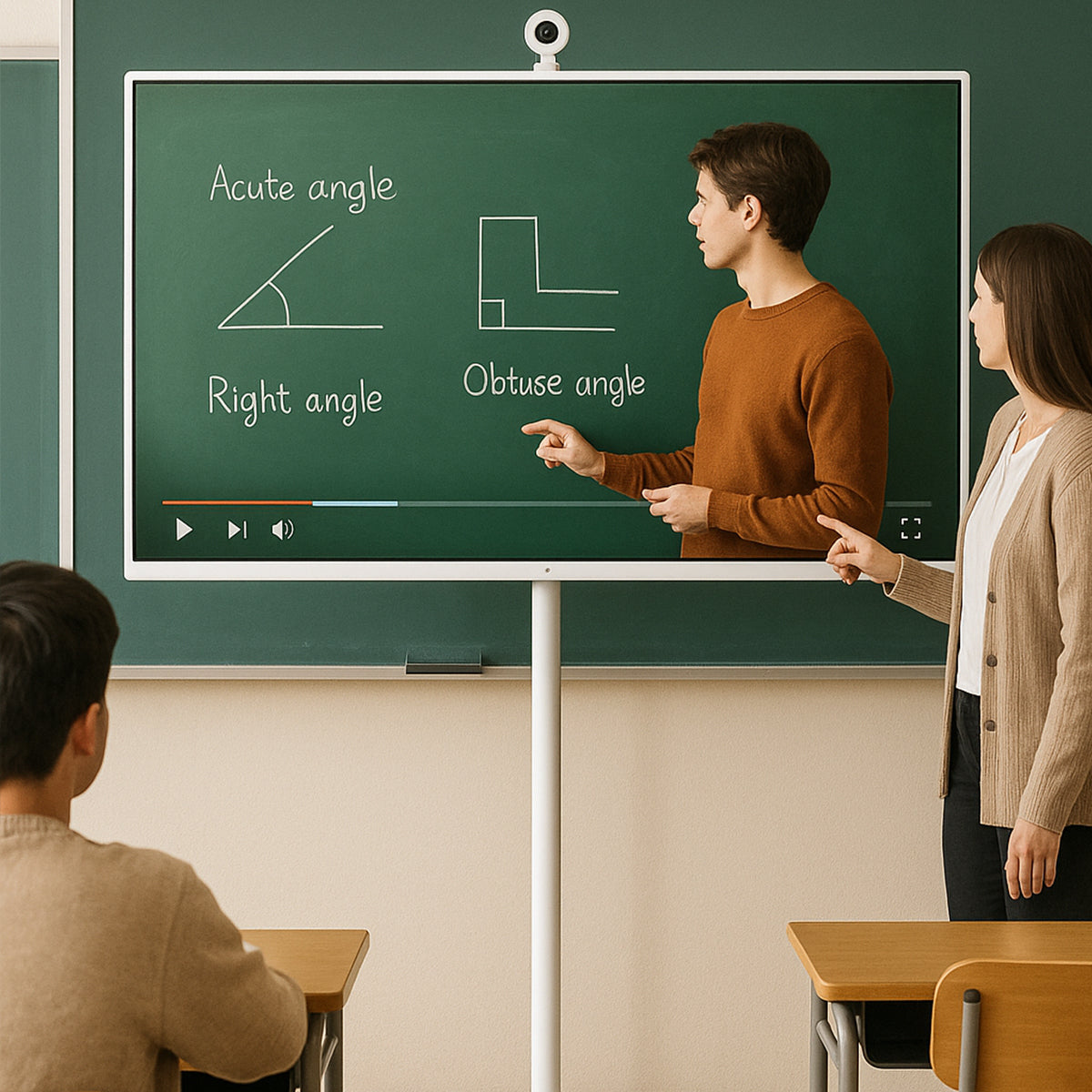
A fixed-mounted display is visible to all students. You can consistently annotate, and lessons follow a structured flow.
When teaching calculus, algebra, or geometry, the permanent display reduces distraction, keeping pupils attentive to the ideas.
Lecture-Based Humanities Courses
Literature, history, philosophy, and political science depend on timelines, lecture slides, and text excerpts.
These subjects use discussion-based formats, but still rely on a steady visual framework. A front-facing screen supports structured lectures and allows you to guide conversations around consistently displayed content.
Large Auditorium Settings
In big lecture rooms or assembly halls, the fixed screen provides the best viewing angles. You don’t have to integrate audio-visual systems as they are permanently integrated. The room layout also supports centralized projection, necessary for capturing your audience’s attention. Here, the mobile options may fail to do the same.
Standardized Testing Environments
During digital exams, screen placement must remain consistent. Technical setups need to remain in place. Movement is also minimized to prevent interruption. So fixed screens help control the conditions and maintain compliance.
Teacher-Led Demonstrations
In language grammar instruction, direct lessons, and structured video presentations, a fixed display maintains a clear focal direction, reinforces your authority, and decreases unnecessary classroom movement.
Flexibility is a valuable factor, but practicality remains essential in specific learning environments.
Subjects That Benefit Most from Mobile Display Devices
In collaborative and research-based learning environments, mobile display devices offer new possibilities. The following subjects require flexibility, movement, and shared interaction, which fixed screens often lack.
1. Science Laboratories
Science emphasizes:
- Group experiments
- Lab stations
- Rotational activities
- Demonstration-based learning
A TV on wheels can:
- Move between tables in the lab
- Display the live experiment data
- Show safety instructions to the learners and educators at each station
- Share minute visuals across groups
- Teachers can bring the display directly to where learning is happening. This improves engagement and reduces downtime between activities.
2. STEM and Robotics
In coding sessions:
- Students work in groups
- Devices are connected to shared screens
- Debugging requires mobility
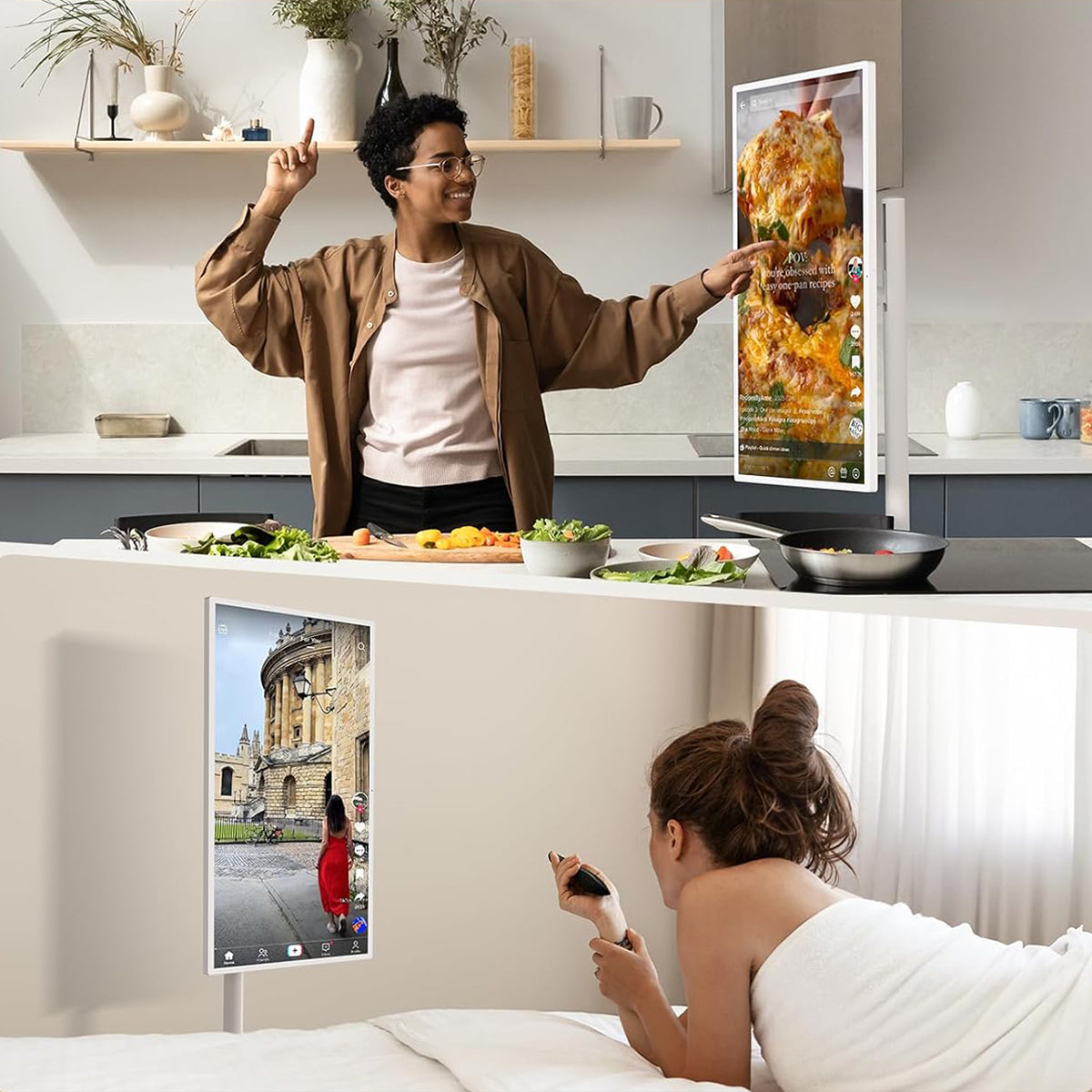
A TV tablet on wheels allows:
- Engaging coding demonstrations
- You get real-time project feedback
- Flexible positioning during builds
- The screen’s rotation and repositioning improve collaboration. In this way, students can immediately gather, troubleshoot, and test solutions.
3. Art and Design Studios
Creative subjects require flexibility:
- Artwork critiques need adaptable viewing angles
- Reviews on digital designs happen across multiple tables
- Students present their art from different studio locations
A rolling TV cart allows you to:
- Move through critique circles without disturbing the flow
- Display your digital portfolio
- Support small group evaluations
- Mobility benefits creative learning because you can’t expect a single focal point to inspire you.

4. Early Childhood Education
You ask young learners:
- To sit on the floors
- Gather in reading circles
- Rotate between learning stations
A tv on wheels allows teachers to:
- Easily adjust the height of the screen
- Change between activity zones
- Maintain the student’s attention during storytelling
- The portable TV aligns with the learner’s movement patterns and natural energy.
5. Special Education Classrooms
These classes require:
- Small group instruction
- An individual learning approach
- Flexible seating arrangements
A tv tablet on wheels provides:
- Positioning the screen for optimal visibility
- Adjustable accessibility options
- Perfect visual alignment for diverse needs
- Mobile solutions adapt to students’ needs, promoting inclusion. These don’t force the young one to adapt to the equipment.
6. Libraries and Shared Spaces
Modern libraries act as:
- Research centers
- Media labs
- Collaboration hubs
- Presentation venues
A rolling TV cart can:
- Host your research workshops
- Display digital archives
- Support guest lectures
- Enable group presentations
- Using TV on wheels maximizes usage. You don’t have to install permanently in every space.
7. Career and Technical Education
These programs usually include
- Culinary arts
- Automotive training
- Engineering workshops
- Healthcare simulation labs
A TV on wheels:
- Allows instructors to demonstrate techniques within active workstations.
- In hands-on learning environments, mobility is essential.
Match Screens to Teaching Needs
We are not debating whether to choose fixed screens over mobile technology. Instead, schools must focus on aligning display screens with student requirements, classroom structure, and instructional goals. A thoughtful strategy promises to enhance learning rather than limit it.
Build a Flexible Display Strategy
A balanced approach places fixed screens in structured lecture classrooms. Mobile displays in collaborative environments. Share resources across departments and deploy models.
This combination allows your institution to maintain stability where needed and introduces adaptability where learning requires movement.
Factors Schools Should Evaluate
First, assess teaching methodology, classroom layout, the age groups of students, subject requirements, and budget allocation.
Don’t apply the same solution in every classroom. Just strategically think to prevent overspending.
How To Implement
Install fixed displays in lecture-heavy and maths rooms. Use a TV on wheels to equip science labs. Give a TV tablet on wheels for small group programs. Keep a rolling TV cart in shared or multipurpose spaces.
In this way, schools can maximize efficiency and adaptability to match instructional needs without compromising on technology investments.
Rethink Screen Investment at the School Level
The school’s technology investment decisions should reflect how learning now happens. Administrators must rethink current teaching models, space flexibility, long-term adaptability, and multi-room usage potential.
Instead of sticking to permanent screens, schools should get solutions such as a TV on wheels, a TV tablet on wheels, and a rolling TV cart. These options reduce infrastructure costs and increase versatility.
It's not about replacing everything, but aligning advanced technology with modern education’s demands.