
Table of Contents
People assume Android TVs and Android Tablets are almost the same because of the same operating system. However, they are quite different. Each device provides you with a completely different experience. This includes the apps you use, how you interact with the screen, and the environment in which you are using the device.
One offers a lean-back entertainment in the living room, whereas the other offers productivity and portability.
This blog will explain how these devices differ in hardware integration, app experience, interaction style and multitasking capabilities. Then you can decide which would better fit your everyday digital lifestyle. Plus, who to approach for the best Android TVs.
Both Are Designed for Different Behaviors
Android TVs and Android Tablets run on the same Android ecosystem, but are created for completely different user behaviors. Both differ in user interface, app optimization and software update schedules to meet different user requirements.
Lean-Back Entertainment Experience
On Android TVs, you enjoy a lean-back experience. Users sit several feet away from the screen and use a remote control to switch channels. This setup relaxes and motivates you rather than active interaction.
You can stream movies and TV shows, browse media apps from the couch, watch YouTube, or live television. And also call your friends over for a gaming session with external controllers.
Because of this, Android TVs have large icons, offer quick access to content and simple navigation.
Portable Usage
Android Tablets are designed for a hands-on and portable experience. You can hold, touch and use throughout the day in different locations such as offices, homes and airports.
Moreover, you can also browse the web, read eBooks, work on documents, draw or take notes and play mobile games.
Its interface focuses on multitasking, interaction and productivity tools, making Android Tablets suitable for daily digital tasks and the environment.

Interaction Comes First: Touch vs Remote vs Distance
Interaction also plays a vital role between Android TVs and Android Tablets. Its design affects how the interface works, how apps behave and how comfortable the device is during everyday use.
The Distance
The physical distance between the screen and the user plays a big role in the design of both devices.
Android TVs are usually placed in a living room and viewed from several feet away. Since you are sitting far from the screen, the interface must be easy to read and everything should be controlled using external devices. As a result, the text is larger, icons are easier to identify, and the navigation menu is also simple.
In contrast, Android Tablets are used closely. This arm’s length interaction allows developers to design smaller visual elements and detailed interfaces. The device supports the following multiple touch gestures, enabling complicated app features and interactive experiences:
- Tap
- Swipe
- Pinch to zoom
- Drag and drop
Primary Control and Input Methods
Another crucial difference rests in the input methods used to control each:
Android TVs
- Users run them through
- Remote controls
- Giving voice commands
- Game controllers
- Smart home integration
Android Tablets
These rely on direct touch interactions:
- Touch gestures
- You can type on the on-screen keyboard
- Stylus input
- Connect Bluetooth accessories
- Many tablets also support digital pens. You can use the tool for drawing, note-taking and creative work.
User Interface Friendliness
Due to different interaction methods, the user interface is also designed differently.
Android TVs have large content cards. Its scrolling menus are horizontal and need minimal typing. This prioritizes fast access to entertainment content.
Android Tablets offer very detailed app layouts, multi-window support and touch-friendly navigation. The system motivates productivity, multitasking and deeper interaction with applications rather than sitting at a distance to view shows.
Same Apps, But Different Results
Although both run Android apps, the overall experience varies greatly depending on the device. Developers usually design optimized versions for tablets and TVs to match user expectations.
Entertainment Apps
Android TVs perform exceptionally well in entertainment apps. Streaming platforms are heavily optimized for this purpose, knowing people prefer entertainment on large screens.
Its typical features include large movie thumbnails, simple navigation menus, remote-friendly controls and auto-play previews. These make it easier to browse content sitting far and quickly start watching. You will feel like watching traditional television, but an upgraded model.
On Android Tablets, the same entertainment apps are designed for personal viewing. Instead of showing large visuals, they focus on user control and flexibility.
The entertainment apps let you download options for offline viewing. You can multitask using the split-screen feature, create your personal watchlists and do in-depth browsing.
This makes Android Tablets a more convenient solution for watching content during commute, travel or casual use throughout the day.
Productivity Apps
When it comes to productivity, Android Tablets clearly take the lead. Most applications are designed particularly for touch-based interaction. Popular productivity tools are document editors, graphic design tools, emails, note-taking applications, and web browsers.
Many Android Tablets also support accessories such as external styluses and keyboards. This allows them to operate as lightweight, productive devices.
You won’t find many productivity apps on Android TVs. Tasks like editing spreadsheets, writing documents, or even managing emails become difficult to perform with a remote control. Therefore, the Android TV app ecosystem primarily focuses on media apps rather than serious work-related tools.
Gaming Experience
Gaming is also different on these devices.
Games on Android Tablets are typically optimized for touch-based controls. You use gestures such as swiping, tapping, or tilting the device to interact with the screen.
Furthermore, tablet gaming offers portable gameplay, meaning you can play wherever you want to. The Android tablets have touch-optimized controls and high-refresh-rate displays. And the best part is that it also supports offline gaming.
On the other hand, Android TVs deliver a different experience. These are designed for larger screens, providing gaming features like Bluetooth controller support and couch-based gaming. Here, you can invite multiple players to make things more exciting.
But many mobile games are not fully designed for TV, limiting usability. You might not enjoy playing the specific game.
App Optimization Differences
App optimization is a key factor behind these differences. Developers design their applications in three separate versions.
First, they make mobile versions for Android Tablets and phones. Secondly, the team designs TV versions for Android TVs. Last are the universal versions that are compatible with both platforms.
If the app is not properly optimized for televisions, navigation becomes difficult using a remote control.
This is why, despite working on the same operating system, the Android ecosystem feels completely different depending on what you are using: Android TVs or Android Tablets.
Multitasking and Productivity: Which Works Better?
Android Tablets
On Android Tablets you will find several built-in features that make multitasking more practical and easier. These abilities allow users to manage multiple tasks and applications. Key multitasking features are:
- Split-screen mode
- Floating windows
- You can use the drag-and-drop functionality
- Stylus support for taking notes
- It's compatible with external keyboards, so you need not rely on the on-screen one.
Because tablets are portable and let you interact directly, they naturally support productive workflows. Therefore, with these tools, you can perform various activities such as:
- Take notes when watching an online lecture
- You can edit the documents and browse the internet for references
- Keep your spreadsheets open and message colleagues to communicate internally
Android TVs
These are mainly built for entertaining you. You can switch between different apps, but there are limited multitasking features, so don’t expect Android TVs to accompany you in productivity.
Most Android TVs' interfaces are designed to display one app at a time. This makes it difficult to perform multiple tasks simultaneously because it's for media consumption, not work-related activities.
Real World Usage Differences
Android Tablets are ideal for learning, work and creative tasks. Whereas Android TVs are the best for streaming content, relaxation and casual gaming.
Hardware Integration Matters More Than OS
As mentioned in the introduction, Android TVs and Android Tablets have different hardware integration. Their physical components are built for completely different environments and uses.
Android TVs
It’s primarily built for home entertainment. Android TV's hardware is optimized for big-screen viewing and integration with other media devices. The features are large display panels, HDMI connectivity, premium quality built-in speakers, smart home integration and remote control receivers.
These let Android TVs act as central entertainment hubs in your living room. Many models also connect with gaming consoles, soundbars, and streaming devices to elevate your viewing experience.
Android Tablets
Tablets concentrate on versatility and portability. Common hardware components are touchscreens, front and rear cameras, lightweight batteries, stylus support with WiFi and cellular connectivity.
Android Tablets function independently and let you draw, attend video calls, browse and edit documents from anywhere.
Which To Choose?
Selecting between Android TVs and Android Tablets is not difficult. It depends on how you want to use the device.
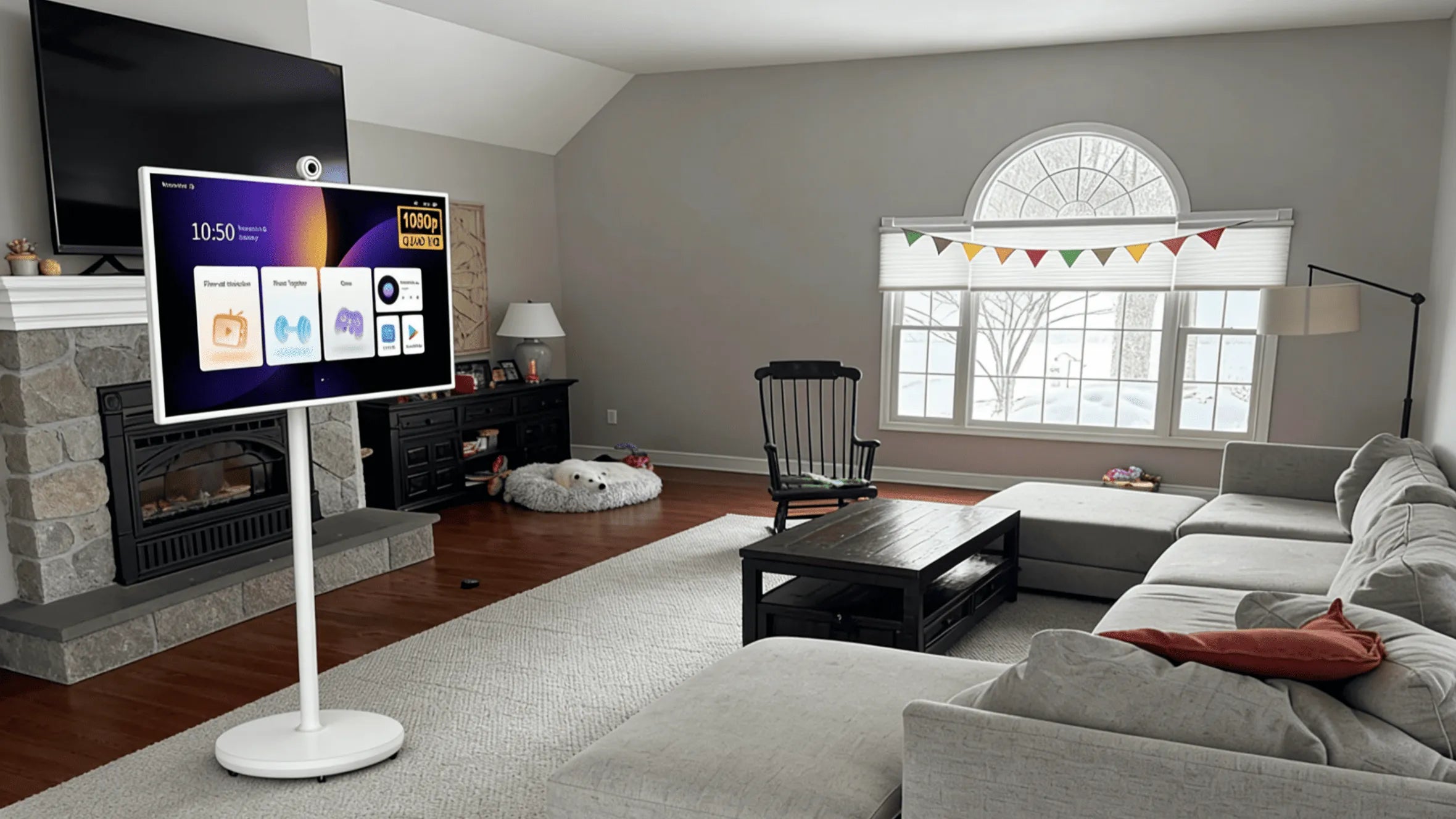
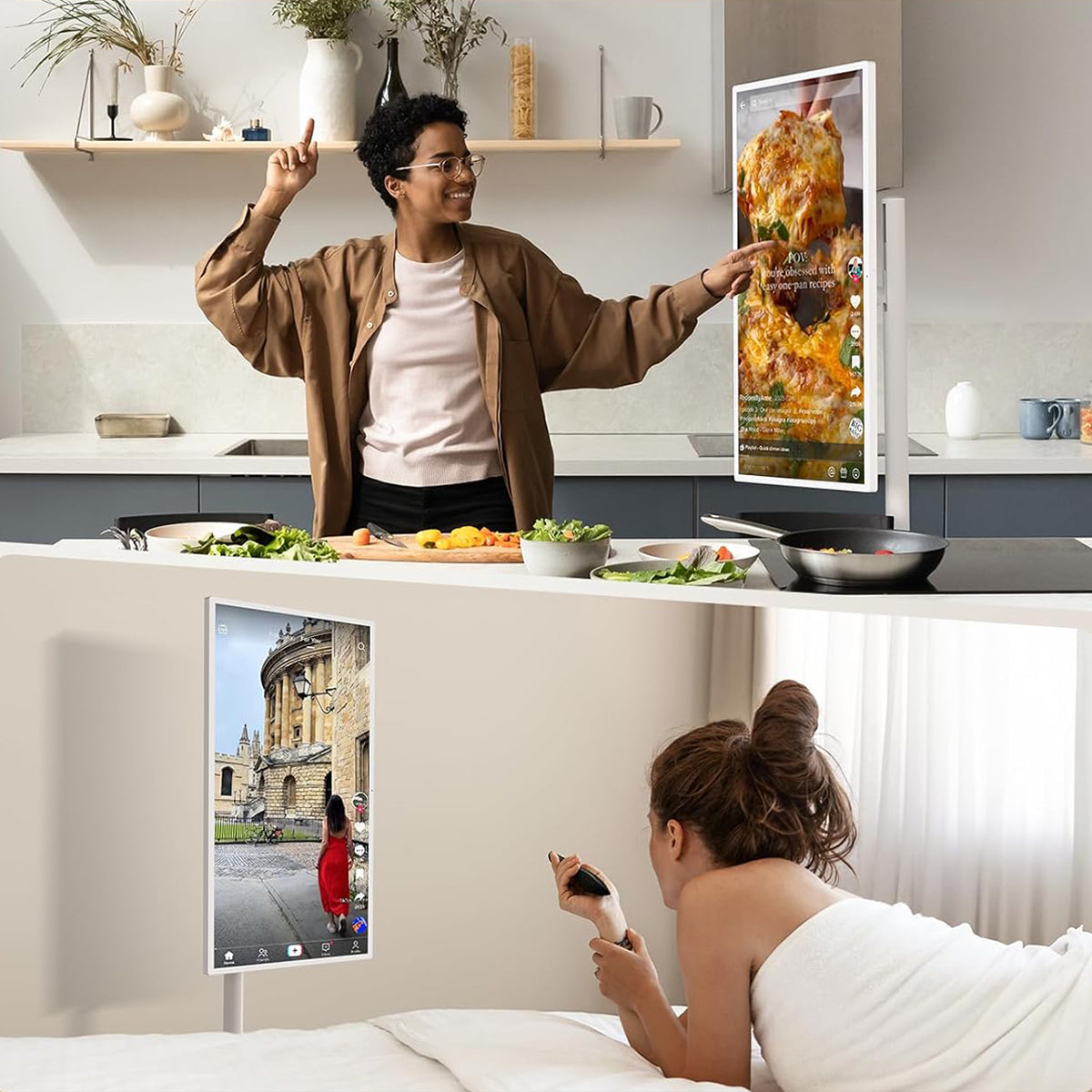
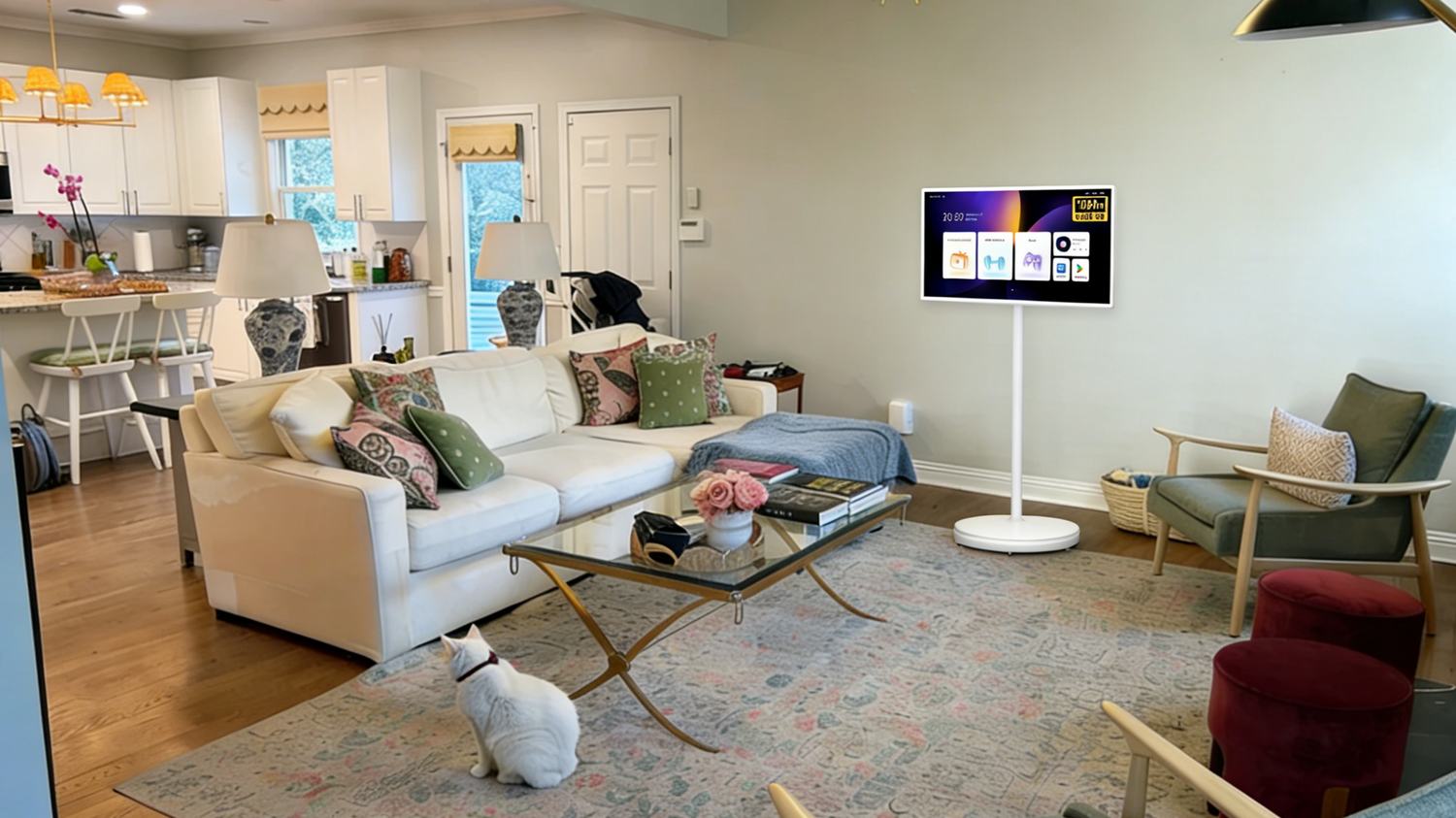
If your main goal is streaming, home entertainment, and gaming on a large screen, consider Android TVs. They are designed specifically for viewing in the living room, giving an optimized media experience. GFF-S1 sells the best Android TVs. You can roll it around the house and use it for various purposes.
Otherwise, get Android Tablets for browsing, gaming, productivity and creative projects. It is versatile and offers greater flexibility.
The truth is that neither device replaces the other. Instead, they serve different roles within Android’s ecosystem. One is for solely entertainment and the other for daily digital productivity. Therefore, choose accordingly.