

Table of Contents
A digital nomad can work from almost anywhere. A laptop, steady wifi, and a quiet coworking space turn a new city into a working base within a day or two.
What happens after work is rarely planned as carefully. Most close their laptop, then reopen it minutes later to watch something or join a call. It works, but it rarely feels restful, since the same screen that held deadlines all day does not switch moods just because the tab changed.
A portable entertainment space fixes that gap. It needs to be quick to set up, easy to move, and separate enough from the workday to feel like actual rest. For anyone living the work and travel lifestyle, that small separation makes temporary accommodation feel a little more like home.
What Makes an Entertainment Setup Truly Portable?
A portable setup should never feel heavy or complicated. If it takes too long to pack or set up, it stops getting used. The best digital nomad setup works in a short-term apartment, a hotel room, or a small studio, whether the stay is three nights or three months. A good setup usually includes:
- A screen that is separate from the work laptop
- A simple audio setup
- Flexible seating
- Smart lighting
- Reliable wifi and easy power access
- Gear that fits in a backpack without trouble
The goal is not a full living room. It is a small, repeatable setup that helps the day's productivity actually end when the workday ends.
Start With a Screen That Is Not the Work Laptop
A laptop is the most important tool in a remote work routine, but it should not be asked to do everything. Using it for work all day and entertainment all night leaves no clear break. The tab changes, but the screen, the keyboard, and the desk do not.
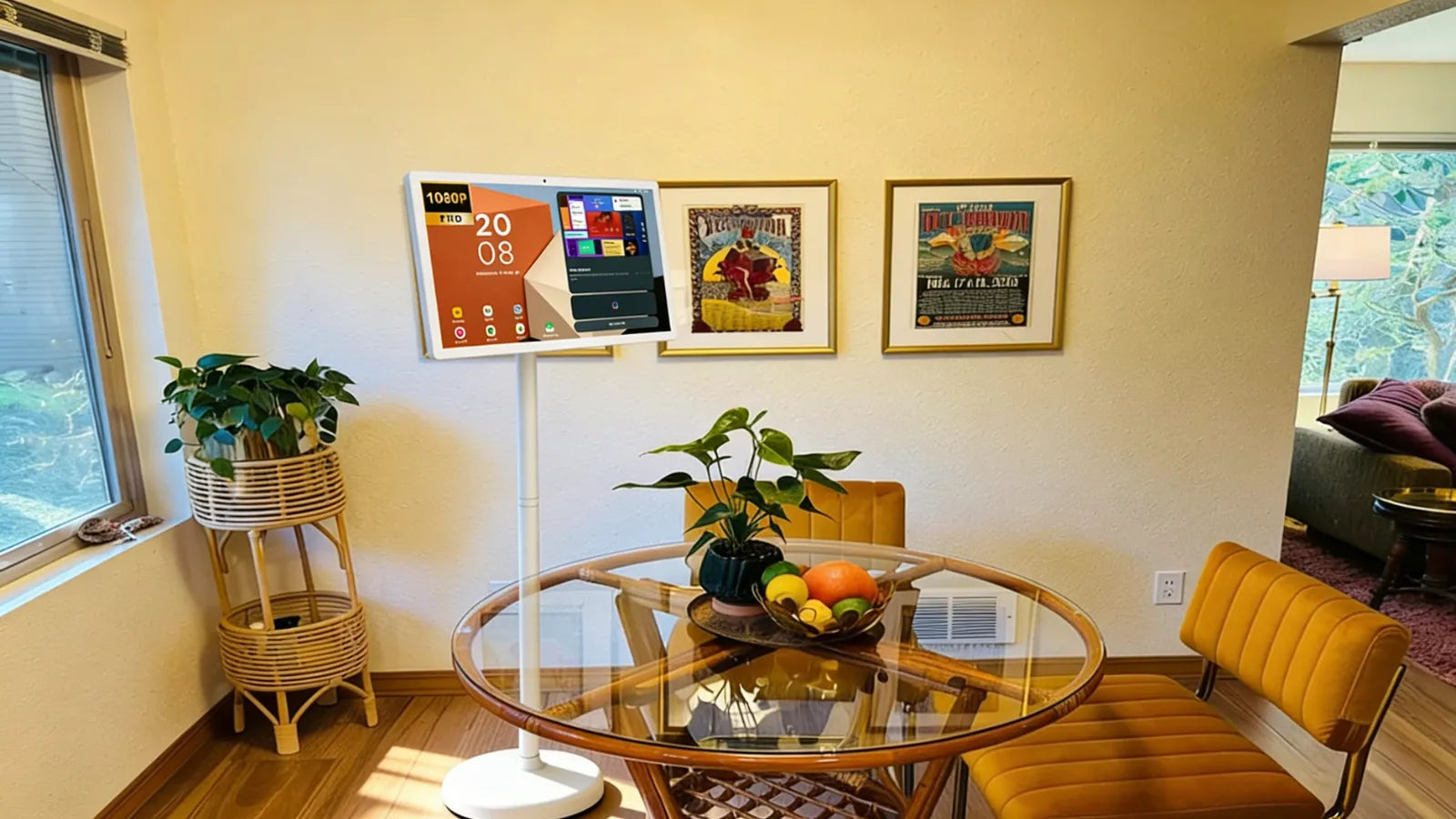
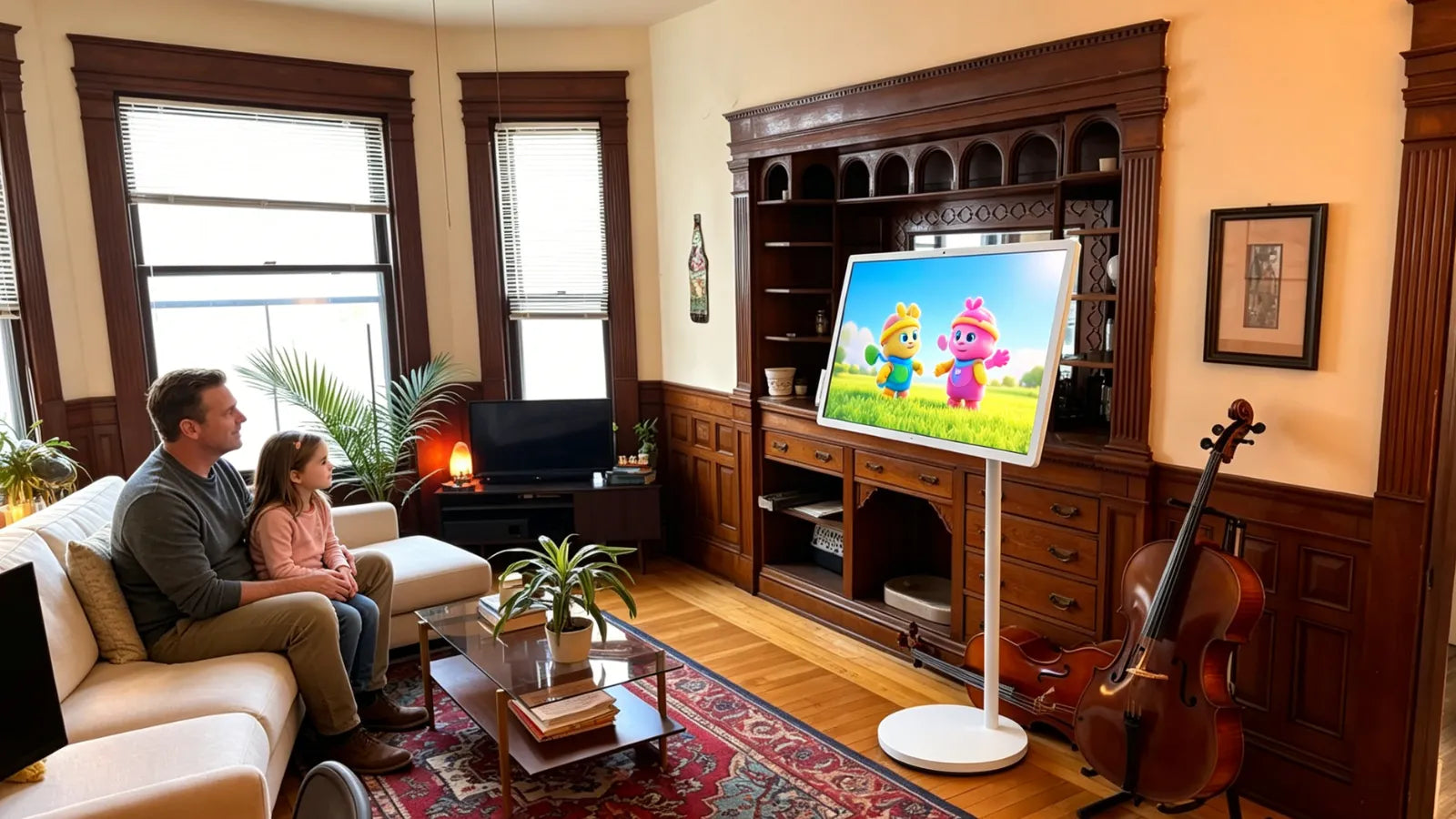
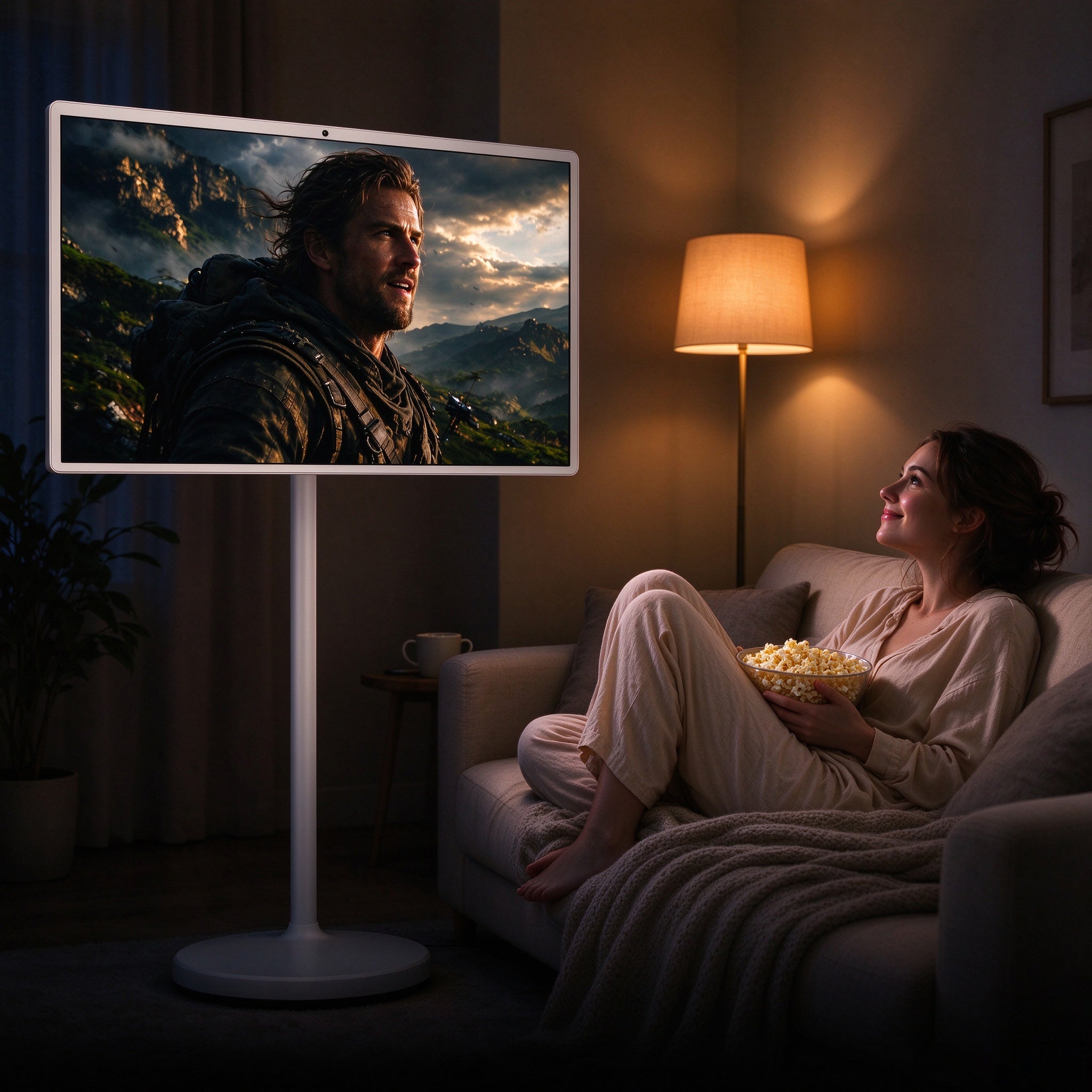
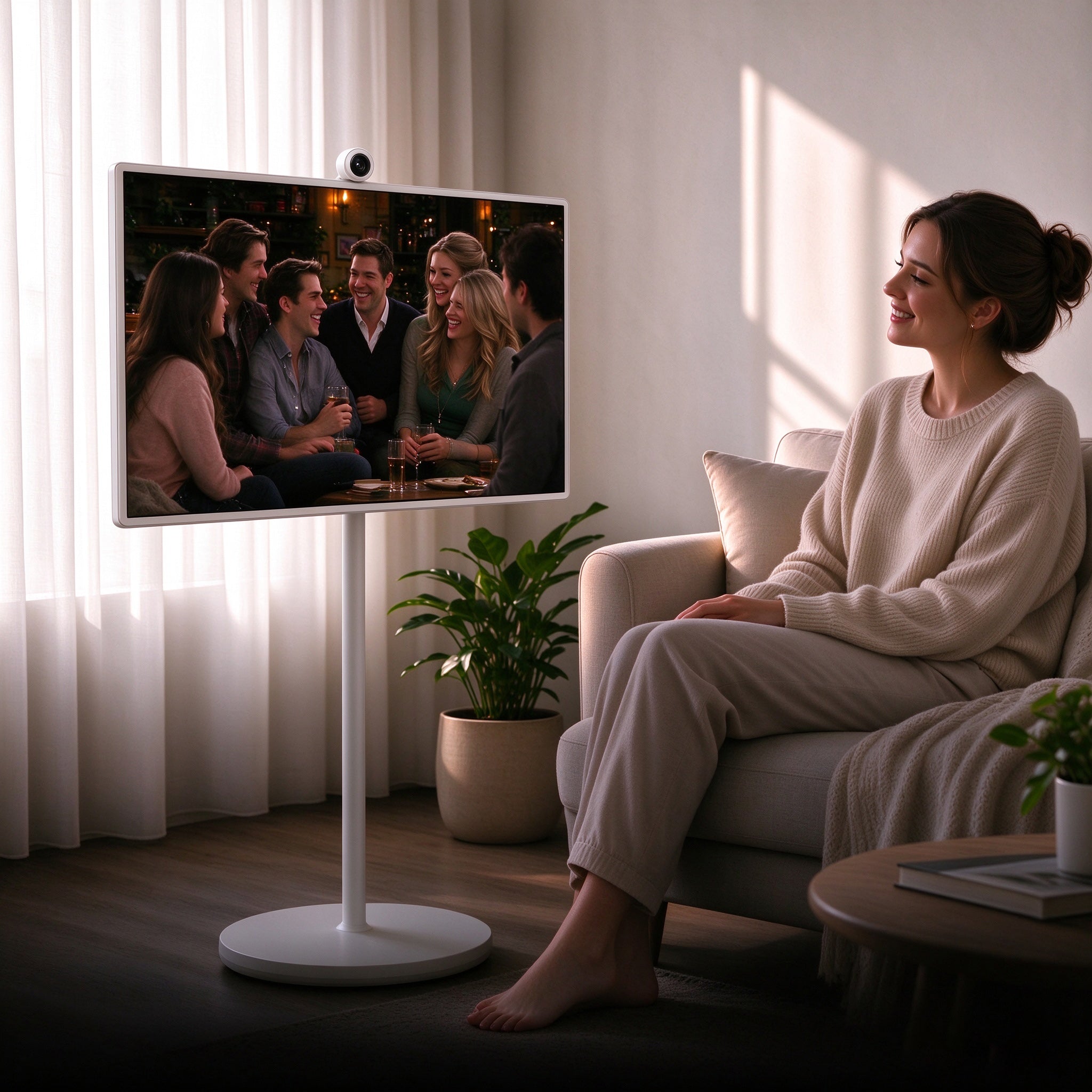
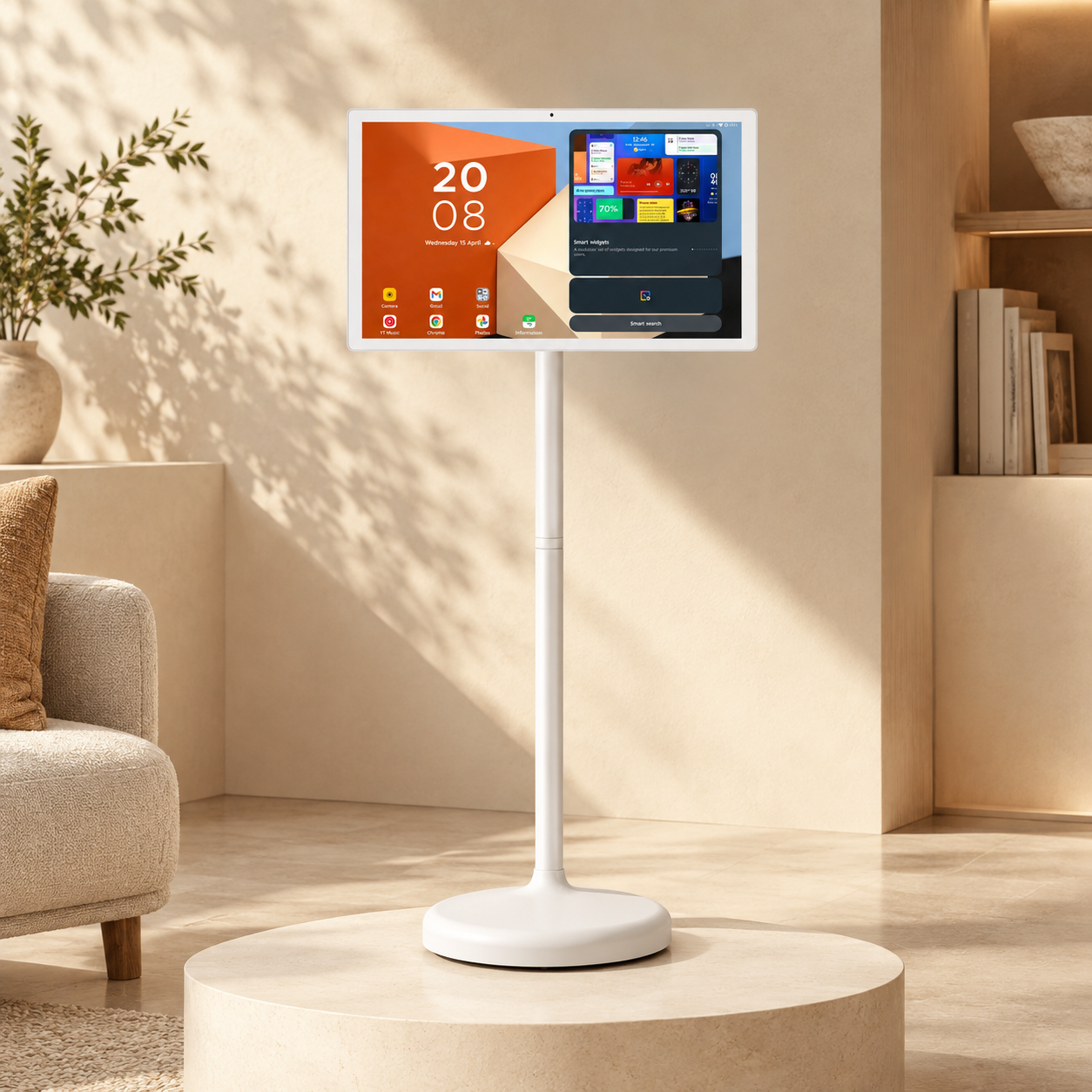
A portable smart screen solves this directly. A portable TV on wheels gives a separate display without a fixed wall mount, sitting near the bed or sofa and moving the moment the room layout changes.
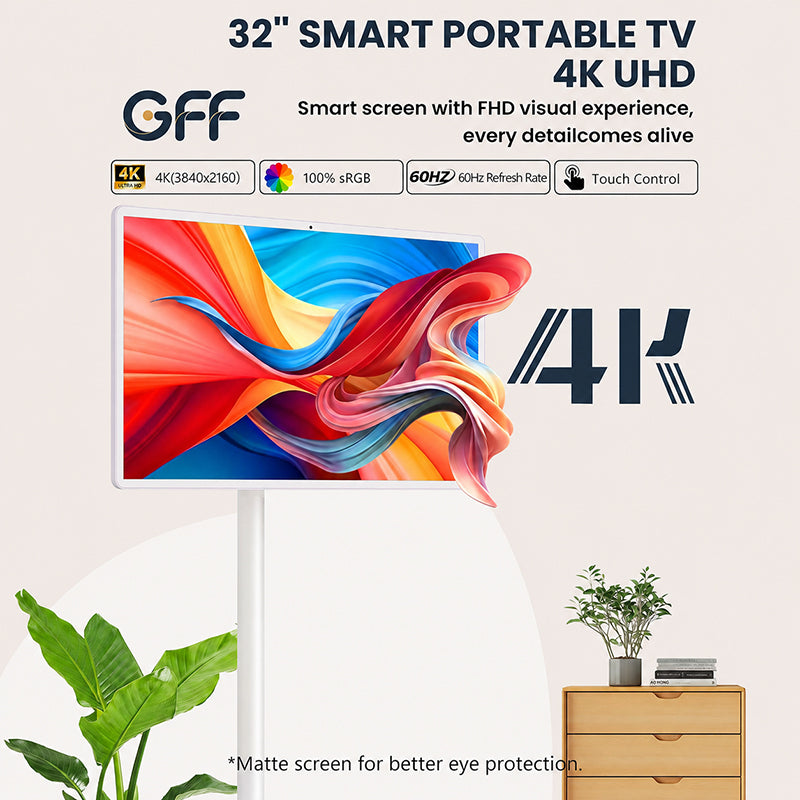
GFF AI's S1-32 Pro fits this kind of use well. It runs a 32-inch Full HD touchscreen on Android, supports wireless casting, HDMI, and USB, and includes a built-in battery for cordless use. It works as a TV, a tablet, or a monitor, useful for both light work and entertainment without pretending to fully replace either.

Screen height matters too. OSHA's computer workstation guidance recommends keeping a monitor at a height and distance that avoids an awkward neck position, advice that applies to movie nights as much as work calls. A screen on wheels makes this easy, rolling closer for touch control and back again for watching from a chair or bed.
Build the Setup Around the Room, Not Against It
Every room is different. One accommodation has a proper desk. Another has only a bed and a small table. Outlets show up in odd places, and lighting is rarely ideal.
Rather than fighting the room, work with it. Pick one area for work and a separate one for rest, even if both are small. The desk becomes the workspace. A chair, a bed corner, or a floor cushion near the screen becomes the entertainment space.
Watching everything from the same spot used for remote work blurs the line the rest of the setup is trying to create. Even a small physical shift helps the brain separate the workday from downtime.
Round Out the Setup: Sound, Seating, and Light
A Simple Audio Setup
Built-in TV speakers are usually thin. A small Bluetooth speaker that fits in a backpack and pairs in seconds covers most needs for music, calls, and movies. In shared accommodation, headphones at night keep things private.
Flexible Seating
Furniture is unpredictable when traveling. A foldable cushion or compact floor seat solves landing somewhere with only a hard floor or a stiff, worn-out couch.
Smart Lighting for Two Modes
A small USB light softens a room after work hours. Brighter light supports focus during the day, while warmer light in the evening helps a room feel calmer, with two modes, work and rest, switched with one small light.
If you're looking to add a touch of style and ambiance to your space, LED strip lights are a great choice. They can be installed in a variety of areas, including bedrooms, kitchens, backyards, home offices, and more.

Keep Wifi and Power Simple
Entertainment depends on connection. Weak wifi makes streaming frustrating fast, and a setup with no charge left stops working right when it's needed.
A compact power strip helps when accommodation has only one usable outlet, and a travel adapter solves the rest when moving between countries.
When using public wifi at a coworking space, cafe, or airport, basic precautions matter. The FTC's public wifi safety guide recommends checking for HTTPS, using strong passwords, and keeping devices updated. Downloading shows or playlists ahead of time means a bad connection later does not ruin the evening.
Frequently Asked Questions
1. What is a portable entertainment space?
A small, repeatable setup recreated in different rooms. It typically includes a screen, a speaker, lighting, simple seating, and reliable wifi and power.
2. Why do digital nomads need one?
Digital nomads move often, so accommodation rarely feels settled right away. A portable setup creates a clear place to recover after a day of remote work.
3. Is a portable TV on wheels actually useful for this?
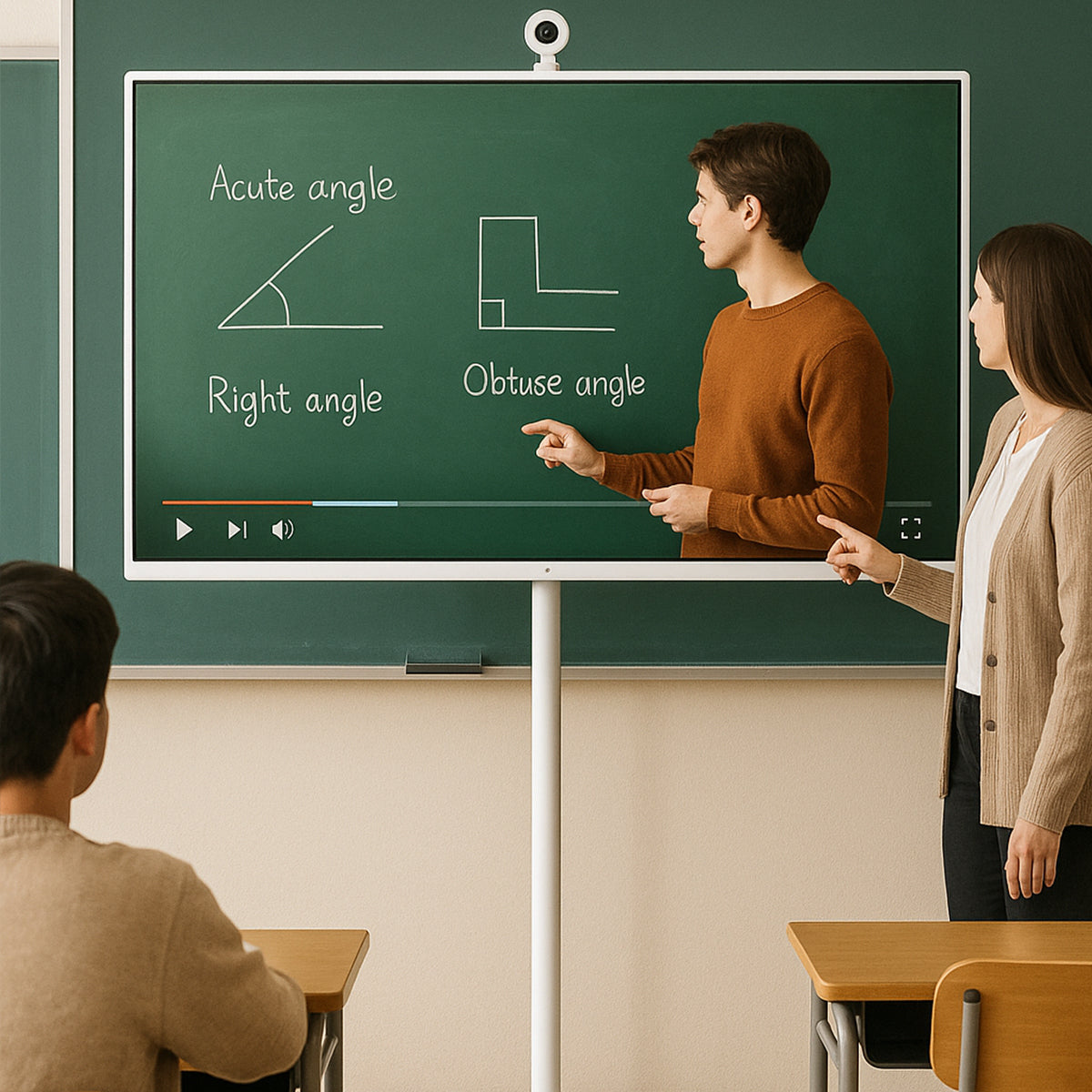
Yes. It works as an entertainment screen, a video call display, or an extra monitor for light work, making it more versatile than a fixed TV or a laptop alone.
4. What goes in the backpack versus checked luggage?
Daily essentials, laptop, charger, headphones, adapter, cables, belong in the backpack. Larger items like a portable smart screen, make more sense for longer stays.
The Bottom Line
A good digital nomad setup supports both work and rest. The laptop handles remote work, the coworking space supports focus, and the Wi-Fi keeps everything connected. The entertainment space is what helps recovery happen once the workday actually ends.
Start small. A separate screen, simple sound, soft lighting, and seating that travels well cover most of it. Build the setup around the room, not against it.
For digital nomads who want a screen that moves with them, the GFF S1-32 Pro portable TV on wheels offers a larger display for streaming, calls, and light work without turning a temporary room into a fixed setup.