


Table of Contents
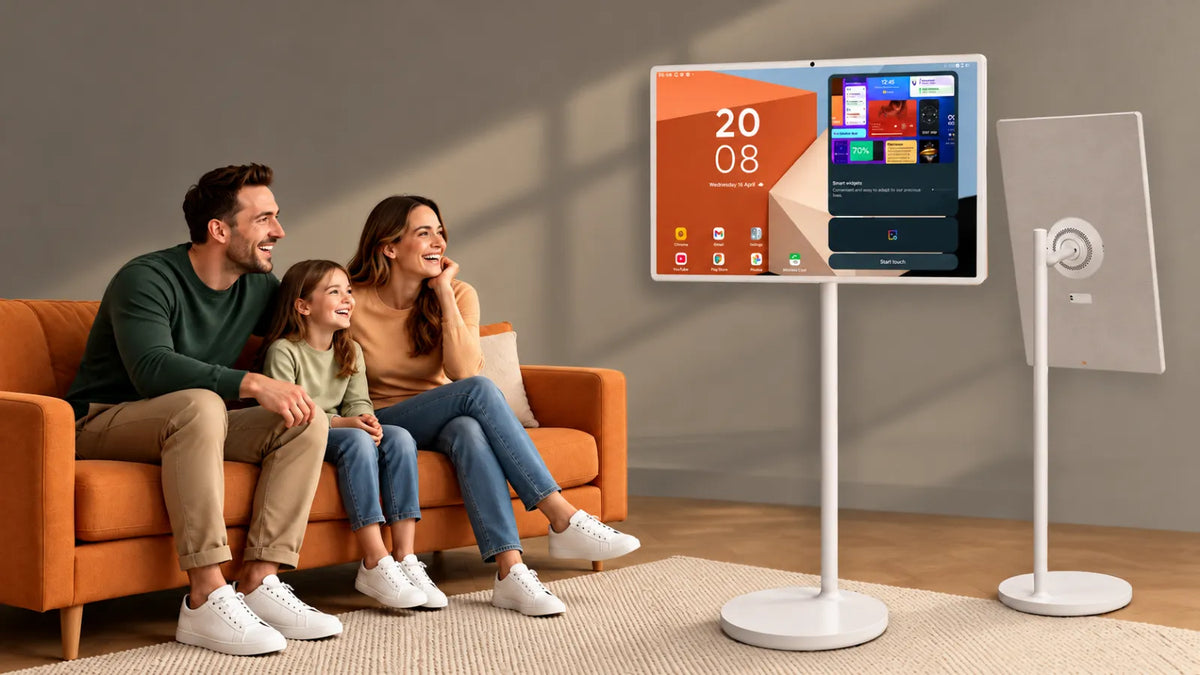
A portable TV on wheels is typically a smart screen on a rolling stand with a built-in battery, so you can push it into whatever room you're actually in. If you've ever hauled a laptop into the kitchen to follow a recipe, you already understand the appeal.
Five years ago, this was a tiny product category dominated by LG's StanbyME. Today you can find 32-inch 4K touch screens that pop off their stands, run for several hours, and come from a growing number of brands. So what changed? Let's walk through it.
Where It All Started: The LG StanbyME
LG helped establish this category when it launched the StanbyME in December 2021. The StanbyME was a 27-inch LCD TV on a wheeled stand, and it arrived at a time when more people were spending time at home and experimenting with screens that could move between rooms.
Here's what it could do. You could tilt it, raise it, lower it, and spin it 90 degrees to watch something vertical. You could tap the screen, use gesture controls, or grab the remote, since it ran a touch-friendly version of LG's webOS. LG rated the battery at about three hours, so you could use it away from a wall socket for a decent stretch.
Was it perfect? Not even close. The picture topped out at Full HD, and the whole thing weighed around 38 pounds, which could make stairs awkward without help. But it showed there was interest in a TV that could move around the home.

Then LG Tried Something Weirder
In 2023, LG took the idea in another direction with the StanbyME Go. Picture a 27-inch touch screen folded into a briefcase, with 20W speakers, Dolby Atmos, and a case that flipped open into a stand. It launched at $999 and was designed to be carried in a car or taken outside the home.
The briefcase model didn't replace the rolling StanbyME, but it highlighted two different kinds of portability. Some people wanted a screen that could move around the house. Others wanted one they could take somewhere. The next round of products began trying to cover both uses.
The Big Upgrade: Screens That Come Off the Stand
The second generation addressed one of the obvious limits of a wheeled screen. The StanbyME 2 can detach from its stand, letting you place it on a counter, prop it on a table, or mount it elsewhere. LG showed the model at CES in January 2025, and it later reached the US market.
LG continued pushing the idea further with newer versions featuring larger, higher-resolution displays and longer claimed battery life. Those changes point to a broader shift in the category: manufacturers are trying to make these screens useful beyond occasional room-to-room viewing.
Think about the difference. The original StanbyME paired a smaller 1080p panel with roughly three hours of rated battery life. Newer models are moving toward larger screens, higher resolutions, and more flexible mounting options.
Samsung Wanted In Too
Samsung also entered the category with its Movingstyle line, taking a slightly different approach to portability. Some versions combine a touch screen with a built-in handle, kickstand, and wheeled floor mount, making it easier to carry the display separately from the stand.
That handle is one of the more useful design ideas because it can also act as a support when the screen is detached. Depending on the model and market, features can include HDMI, USB-C, high-refresh-rate displays, HDR support, and built-in speakers.
Battery ratings tend to sit around a few hours on these larger portable screens. Actual runtime can vary with brightness, Wi-Fi use, volume, and the apps you're running.

And Now Everyone's Racing on Battery
Other brands have focused heavily on battery life. Hisense, for example, has shown portable smart-screen concepts and models with larger displays, touch controls, cameras, and extended battery claims.
Whether the highest advertised figures hold up under everyday use depends on settings and usage. Still, the direction is easy to see. Battery life has become one of the main areas where brands are trying to stand apart.
Why Did Any of This Change?
Most of the major upgrades address obvious limitations of the early models:
- A bigger screen. 27 inches works well as a secondary display, but some buyers may want something closer to the size of a small main TV.
- A sharper picture. Because these screens are often viewed from fairly close distances, higher resolution can be easier to notice.
- A screen that detaches. Wheels work well on flat floors, but detachable displays are much easier to deal with around stairs or between floors.
- More hours. Three hours can cover a movie, but longer battery life gives you more freedom before you need to plug in.
- Touch controls. In kitchens, gyms, or workspaces, touching the screen can be more convenient than looking for a remote.
- Stands that adjust. Height, tilt, and rotation matter because these screens may be used from very different viewing positions.
You Don't Have to Spend $1,300
The premium models get much of the attention, but they're no longer the only option. A growing number of Android-based brands sell rolling smart screens with broadly similar ideas at lower prices, and GFF AI is one of the names competing in that part of the market.
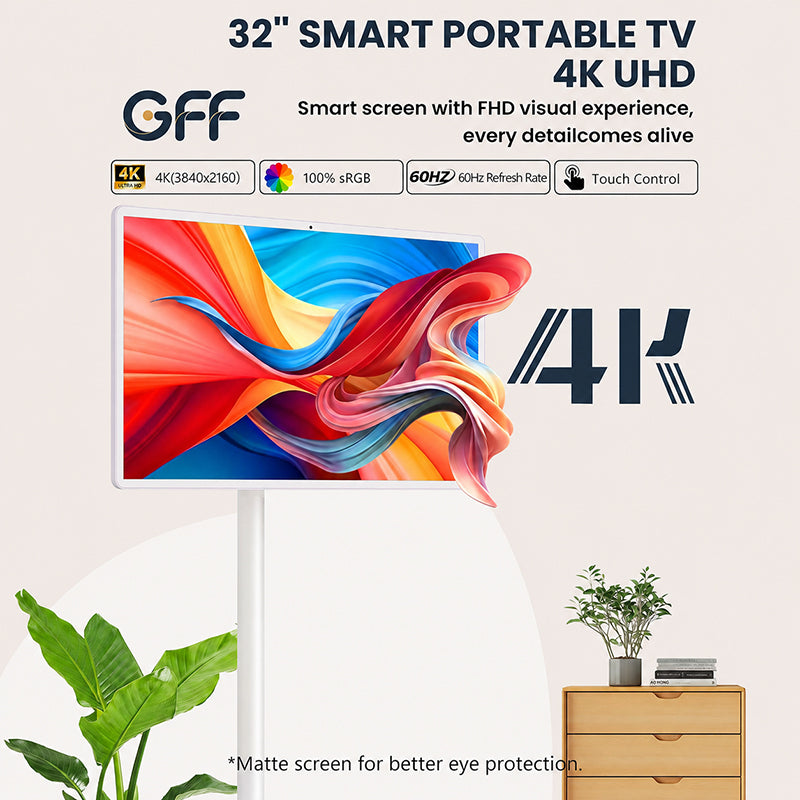
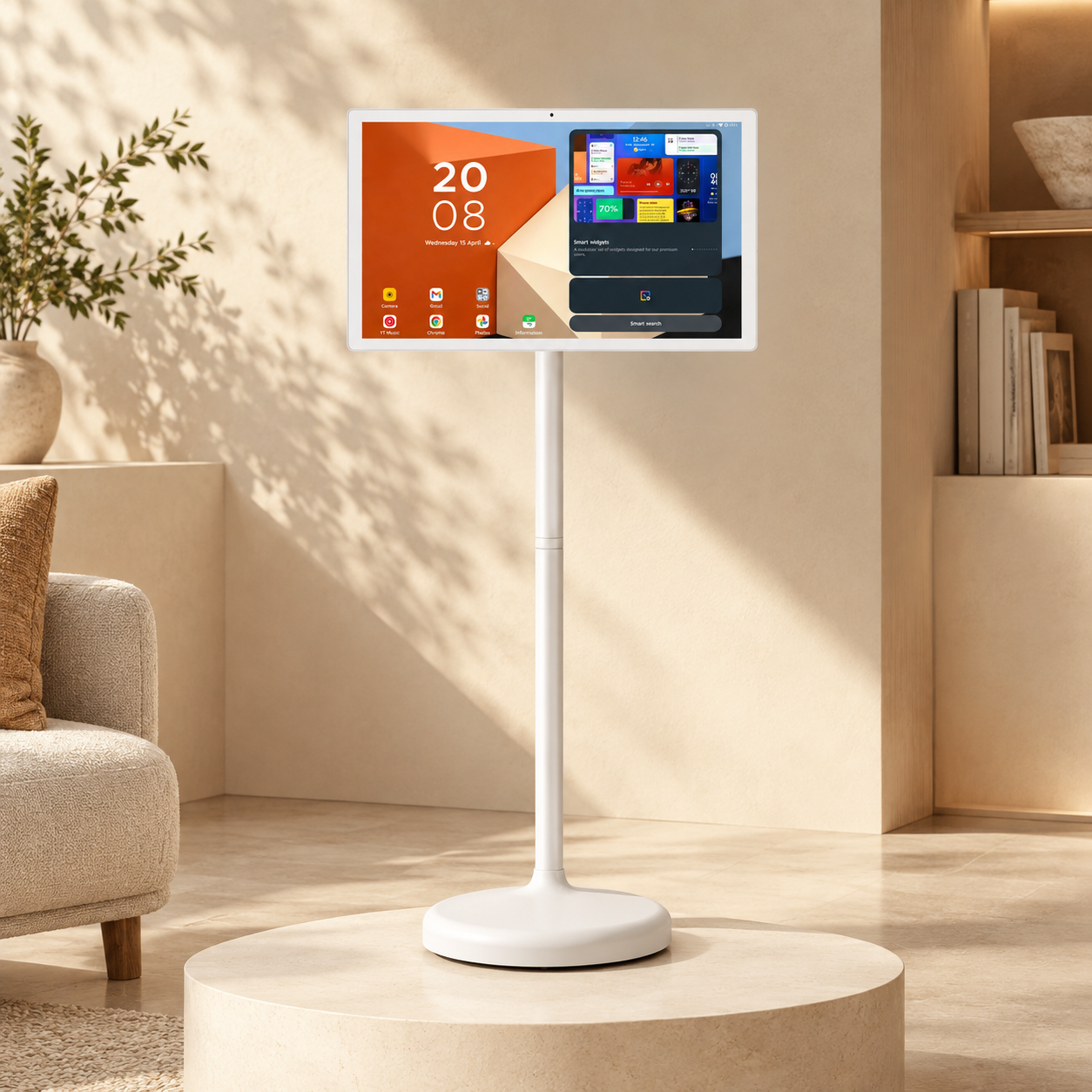
Take the GFF-S2. It's marketed as a 32-inch 4K touch screen on wheels for uses such as kitchens, workouts, home offices, and outdoor viewing. Its stand offers tilt, swivel, portrait rotation, and height adjustment, while the built-in battery is advertised for several hours of use. GFF AI also sells other sizes and configurations, including higher-resolution models with more memory and storage.
Check one thing before buying any Android model: whether it has the Google certifications required for the apps and services you plan to use. EDLA certification can be a useful sign that a device supports Google's licensed Android environment and services.
Be a bit skeptical about battery claims here, too. Real runtime can be noticeably lower than a headline figure once you turn up the brightness, stream over Wi-Fi, and use the speakers. Large battery-capacity numbers don't tell you everything because a bright 32-inch panel can draw a lot of power.

So How Do You Pick One?
Start with where the screen is going to spend most of its life, then work backwards from there:
- Screen size. 27 inches can work well in bedrooms and around desks. A 32-inch screen may suit you better if you want something closer to a conventional TV.
- Resolution. 4K can make more sense on a larger screen viewed at close range, while Full HD may be enough for smaller models.
- Battery. Look for rated runtime and independent testing where possible, rather than relying only on the mAh figure.
- Detachable or not. If your home has stairs, a screen that lifts off the stand can be much easier to move.
- Software. webOS and Tizen offer established smart-TV platforms, while properly certified Android models can give you access to a wider range of apps.
- Weight and wheels. Heavier screens can feel steadier, but they're harder to lift, and wheel performance can vary depending on the flooring.
- Ports. HDMI and USB-C are useful if you plan to connect a laptop, console, streaming device, or other hardware.
What's Coming in 2027?
Portable smart screens still look like a developing product category, and several trends seem likely to shape the next wave:
- Longer battery life. As brands compete on unplugged runtime, six-hour-plus claims may become more common.
- Cheaper 4K. Falling display costs could make higher-resolution panels more common outside premium models.
- More cameras and AI features. Video calling, automatic picture adjustment, and software-based features are likely to appear on more models.
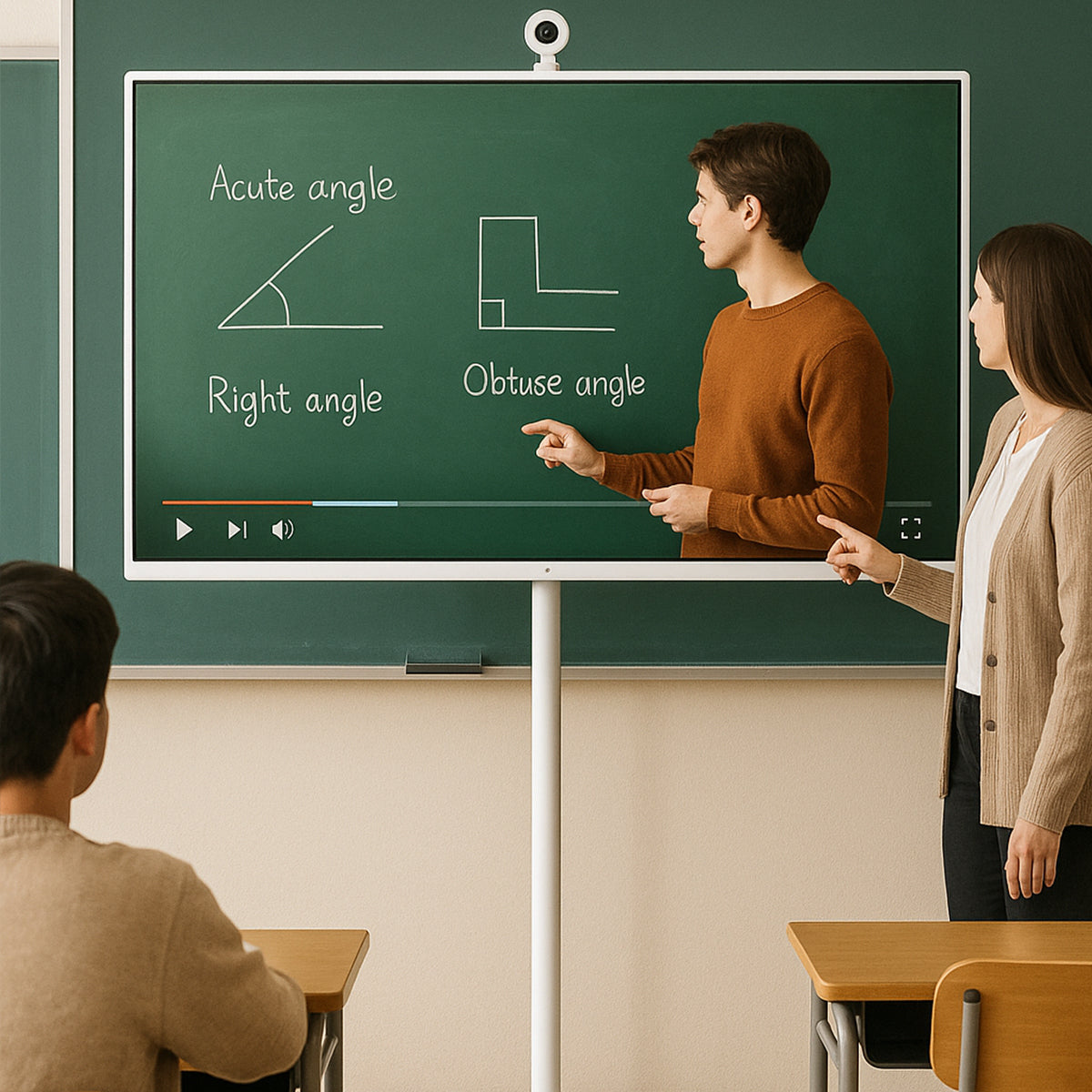
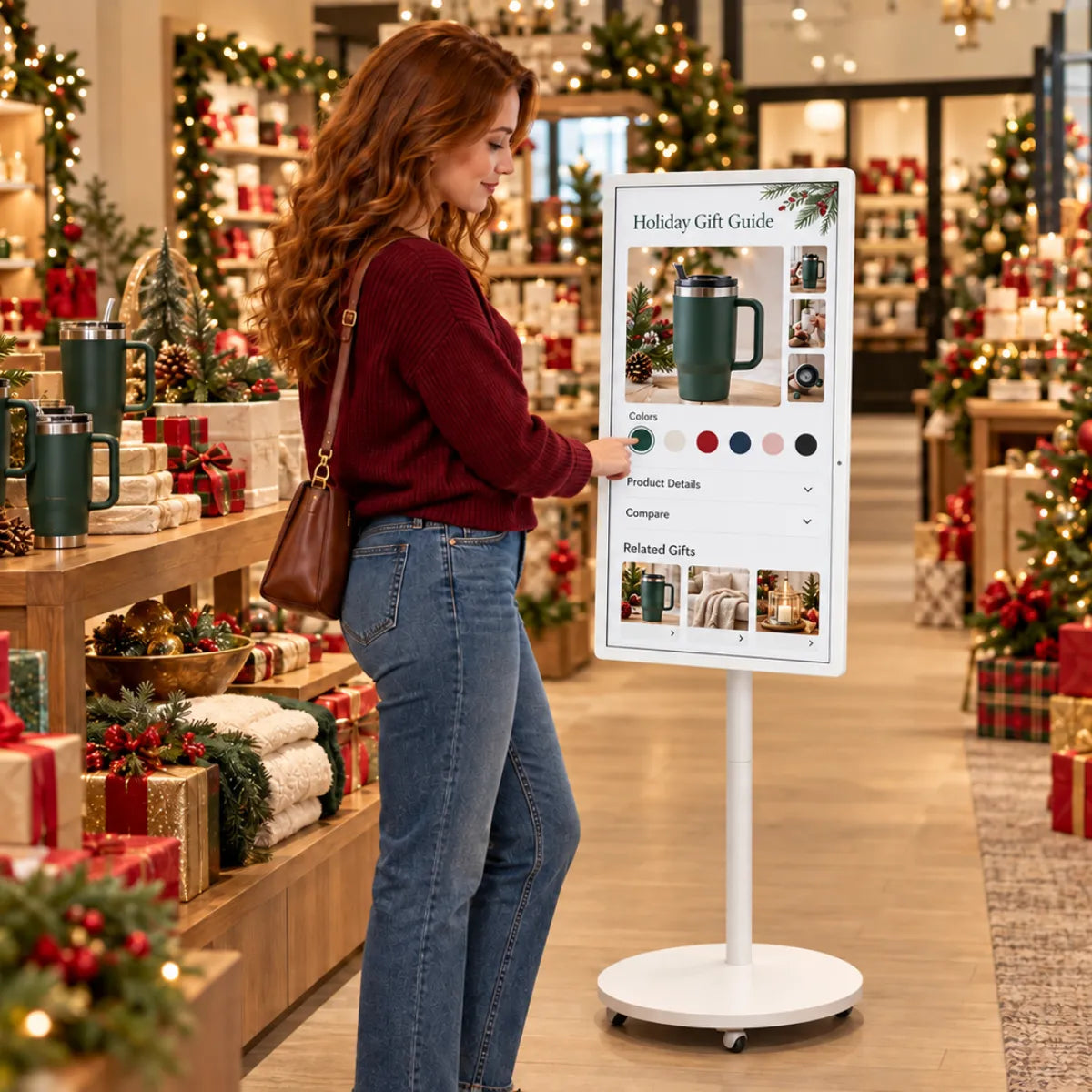
- More use outside the home. Schools, gyms, salons, offices, and small shops may find uses for movable screens as kiosks, presentation displays, or flexible workstations.
- Lighter builds. Brands are likely to keep reducing weight while trying to preserve stand stability and screen durability.
Frequently Asked Questions
1. What was the first portable TV on wheels?
The LG StanbyME was one of the earliest widely marketed consumer products to popularize this format when it launched in 2021. It used a 27-inch battery-powered display on a wheeled stand that could swivel, tilt, and rotate between portrait and landscape. Many later products use a similar basic idea.
2. How long do these screens last on battery?
A few hours is typical for many current models, though the exact figure varies widely. Some manufacturers rate their screens at around three to five hours, while others advertise much longer runtimes. Real battery life depends on brightness, streaming, volume, and other settings.
3. Are portable TVs on wheels worth the money?
They can be if you'll actually move the screen between rooms or use it away from a wall socket. The same budget can often buy a larger conventional TV with better picture quality, so much of the value comes from portability and flexibility. If the screen will stay in one place, a regular TV may make more sense.
4. Can you use one as a computer monitor?
Many models support HDMI, USB-C, or both, which means they can work with laptops and consoles. Some USB-C ports also support video input and power delivery, though the exact capabilities vary by model.
5. What's the difference between one of these and a tablet?
Mostly size, mounting, and how they're meant to be used. A tablet is designed to be held in your hands. These screens are usually much larger, sit on a stand, and often use TV-style software and speakers designed for room viewing.
Finding the Screen That Fits Your Space
In a few years, portable TVs on wheels have gone from a niche idea to a broader category with more sizes, software options, and price points. LG and Samsung sit at the premium end, while Android-based brands such as GFF AI offer alternatives at lower prices.
The rest comes down to your own home: how many rooms you'll use it in, whether stairs are involved, what apps you need, and how long you expect it to run unplugged.
Want to see how a rolling smart screen fits into your day? Have a look at the GFF AI range, compare sizes, battery life, and stand options, and find the one that suits the way you plan to use it.

