

Table of Contents
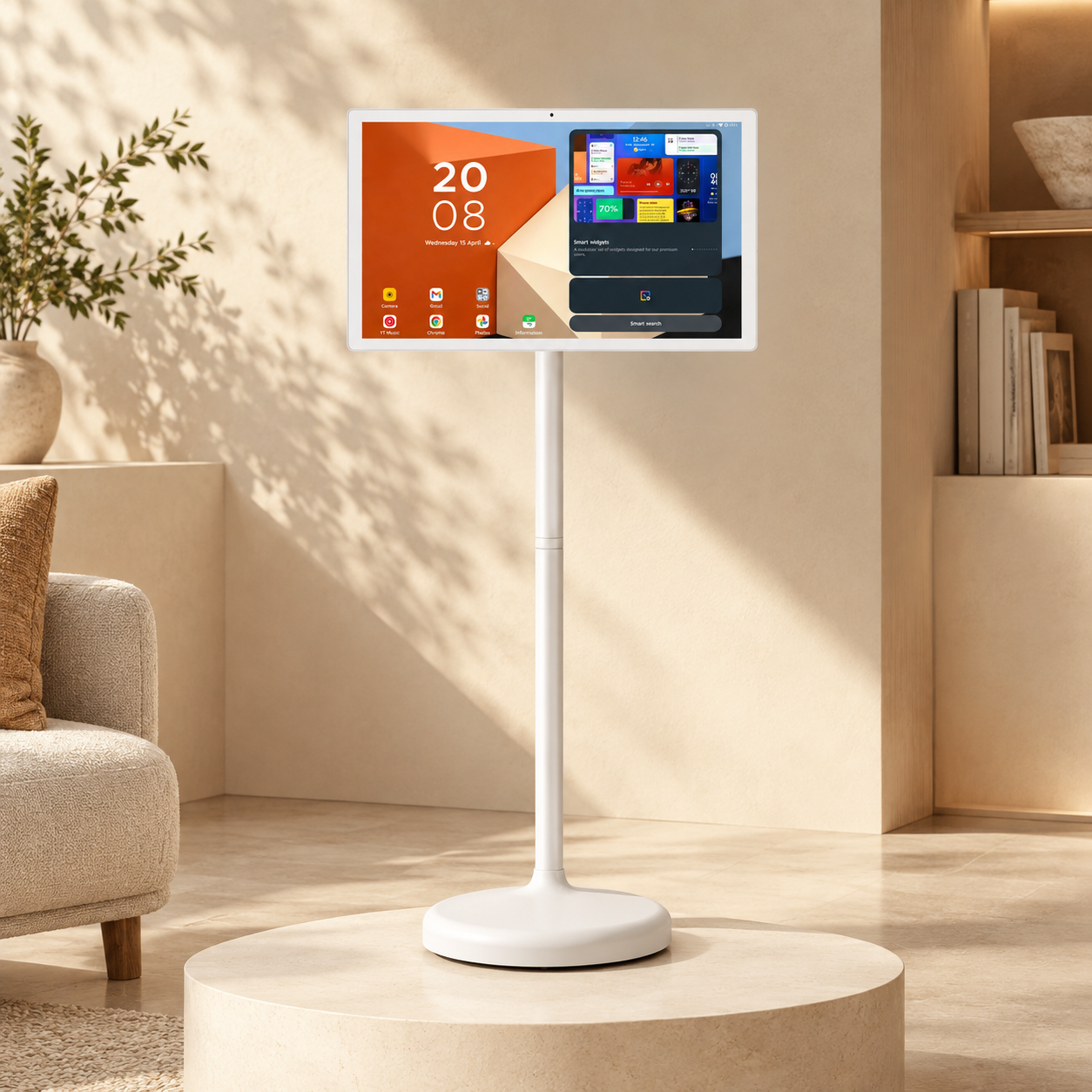
Portable digital displays give retail stores a movable screen for product demonstrations, promotions, and interactive browsing. They can sit beside featured merchandise, support a temporary display, or move to a different department when the store layout changes.
Their usefulness depends on more than the screen itself. A promotional video needs clear messaging and a suitable viewing position; an interactive product catalog needs compatible software. Battery power can offer flexibility, but stores still need to plan for charging, network access, and floor space.
This guide explains where portable digital displays fit in retail stores, what to check before choosing one, and how to assess whether shoppers use the content.
When a Portable Display Makes Sense
Static signs don't work as hard as they used to. Shoppers scroll past ads all day on their phones. A plain paper sign in a store just fades into the background.
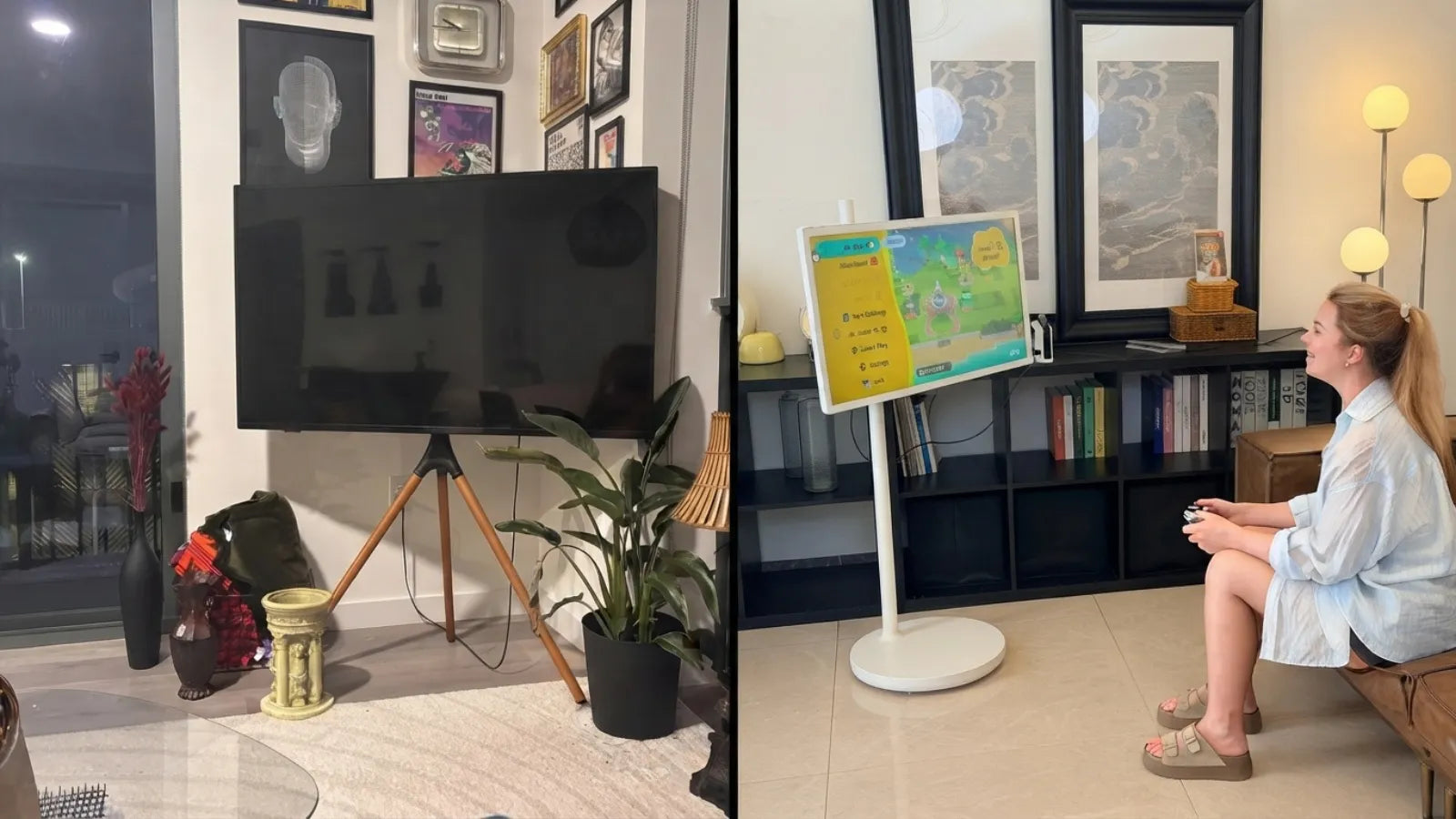
Fixed digital signage isn't much better on its own. Mounting a screen to a wall costs money, takes time, and locks that screen into one spot for good. Change your store layout next season, and that screen stays right where it is.
Portable displays fix both problems at once:
- No installation crew and no drilled holes in the wall
- Move the display to wherever foot traffic is highest that week
- Reuse the same screen for a dozen different promotions
- Update the display with new sales or new products in minutes, not days
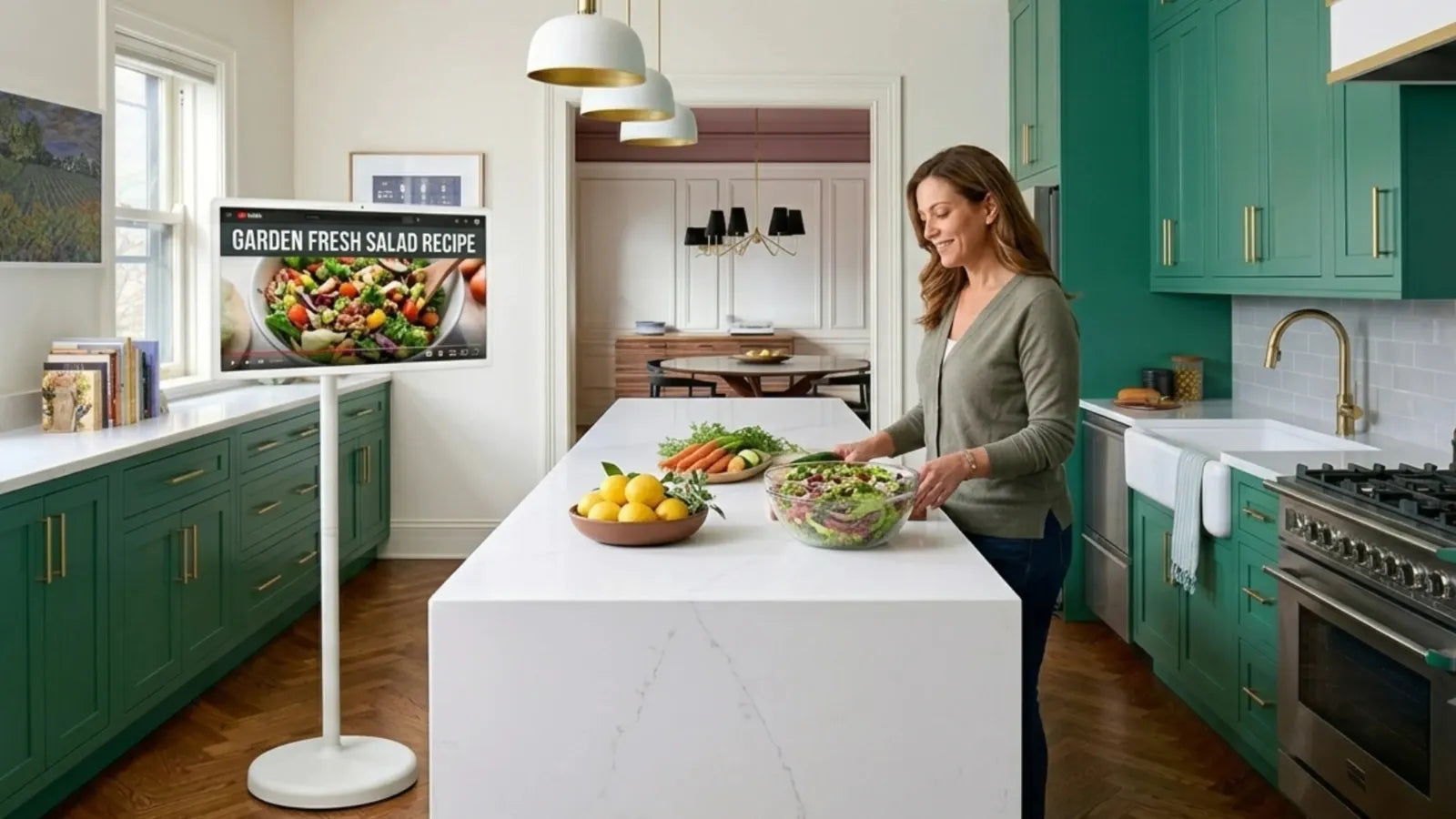
- Roll it from the sales floor to a stockroom demo and back, since most units run cordless for hours at a time
For a lot of stores, this comes down to staying flexible. A layout that works in January might not work during a holiday rush. Portable gear lets a manager adjust fast, with no contractor and no wait.

What to Look for in a Portable Retail Display
Not all portable displays are built the same, and the spec sheet matters more than most managers expect. A few things worth checking before you buy:
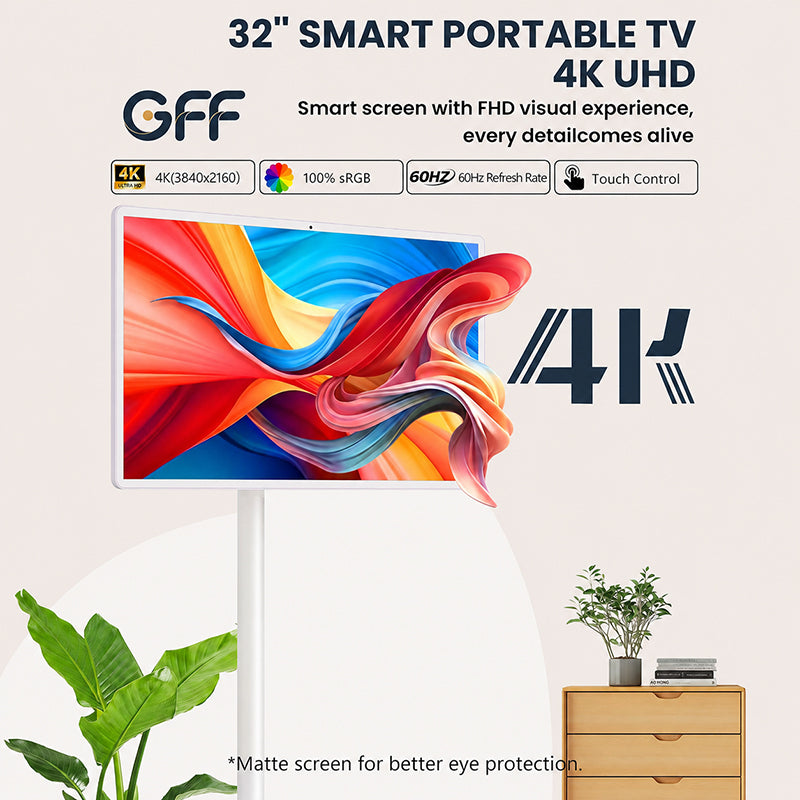
- Screen size and resolution. A 32" Full HD (1920x1080) panel is large enough to be seen from across an aisle, but still fits through a standard doorway. Look for sRGB 100% color accuracy if the display will be showing product photography — a washed-out screen makes merchandise look cheaper than it is.
- Control options. Touch is the baseline, but voice control and an air remote mouse let staff operate the screen from a few feet away, which matters when hands are full during restocking or a demo.
- Processor and OS. An 8-core processor and a current Android build (Android 13, for example) keep the interface from lagging when multiple apps or a video call are running at once.
- Battery life and charging. 3–5 hours of cordless runtime covers a busy afternoon shift; 65W fast charging means it's ready again well before the next shift starts.
- Mobility. Wheels and a rollable frame matter more than they sound — a display that's awkward to move ends up parked in one spot anyway, which defeats the purpose.
Different Retail Usage Scenarios
Portable displays aren't a one-trick tool. Stores are using them in more ways than most people expect.
Product Demonstrations
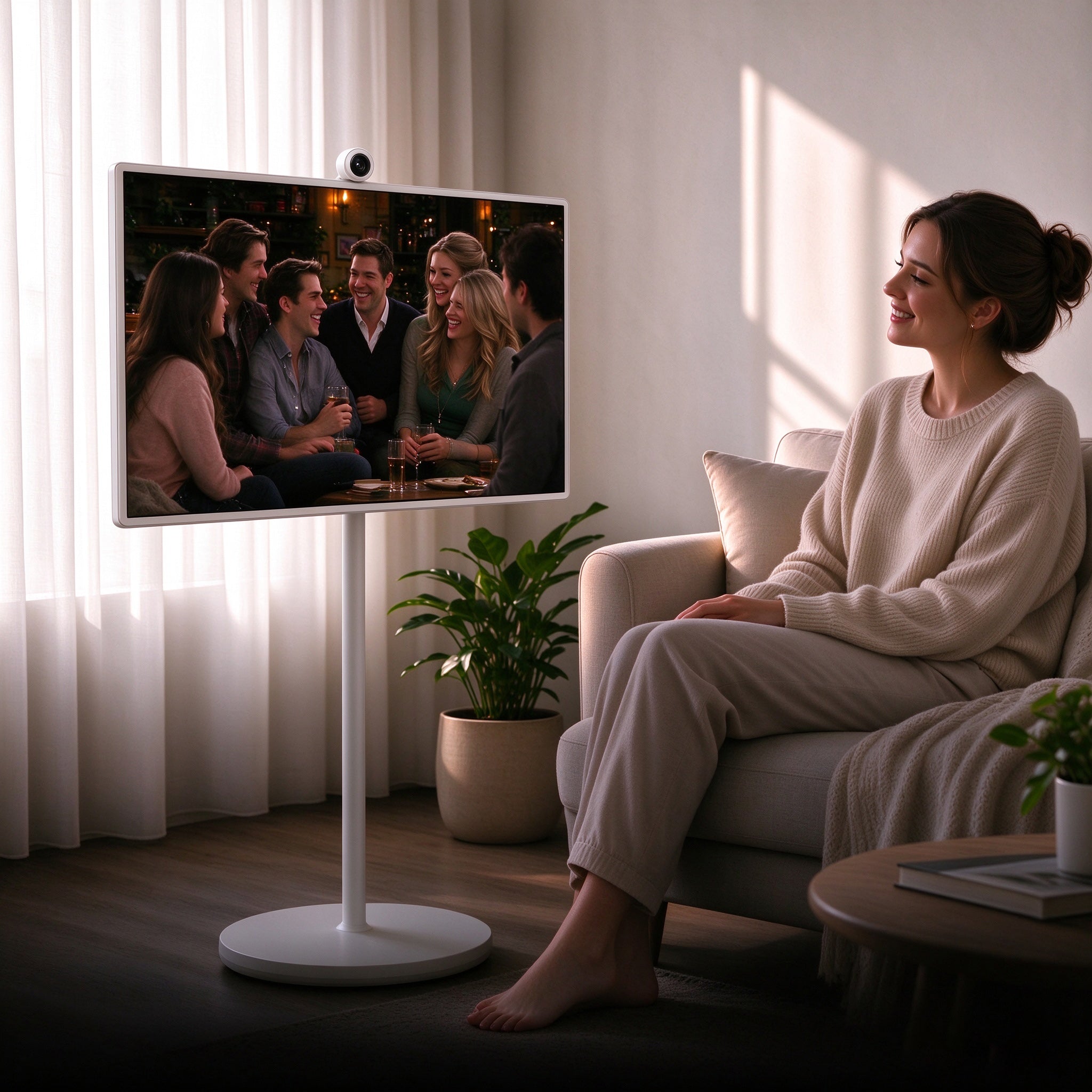
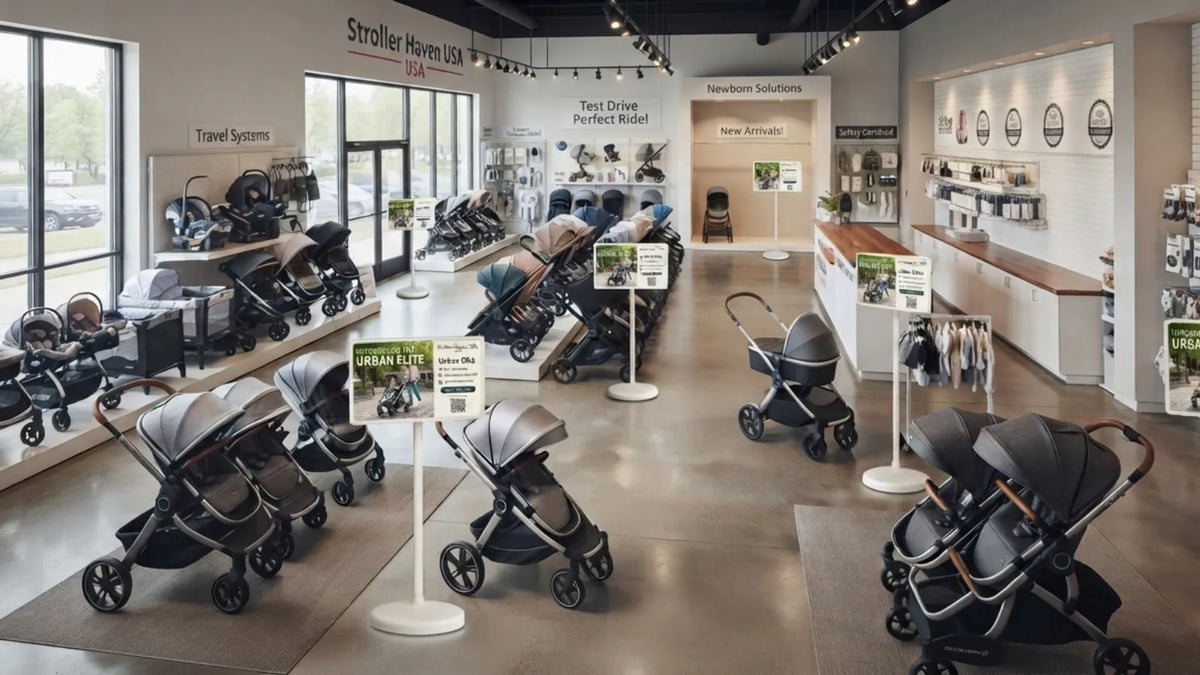
Some products just need a screen next to them to make sense. A baby gear store set up two 32" touch displays beside its car seats and strollers. Shoppers use the touchscreen to compare colors and check specs, or use the unit's built-in 2K camera to join a quick video call with a product expert — no headset, no extra hardware, just the plug-and-play camera that ships with the unit. Staff report the screens comfortably last a full afternoon shift on battery before needing a top-up on the 65W charger, so nobody's hunting for an outlet mid-demo.

Promotional Campaigns
A big sale doesn't need a printed banner anymore. Roll a portable TV to the entrance, load up the promo, and swap it out the second the sale ends. With wireless screen casting, a manager can push a new promo from a phone or laptop in under a minute — no cables, no walking a USB stick over to the unit. Try that with a wall-mounted screen and you're stuck with yesterday's ad for weeks.
Digital Signage and Advertising Signs
Portable advertising signs take the place of paper flyers near checkout. A touch screen TV can switch on its own between new arrivals, deals, and store hours, and an 8-core processor keeps that rotation smooth even when the display is also running a background app or two. It also looks a lot sharper than an old sign with curled edges.
Interactive Customer Experiences
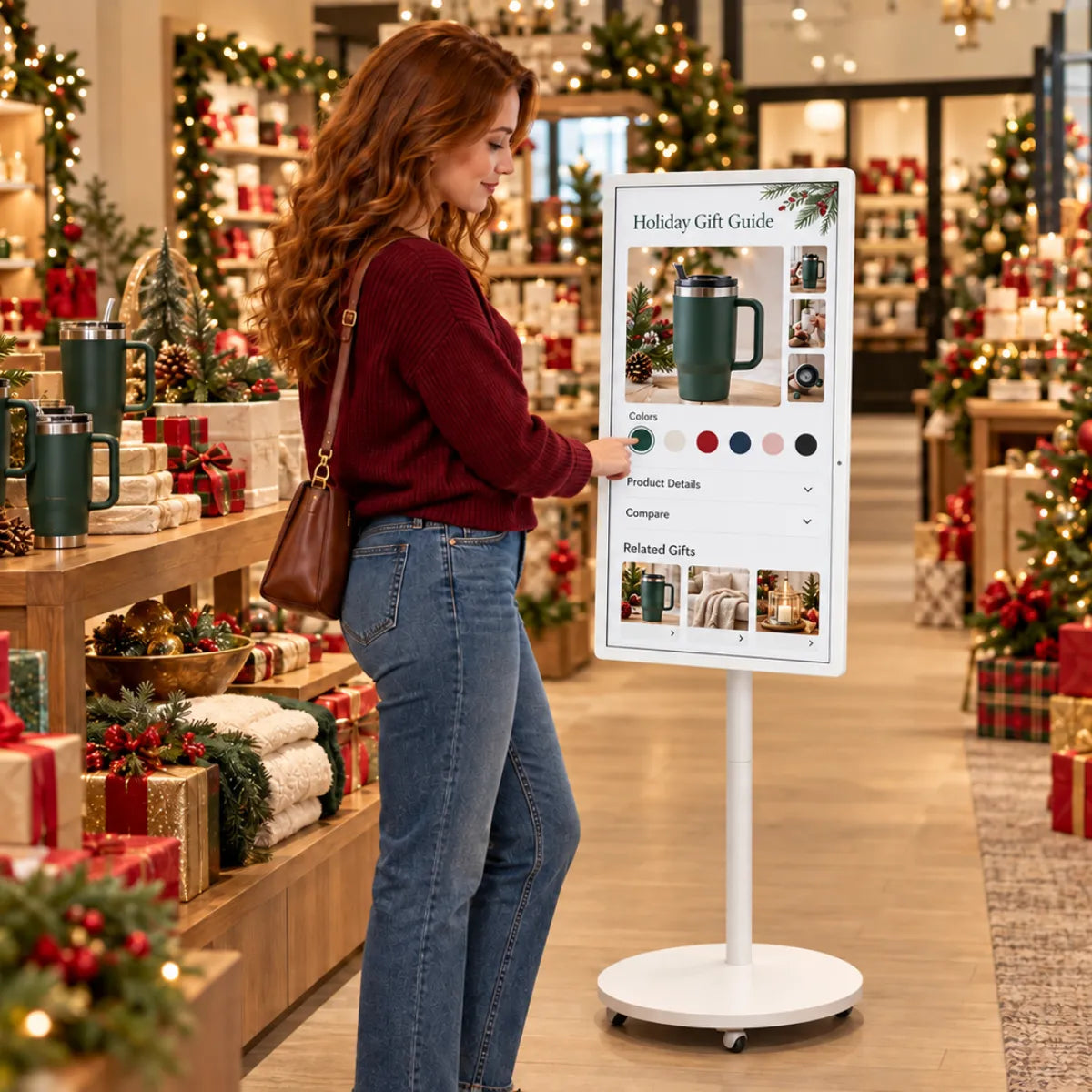
Touch screens let shoppers browse on their own. They can search for an item, check if a size is in stock, or look at a product in different colors, all without waving down an employee. Brands like GFF AI build portable touch displays made for this kind of self-serve browsing — the 3-in-1 design works as a TV, tablet, or monitor, so the same unit that ran signage during the day can switch into an interactive lookup tool during a rush. The rollable, wheel-mounted frame makes it just as easy for a first-time shopper to reposition as it is for staff.
How These Products Enhance Customer Engagement
At the end of the day, all of this comes back to one thing: does it keep shoppers interested? Here's how portable displays pull their weight.
- Shoppers stop and look longer. A screen that moves and changes catches more attention than something bolted to a wall for a year. A sharp, color-accurate panel makes that first glance count.
- Questions get answered on the spot. Product specs, sizing, colors, whatever a shopper wants to know sits right there on the screen.
- Staff spend less time repeating themselves. A touch screen answers the easy questions so employees can focus on harder ones.
- Stores feel current. Fresh promos and modern screens tell shoppers this store keeps up, even if the building itself is decades old.
- Video support builds trust. A quick call with a specialist through the display's built-in camera can close a sale that browsing alone wouldn't.
FAQ Section
1. What is a portable retail display?
It's a screen on a rolling stand. A store can move it anywhere on the floor. It shows product info, ads, or interactive content, and it never needs to be wired into a wall.
2. How do stores use touch screen TVs for advertising signs?
Instead of printing paper signs, stores load promotions, new arrivals, and store hours onto a touch screen TV. Staff can update it in minutes, any time a sale changes.
3. Are portable TVs good for small stores?
Yes. Small stores need equipment that does more than one job in less space. A 3-in-1 unit can work as signage, a product display, and a video-call station for customer support, all without taking up permanent floor space.
4. Do portable displays need special wiring?
No. Most run on battery for 3–5 hours of cordless use and recharge with standard fast-charging, so there's no rewiring and no construction.
5. Can portable displays replace all my store's fixed signage?
Not always, and that's fine. Many stores use both. They keep a few fixed signs for branding, then use portable displays for anything that changes often, like sales or new arrivals.
Conclusion
Retail stores that stick with plain paper signs are leaving engagement on the table. Portable displays, touch screen TVs, and portable advertising signs give shoppers a reason to stop, look, and stick around a little longer. They also let store managers change course fast, with no big budget needed.
If your store is due for an upgrade, start small. Pick one busy spot, roll in a portable display, and see how shoppers respond. From there, add more for product demos, promotions, or wherever your store needs it most. Ready to see what a portable display can do for your floor? Reach out to a provider like GFF AI and ask about a setup built for your space.