
Table of Contents
Think of a small smart TV as a cheap screen that sits in one room and plays your shows. A portable touchscreen TV is more like a giant tablet on wheels, and it comes with a battery, a camera, and apps you can tap with your finger. The extra cash pays for moving it around and touching it, not for a better picture.
If that's worth it to you really comes down to how your family uses a TV.
Below, we'll put a typical 24-inch smart TV next to the GFF AI S1-22 Pro, a 22-inch portable touchscreen TV, to show where the money goes.
What Does a Small Smart TV Do Well?
A small smart TV keeps things simple, and most people like it that way. Lots of 24-inch sets from Insignia, TCL, or VIZIO come with Fire TV, Roku, or Google TV, so you can open Netflix or YouTube with the remote. You can grab one for about $100 to $200, so you'll spot them in lots of dorms and kitchens.
You'll usually get:
- Easy setup, whether it sits on a dresser or goes up on the wall
- Built-in streaming apps, often with voice search
- HDMI ports for a game console or cable box
- A low price that's easy to replace later
There are trade-offs, though. Lots of budget 24-inch sets are only 720p, they have to stay plugged into the wall, and you control everything with a remote, so they can't do much beyond watching.
What Does a Portable Touchscreen TV Add?
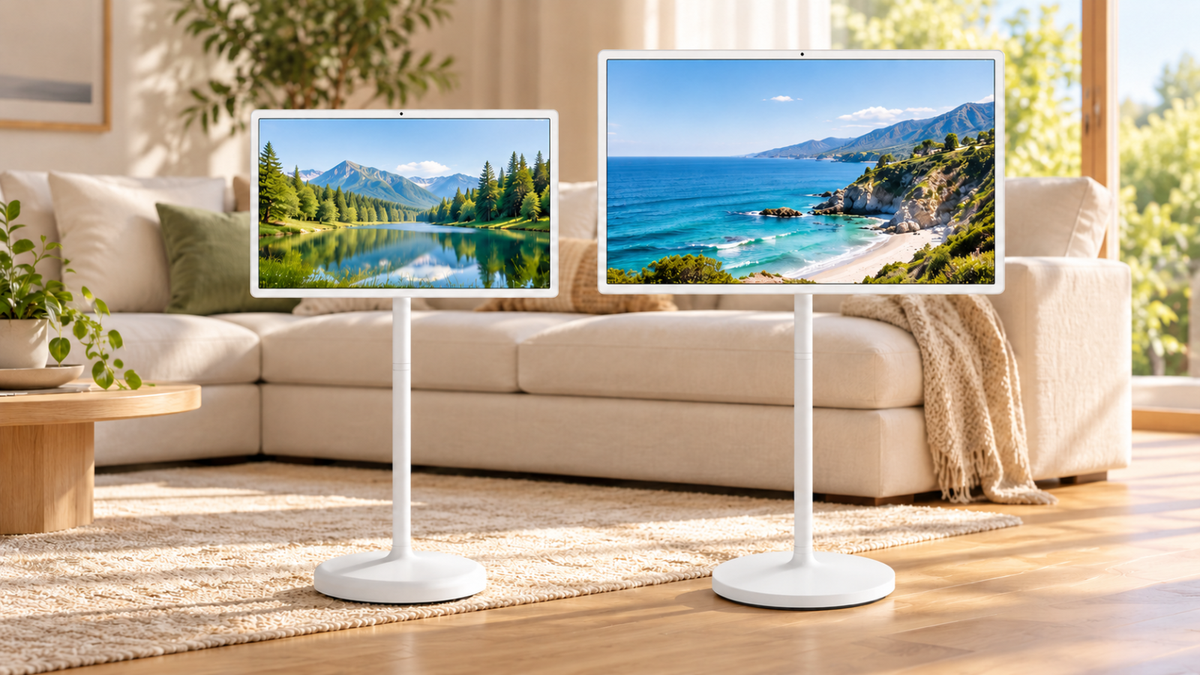
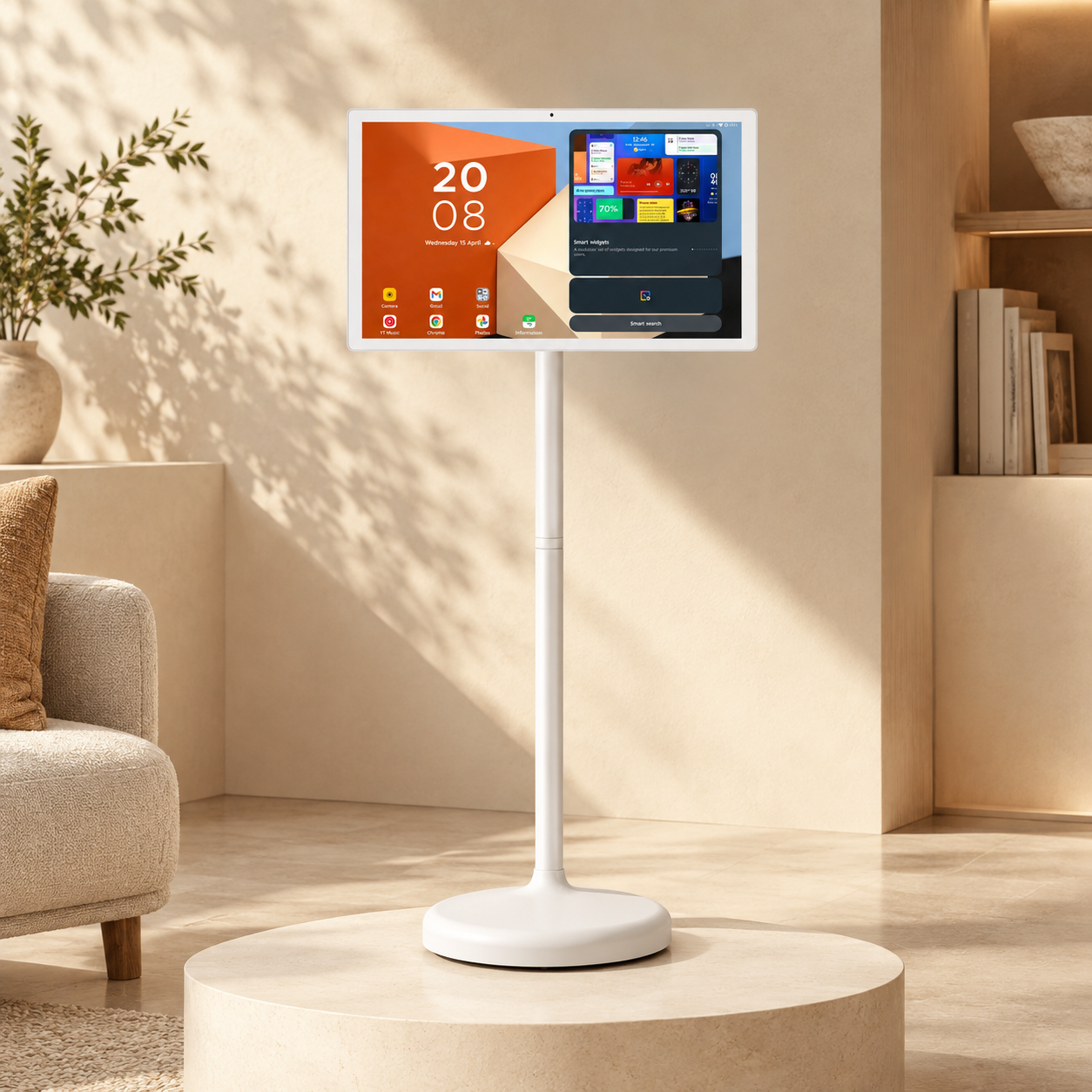
A portable touchscreen TV works more like a big tablet on a rolling stand. Take the GFF S1-22 Pro as an example. It packs a few features that a regular small TV just doesn't have:
- Touch control. You can tap, swipe, or doodle on the 1080p screen like it's a big phone.
- The full Google Play Store. It runs Android 15 with Google's approval (EDLA), so you can add Zoom, Chrome, or your workout app too.
- Its own battery. The 7,800mAh battery gives about 3 to 4 hours away from the outlet.
- A five-wheel stand. You can roll it from the bedroom to the kitchen to the patio in seconds.
- A flexible screen. It tilts, swivels, and turns sideways into portrait mode, which is great for recipes and calls.
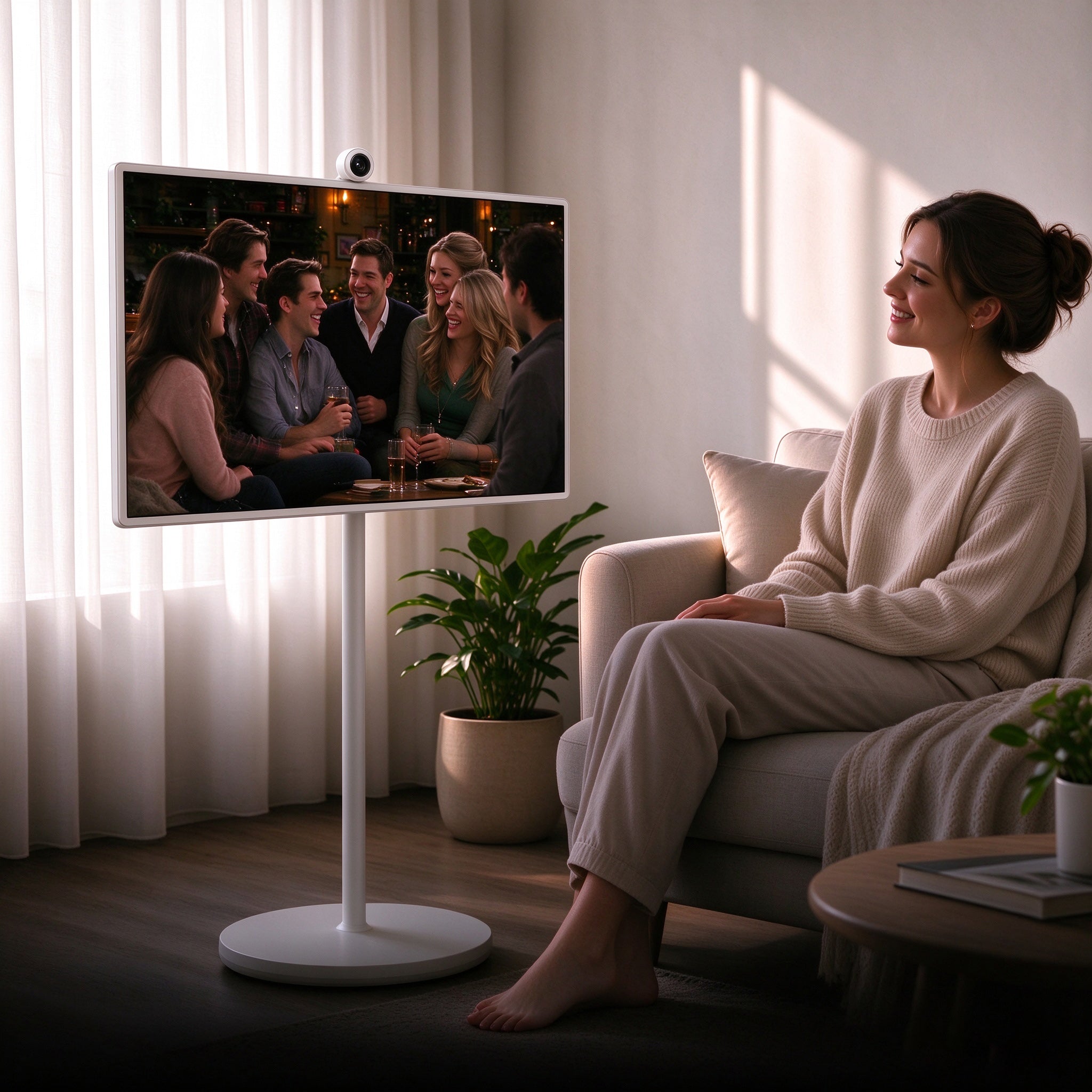
- A camera and mic. With a 13MP camera and a mic array built in, you can skip the laptop for calls.
- Easy casting. Got an Android phone, iPhone, Mac, or Windows laptop? You can send what's on it to the big screen with no wires.

Small Smart TV vs. Portable Touchscreen TV Side by Side
| Feature | Typical 24-inch smart TV | GFF S1-22 Pro |
|---|---|---|
| Screen | Often 720p, some 1080p | 22-inch 1080p touchscreen |
| Apps | TV streaming apps | Full Google Play Store |
| Power | Wall outlet only | Battery (about 3–4 hours) or outlet |
| Placement | Stand or wall mount | Rolling five-wheel stand |
| Video calls | Usually no camera | 13MP camera and mic array |
| Control | Remote | Touch, voice, or remote |
So What Are You Really Paying For?
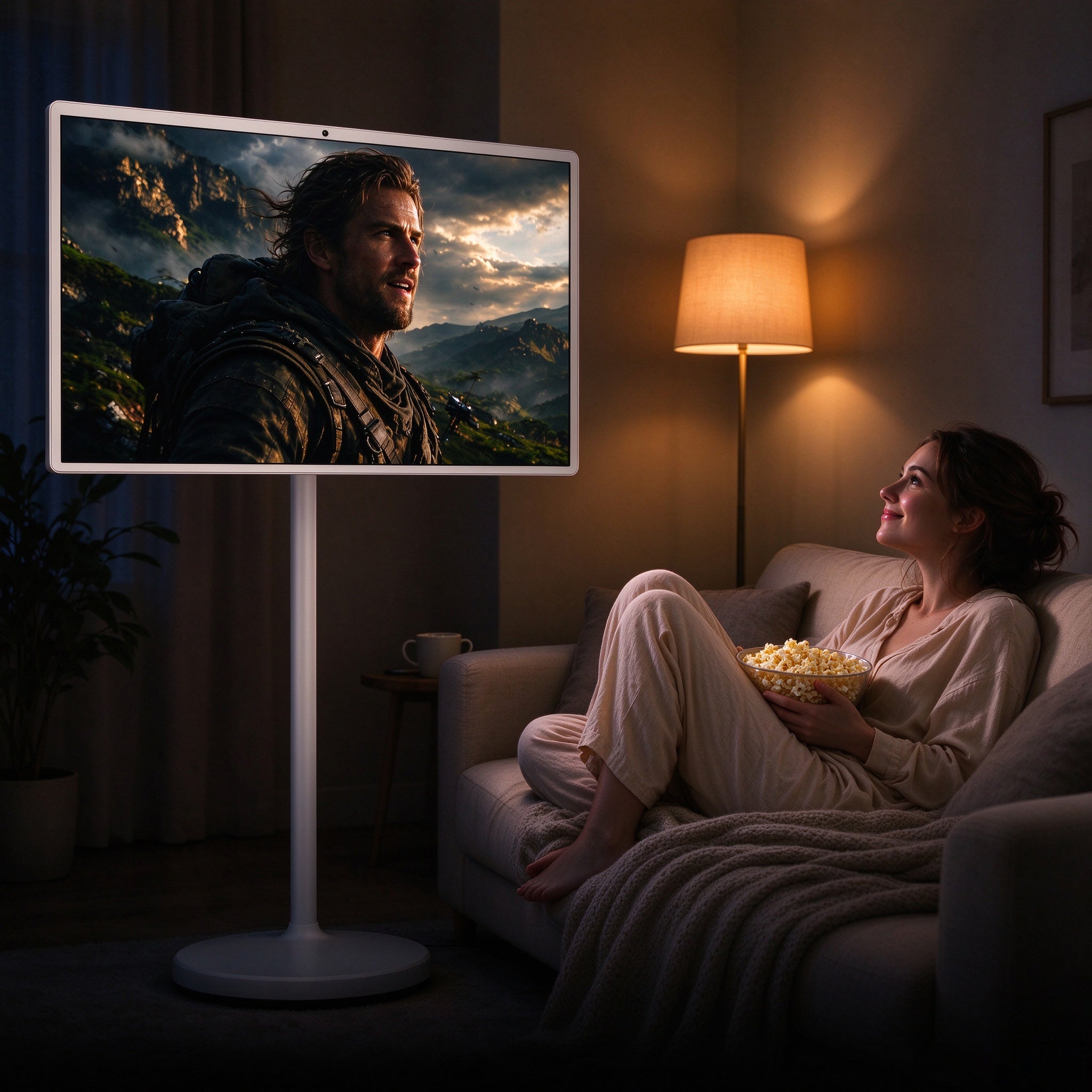
You're mostly paying for everything outside the picture. Play the same show on both and, at this size, you'd struggle to tell them apart. The extra cost goes into the battery, touchscreen, stand, camera, and full Android system.
So the real question is whether you'll use those extras. If it'll mostly sit in a corner playing shows at night, you're paying for stuff you won't use. But if you'd use it by the stove at breakfast, for a work call at lunch, and on the couch at night, it pays you back fast.
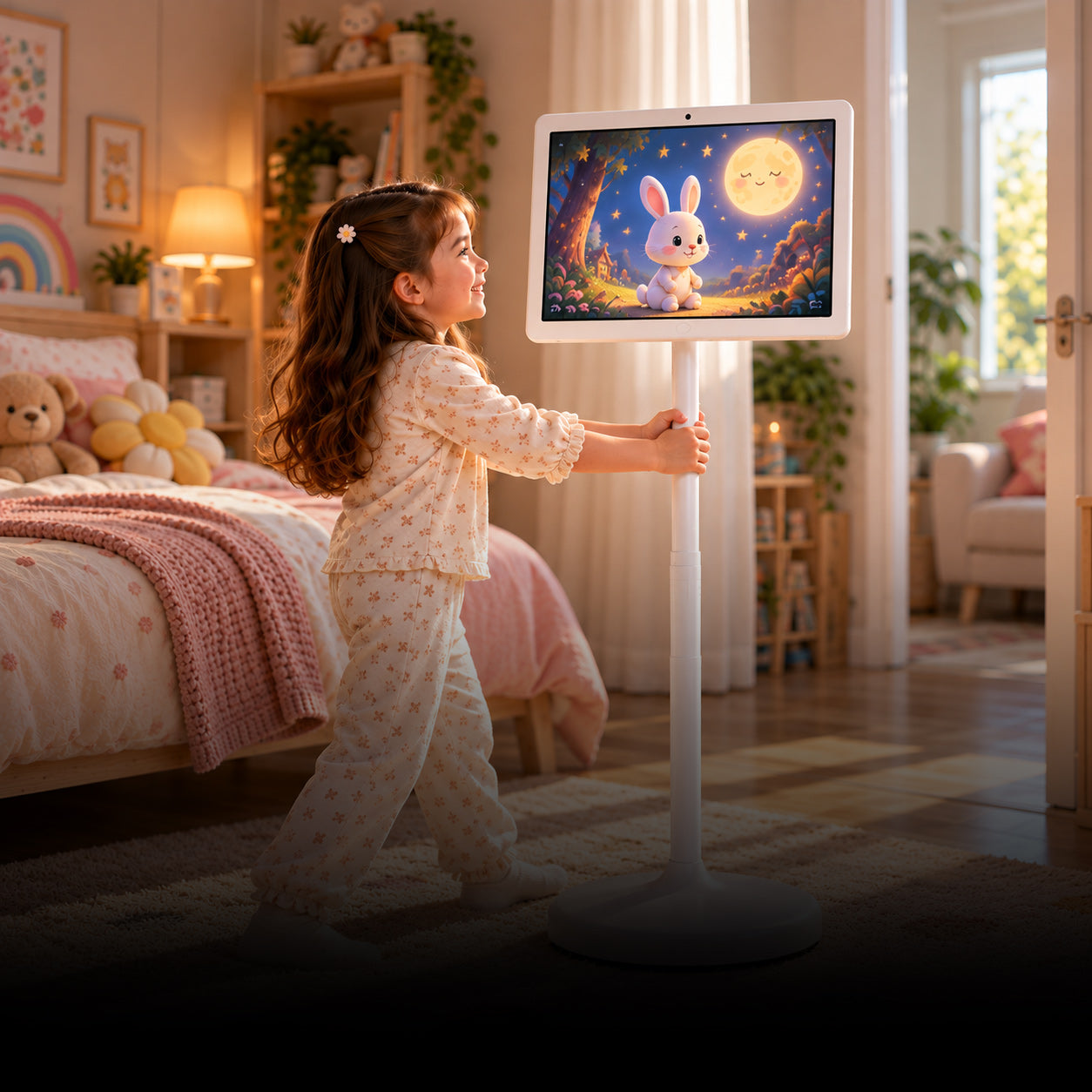
How to Pick a Small TV for a Kid's Room
A kid's room is a little different, since safety and screen time matter as much as the picture. Here's what matters most:
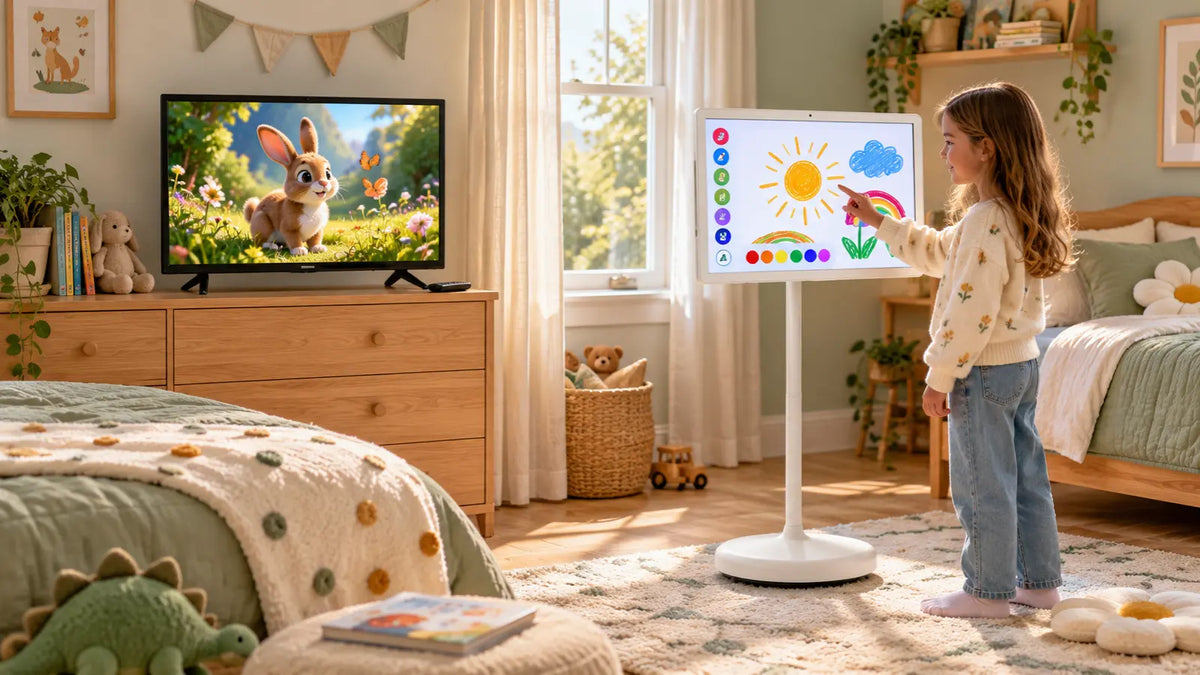
- Ask what they'll use it for. A basic smart TV is fine for cartoons, but if your kid likes drawing, learning games, or video chats with Grandma, the touch screen and camera are a big plus.
- Turn on parental controls. Set up kid profiles, time limits, or content filters before your child starts using it.
- Pick a spot for it. If it's on the wall, little hands can't reach it, and if it rolls, you can wheel it out of the room at bedtime.
- Lock it in place. When it's parked, click the wheel locks so your kids can't shove it around the room.
- Go cheap for little kids. Toddlers can be rough on screens, so save the fancy one until they're older.

Who Should Buy the GFF 22-Inch Portable TV?
The S1-22 Pro makes the most sense for people who want one screen to follow them through the day. That includes:
- Home cooks who want recipes and shows by the stove
- Remote workers who want a bigger screen for Zoom
- Renters who aren't allowed to drill into walls
- Families who share one screen for homework and movie night
- Anyone who streams workout classes at home
- But if your TV never leaves one room, just get a regular small smart TV and keep the extra cash.
FAQ
1. Is a portable touchscreen TV better than a small smart TV?
Not always. It can do more, like run on a battery, roll around, take calls, and respond to touch, but if you only stream shows in one spot, a small smart TV costs less and works just as well.
2. Can a portable touchscreen TV replace a tablet?
For home use, it often can. The S1-22 Pro has the Google Play Store, so most apps you'd use on a tablet will work on it, just a lot bigger.
3. How long does the battery last on the GFF S1-22 Pro?
You'll get about 3 to 4 hours on one charge, which is long enough for a movie, and you can plug it in when it runs low.
4. What size TV is best for a kid's room?
We'd say 22 to 24 inches, since that's big enough for cartoons but won't fill up a small bedroom.
So, Which One Should You Get?
If all you want is a cheap way to watch shows, go with a small smart TV. But if you'd like one screen that follows you from room to room and handles your calls, recipes, and apps, the GFF AI S1-22 Pro portable touchscreen TV is worth checking out, so take a look at the specs and see if it suits your home.