


Table of Contents
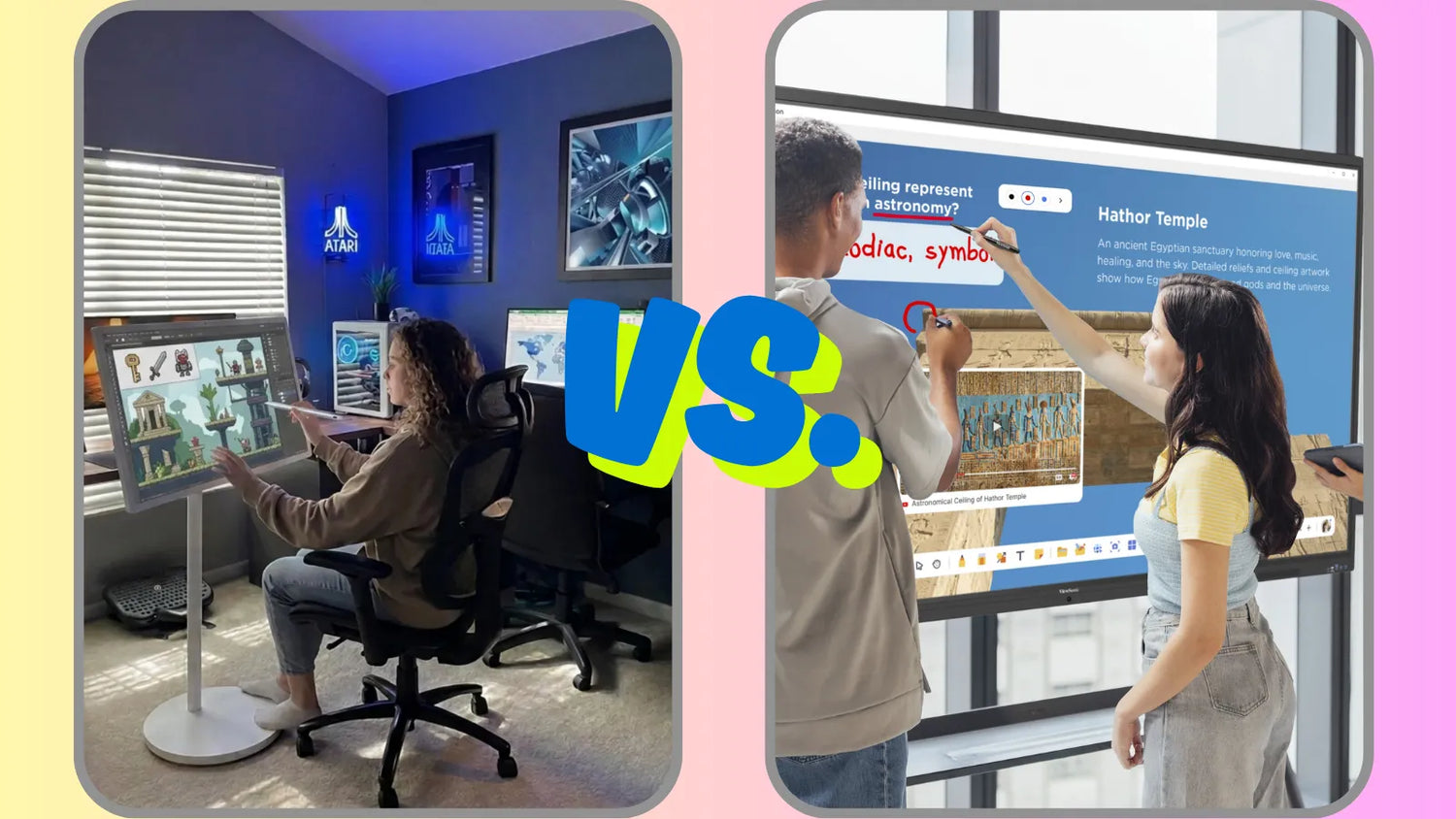
It really comes down to what you need the screen to do. A touch screen TV is the more flexible option, since it can handle meetings, classrooms, and everyday entertainment all in one, while an interactive whiteboard is built for one job, which is helping people teach, present, and collaborate. So if your work centers on teaching or team brainstorming, a whiteboard tends to fit better, though if you want one screen that flexes between work and downtime, a touch screen TV is the smarter buy. Let's get into why.
What's the Real Difference Between the Two?
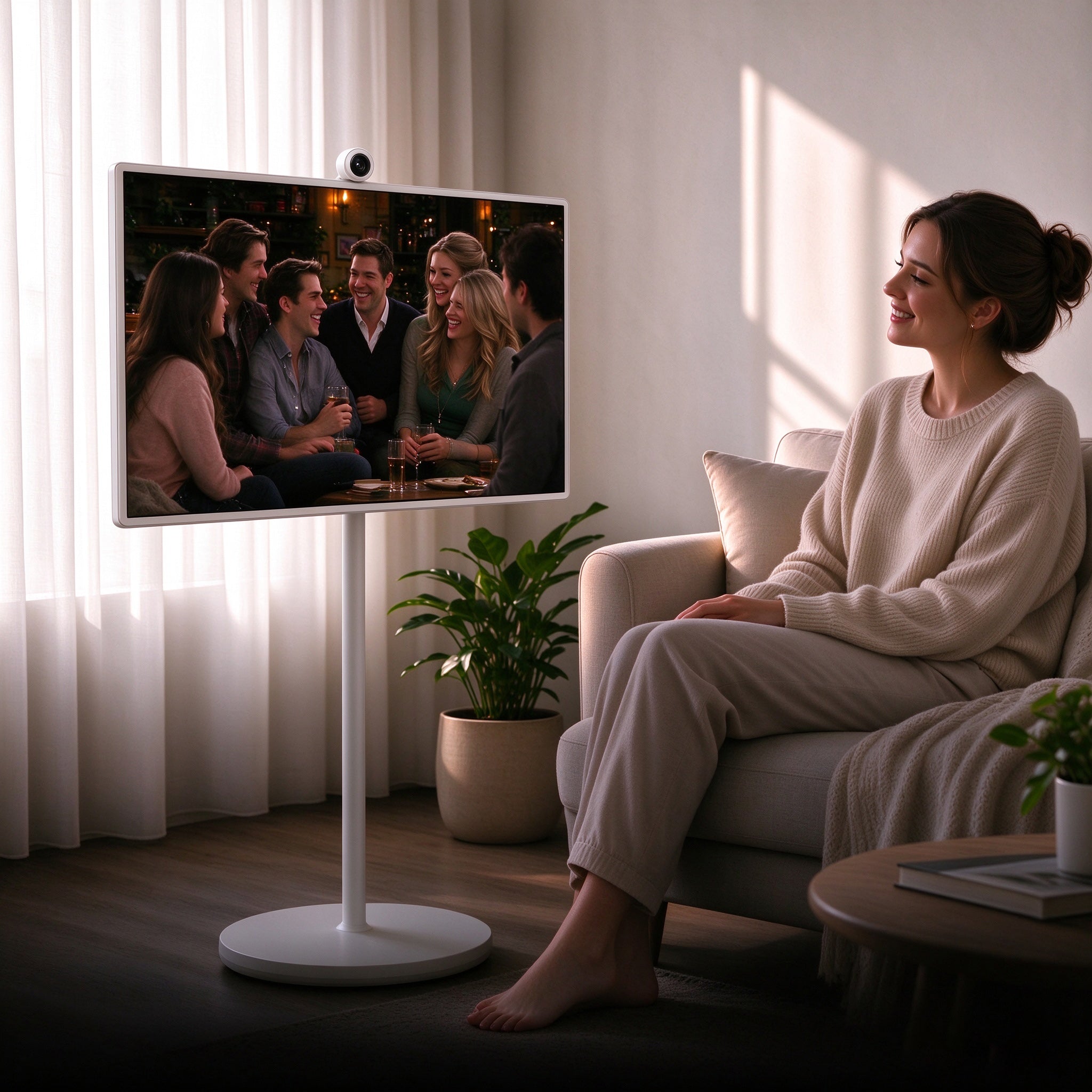
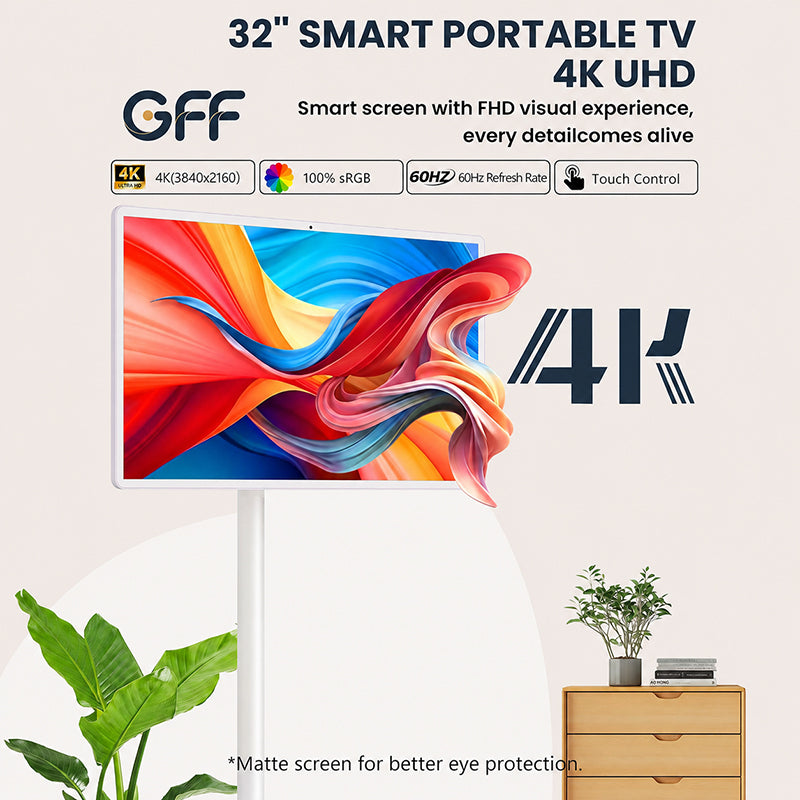
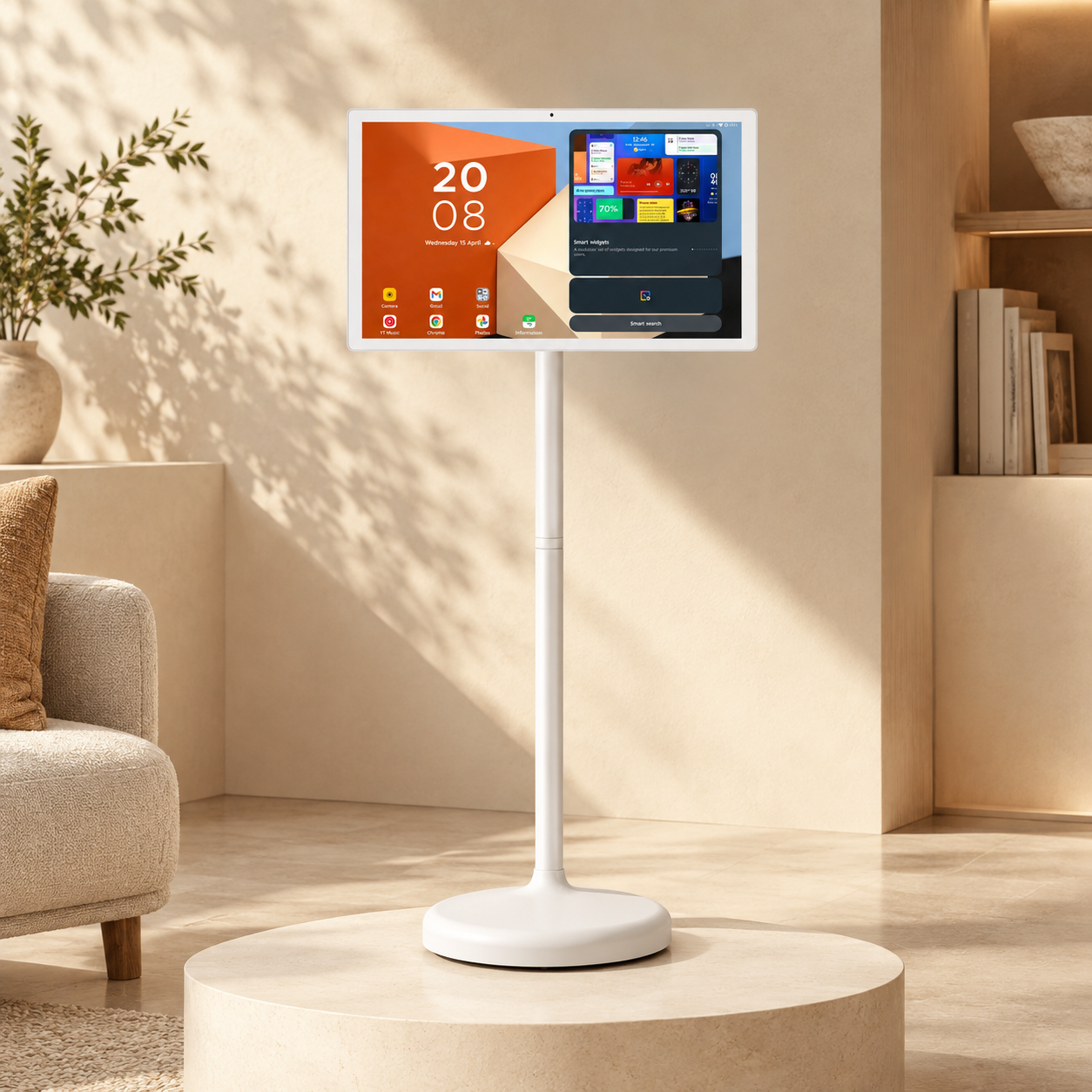
A touch screen TV is, at its core, still a TV, just one you can tap, swipe, and draw on. It streams shows, runs apps, and mirrors your laptop screen, and since it's built to do a lot of things, it doesn't lean too hard into any single one.
An interactive whiteboard works differently, because it's built around one purpose: helping people teach and collaborate in real time. It usually comes loaded with lesson tools, sticky-note features, and diagram templates, which means it's set up to support a classroom or meeting from the start rather than adapting to one. Many also let several people write on the screen at once, and that matters a lot once a full room gets involved.

Key Features and Functions
Both let you touch and interact with the screen, though the tools underneath differ quite a bit.
- Touch response works on both, but whiteboards often support more people touching the screen at once, which helps in a busy classroom.
- Interactive whiteboards usually come with lesson software and collaboration templates built in, while touch screen TVs rely more on general apps and casting features.
- Touch screen TVs are simpler to set up, since installing one is a lot like putting up a regular TV, whereas whiteboards often need mounting and calibration.
- Both connect easily to laptops and tablets, though whiteboards tend to include tools made specifically for multi-device collaboration during a class or meeting.
- Touch screen TVs handle streaming, gaming, and everyday viewing well, since that's part of what a TV is built for, and whiteboards aren't really designed for that kind of use.
- Interactive whiteboards are usually built to handle constant daily touch, which makes sense since that's exactly the kind of wear a classroom or office puts on a screen.
None of these differences make one product "better" in a general sense. They just point to different priorities. A whiteboard's features are built around repetition and structure, since a classroom runs the same routines day after day. A touch screen TV's features are built around flexibility, since a single room might need to switch from a client call to a movie night within the same afternoon.

What Do They Actually Have in Common?
Even though they're built for different purposes, touch screen TVs and interactive whiteboards share a few things, since they both belong to the same general category of touch-enabled displays.
- Both let you write, draw, or annotate directly on the screen, which comes in handy whether you're sketching an idea or marking up a document.
- Both can connect to laptops, tablets, and other devices, so you can share a screen or pull up a file without much hassle.
- Both support some form of screen sharing or casting, which means a presenter doesn't need to be standing right next to the display to use it.
- Both come in a range of sizes, so there's usually an option that fits a small office as easily as it fits a large classroom or conference room.
That overlap is exactly why people get confused between the two in the first place, since on the surface, they can look and feel pretty similar. The real differences show up once you start using them for something specific, which is where the next section comes in.
Where Each One Fits Best
When an Interactive Whiteboard Makes More Sense
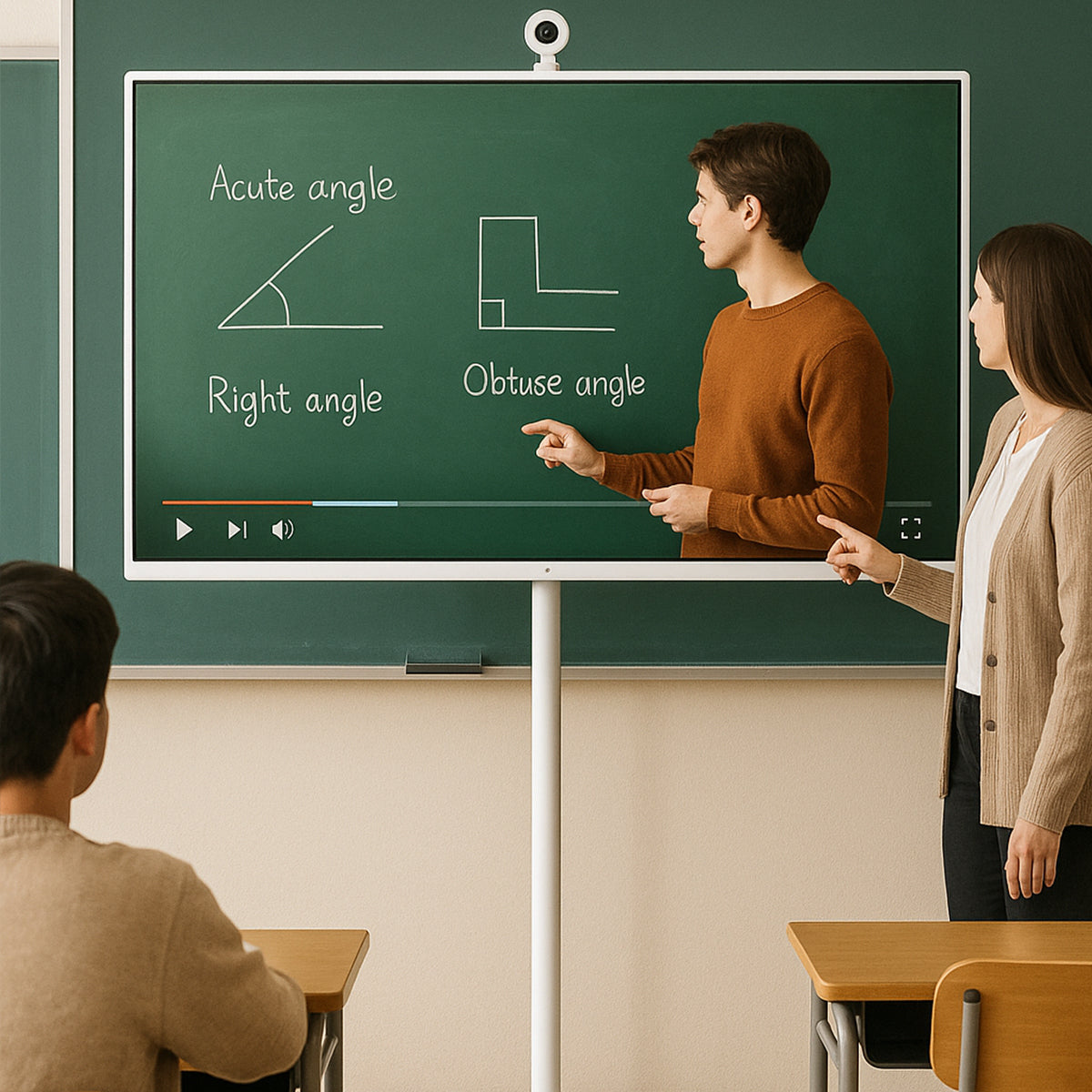
If you're teaching regularly or running workshops, a whiteboard is usually the better tool, since it's built around collaboration and comes with software that makes saving notes or pulling up a lesson mid-session easy.
Interactive whiteboards also tend to hold up well under heavy daily use, because many are made with schools and offices in mind, and those are places where the screen gets touched all day long.
Beyond durability, whiteboards usually make it easier to pick up where a lesson or meeting left off, since notes, diagrams, and saved pages can often be pulled up again later. That's useful for teachers running the same lesson across multiple classes, or a team that meets weekly and wants to build on the previous session instead of starting from scratch every time.
When a Touch Screen TV Makes More Sense
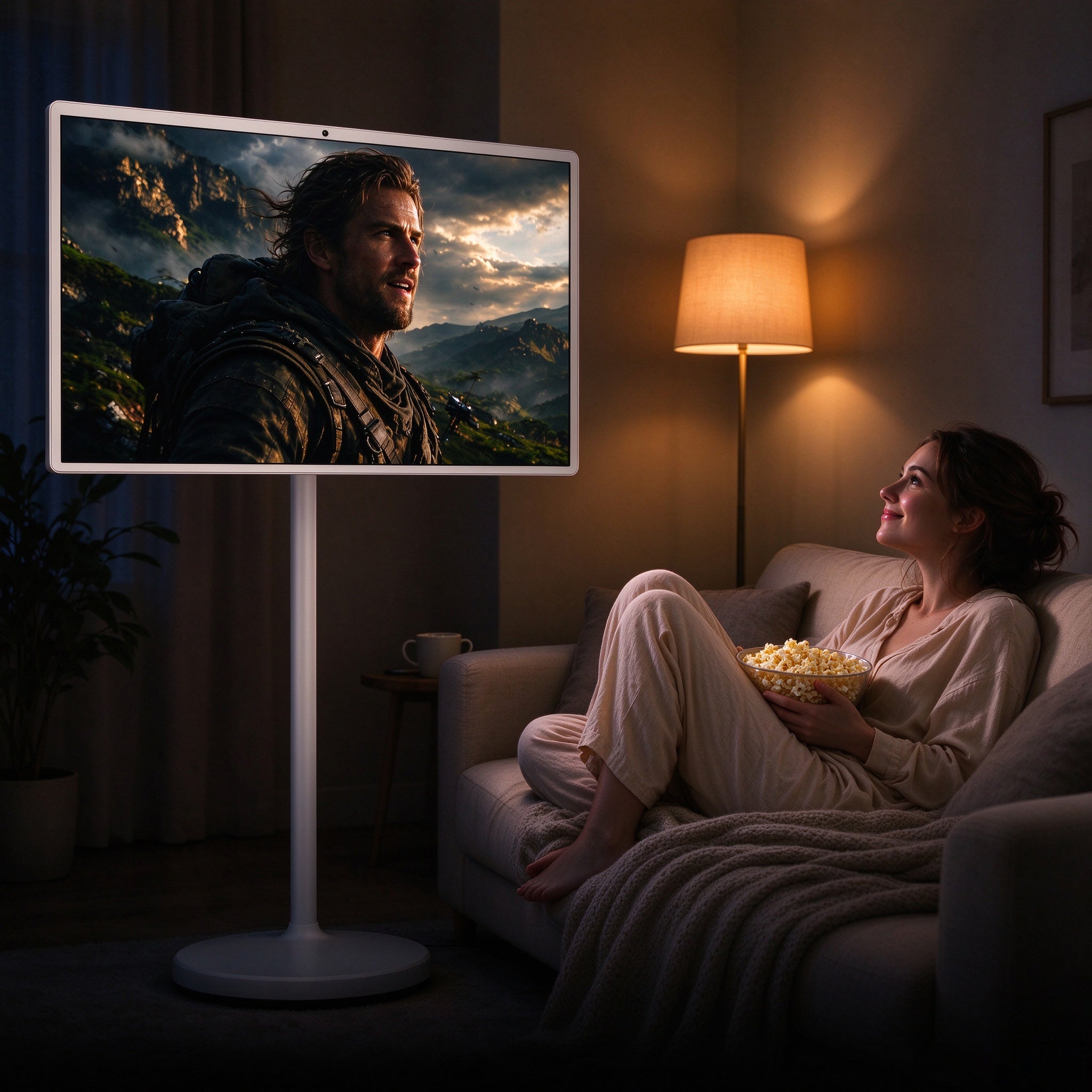
If your space needs to do more than one job, a touch screen TV is often the smarter pick, since you can run a presentation in the morning and then switch it over to a movie or game later on. It works well in a home, a small office, or anywhere the screen needs to flex between work and rest.
Touch screen TVs are also easier to pick up, since most people already know how a TV works, which means there's less of a learning curve compared to whiteboard-specific software.
This makes them a solid fit for smaller teams too, since not every office needs a full classroom-style setup. A single touch screen TV in a shared space can cover video calls, quick presentations, and casual movie nights without anyone needing training on how to use it.

Can a Touch Screen TV Replace an Interactive Whiteboard?
Sometimes, yes, though not always. If you mainly need a screen for presentations, video calls, and the occasional note, a touch screen TV can usually cover that, since many now support annotation tools and multi-touch, features that used to belong only to whiteboards.
Where a touch screen TV tends to fall short is in full-time teaching environments, because a classroom that needs daily, heavy touch use along with lesson-specific software still leans on a dedicated whiteboard for that reason. So the honest answer is this: for light to moderate use in mixed spaces, a touch screen TV can step in just fine, but for full-time, education-focused settings, an interactive whiteboard is still the stronger choice.
FAQ
1. Can a touch screen TV do everything an interactive whiteboard can do?
Not quite, since it handles presentations, calls, and basic notes well, though it still lacks the lesson-specific software and heavy daily-use design that whiteboards are built around.
2. Are interactive whiteboards only useful for schools?
No, since plenty of offices use them too, for meetings, workshops, and team brainstorming sessions, not just classrooms.
3. Which one's easier to set up?
Touch screen TVs usually are, because installing one is similar to putting up a regular TV, while whiteboards often need mounting and calibration first.
4. Can I use a touch screen TV for entertainment as well as work?
Yes, and that's actually one of its biggest strengths, since it can switch between work tasks and everyday streaming without a problem.
5. Do interactive whiteboards support multiple people writing at once?
Yes, most support multiple touch points, which means a few people can write or draw on the screen together at the same time.
6. Which one costs less to maintain over time?
It depends on how often the screen gets used, though touch screen TVs are generally cheaper to maintain, since they use more standard TV parts, while whiteboards may need occasional software updates or calibration checks.
7. Is one better for small businesses?
For most small businesses, a touch screen TV tends to work better, since it covers presentations and video calls while still doubling as a regular TV when it's not being used for work.
Conclusion
Choose an interactive whiteboard if teaching, training, or regular collaboration is the main thing your screen needs to handle, since it's built specifically for that kind of work. Choose a touch screen TV if you'd rather have one flexible screen that covers presentations, streaming, and everyday use without being locked into a single purpose.
Both are solid tools, and honestly, the right pick just comes down to how your space gets used day to day. If you're still not sure, try mapping out a typical week in the room the screen will live in. Count how many hours go toward teaching or structured collaboration versus everything else. That split usually makes the decision a lot clearer than any spec sheet will.
Ready to find the right screen for your setup? Explore your options today and pick whichever one actually fits how you work, teach, or unwind.