


Table of Contents
When you are sitting to watch a movie and suddenly realize that the actors are moving too smoothly, almost like it was filmed behind the scenes, that is Motion Smoothing at work.
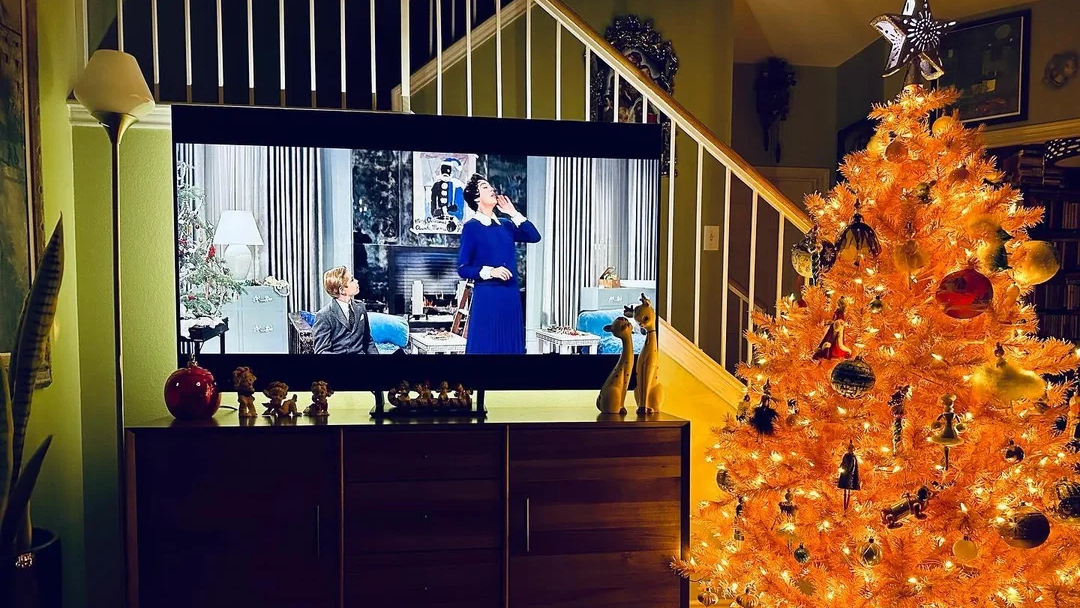
This is what most viewers refer to as the Soap Opera Effect, when movies lose their cinematic look to become low-budget television recordings. It has confused new TV buyers over the years, especially with advanced displays that promise higher refresh rates and motion-processing capabilities.
In this guide, we explain what Motion Smoothing is, why it exists, when to use it, when to turn it off, and how devices like the GFF S1 Portable Smart TV handle various types of content.
What Is Motion Smoothing?
Motion Smoothing is a television processing option that aims to provide movement with a clearer and smoother look by inserting additional frames amongst the existing ones. It has various brand names across TV manufacturers, i.e, MotionFlow, TruMotion, Auto Motion Plus, or Motion Interpolation, but the intention is the same: to minimize blur and show smoother movement.
This aspect is particularly useful when dealing with fast content. LCD and LED panels may struggle to keep up when a football player is running on the field or the camera is moving quickly, resulting in noticeable blur. Motion Smoothing is used to minimize this blur by increasing the frame rate over that of the original video.
This is, however, controversial when it comes to movies. Movies are usually filmed at 24 frames per second (fps) to achieve a cinematographic effect. When Motion Smoothing is switched on and the frame rate is high, movements become too sharp and unrealistic, producing the Soap Opera Effect.
According to the Consumer Technology Association, nearly half of TV viewers notice how processing features significantly change the appearance of movies. This is why many filmmakers recommend disabling Motion Smoothing for films, even though it remains valid for other types of content.
Movie vs. TV Frame Rates
To appreciate how Motion Smoothing affects image quality, you should understand frame rates. Frame rate is the number of frames or individual images that are displayed in one second. Different content types use different standard frame rates:
- Movies: 24 fps
- TV shows: 24–30 fps
- Sports: 50–60 fps
- Video games: 60–120+ fps
Films shot at 24 fps are specifically made to appear smooth but a little soft in order to have the same cinematic appearance. When TV artificially increases this frame rate, films begin to resemble live video videotapes, which interferes with the artistic effect that these movies are meant to have.
Motion smoothing (also known as motion interpolation) is used to artificially raise the frame rate of a video beyond the cinema standard 24 fps and provide motion blur in. For example, sports broadcast on a high frame rate of 50 or 60 fps, to give it a cinematic "filmic appearance" but creates a soap opera appearance in a high frame rate, e.g. 60 or 120 frame rate, video (30-60 fps).
RTINGS tests show this feature reduces judder in 24p film content but introduces artifacts in fast-action scenes, with 82% of viewers preferring it off for movies to maintain artistic intent, while it enhances clarity for live TV and games targeting 60+ fps. Disabling it restores native frame rates, aligning visuals with production standards across content types.
Sports and live TV, on the other hand, are shot at higher frame rates. This is to achieve high-speed motion with little blur. When this type of content is enhanced with Motion Smoothing, clarity tends to improve.
Understanding frame rates helps viewers choose when to use Motion Smoothing. It ensures you get the best visuals whether you are watching a film, a TV show, or a sports event.
How TVs Create Motion Smoothing (What Is MEMC Tech?)
The MEMC technology has been implemented in most modern televisions to achieve Motion Smoothing. MEMC is an abbreviation of Motion Estimation, Motion Compensation. It operates based on the frame-to-frame motion and adds new frames to make the motion look more fluid.
The process works in three main steps:
- Motion Estimation: The TV examines how objects are moving from one frame to the next.
- Motion Compensation: The processor predicts where those objects should be in the extra frames.
- Frame Insertion: The TV inserts these generated frames between the original ones.
The video appears to have a higher frame rate by filling in the gaps. This would make it very useful in sports, action videos, animation, and gaming.
However, MEMC is not perfect. When unpredictable motions occur, the technology may produce visual distortions, i.e., halos or blurred edges. It is one of the reasons why some viewers turn off Motion Smoothing in some situations.
Despite its drawbacks, MEMC remains valuable for content that benefits from greater clarity. It also helps reduce flicker and jitter in high-motion scenes.
Motion Smoothing: Loved or Hated
One of the most debated present-day TV settings is Motion Smoothing. Some users love the increased sharpness, while others are annoyed by the overly smooth movement.
Benefits of Motion Smoothing:
- Reduces motion blur on LCD and LED TVs
- Makes sports, action scenes, and fast-paced content easier to watch
- Helps reduce flicker that can bother sensitive viewers
- Improves clarity during fast camera movements
For everyday TV shows and sports, the added smoothness can make the viewing experience more pleasant.
However, Motion Smoothing is strongly opposed by many filmmakers, who claim it distorts a film's artistic intent. Film directors like Christopher Nolan and Tom Cruise have lobbied audiences to turn off Motion Smoothing in cinema. They are primarily concerned with the Soap Opera Effect. When Motion Smoothing increases the frame rate of a film, it eliminates the film's motion blur and presentation makes the scenes appear to be shot on a cheap video camera.
Although 82% of viewers like turning it off on films to retain creative purpose, it enhances the entertainment of live television and video games by refining 50-60 fps content without excessive artifacts. Personalized preferences allow users to turn it on or off for each content type they view.
Many viewers turn it off because:
- Movies look unnatural at high frame rates
- Low-light scenes develop artifacts or ghosting
- Faces and textures appear overly sharp
- The hyper-real movement can be distracting
Still, the feature has practical uses. Knowing when to activate or deactivate Motion Smoothing helps you tailor your viewing experience to the type of content on screen.
When You Need to Turn On/Off Motion Smoothing
Modern TVs let users toggle Motion Smoothing on or off based on preference and content type.
When to Turn Motion Smoothing ON:
- Sports: Enhances clarity during fast-paced movement
- Live TV: Improves smoothness in news broadcasts and talk shows
- Animation: Helps animated content appear crisp and stable
- Video Games: Adds fluidity when the game supports higher frame rates
Such content automatically benefits from greater motion clarity. For sports and gameplay in particular, smoother movement does not detract from the aesthetic but enhances the viewing experience.
When to Turn Motion Smoothing OFF:
- Movies filmed at 24 fps
- Drama series and cinematic TV
- Content with dark, moody, or atmospheric lighting
- Art films or director-focused productions
Turning off Motion Smoothing maintains the original aesthetic and prevents artificial smoothness that disrupts storytelling.
Most modern TVs also include viewing modes such as Cinema Mode, Film Mode, or Original Motion Mode. These automatically adjust or disable Motion Smoothing to preserve the intended appearance of films.
By understanding the purpose of this technology and when to use it, viewers can achieve the most accurate and enjoyable picture quality for any situation.
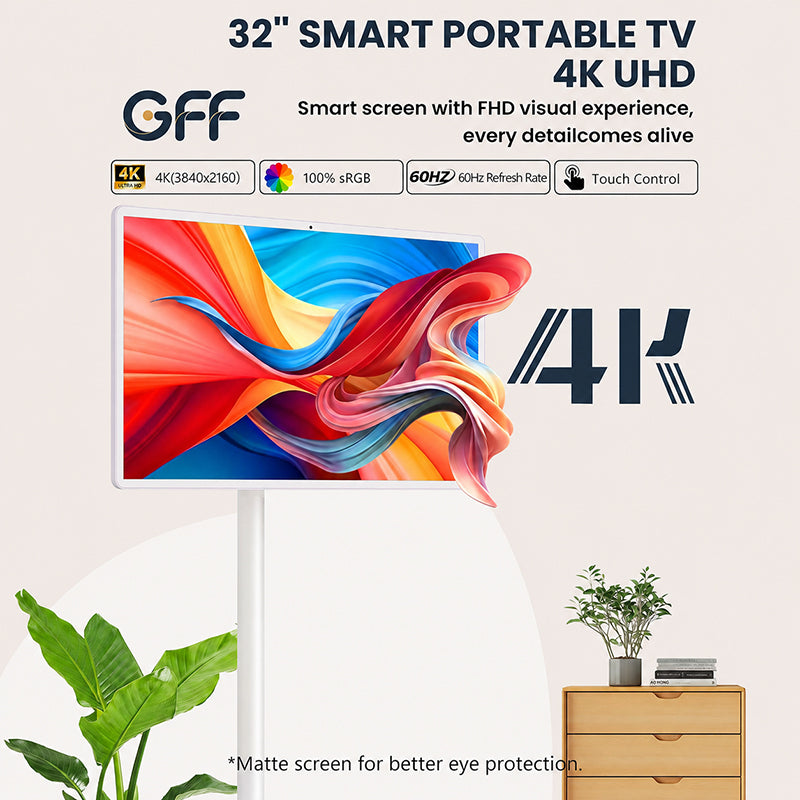
S1 32" Portable TV On Wheels Smart Touch Screen
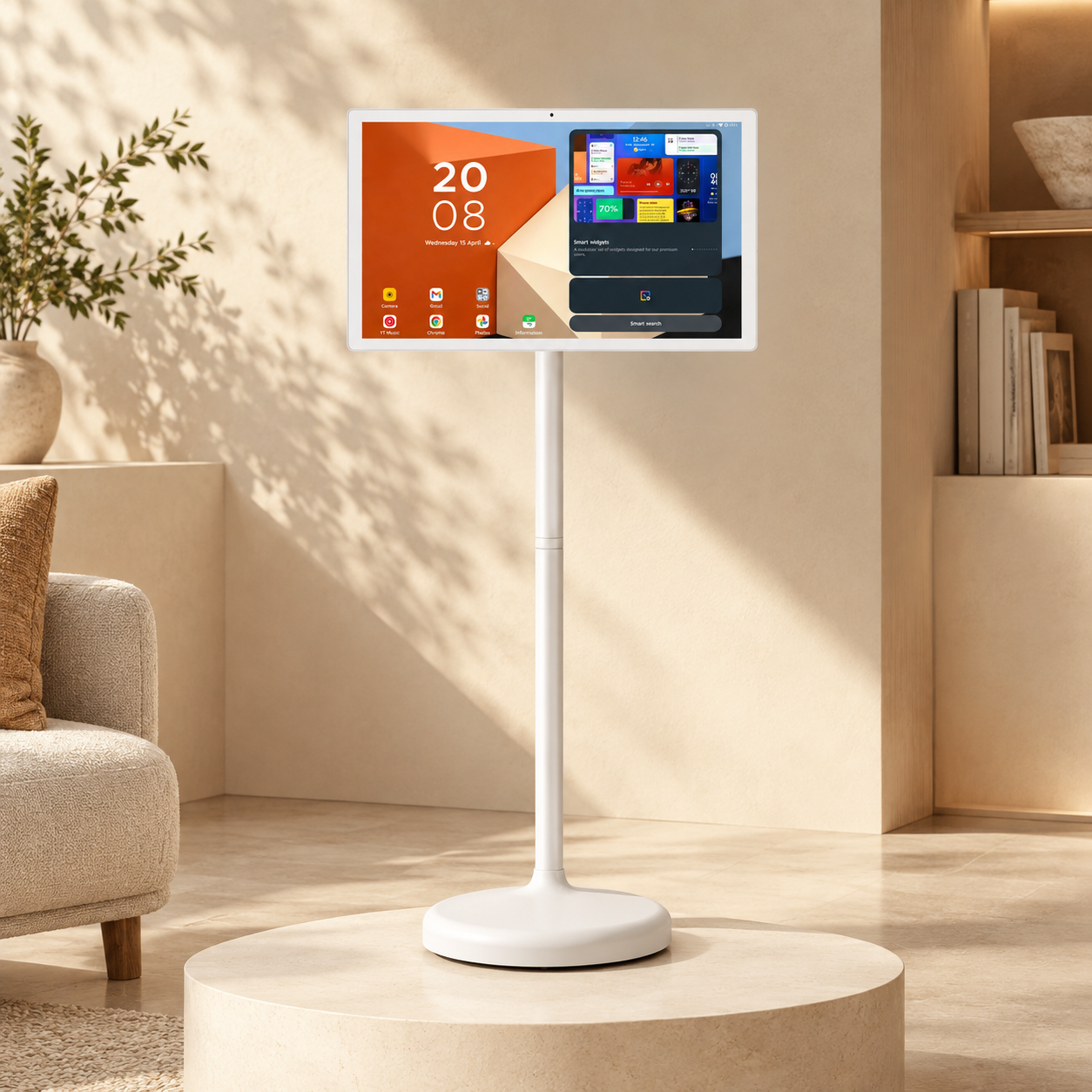
The GFF S1 32-inch Smart touch screen portable TV on Wheels is a versatile and convenient product. It has a 60Hz refresh rate, which allows it to deliver smooth performance across a wide range of content without overwhelming the viewer with unnecessary motion processing.
The 60Hz panel makes the device suitable for:
- Movie streaming
- Sports highlights
- Educational videos
- Business presentations
- Light gaming
- Outdoor entertainment
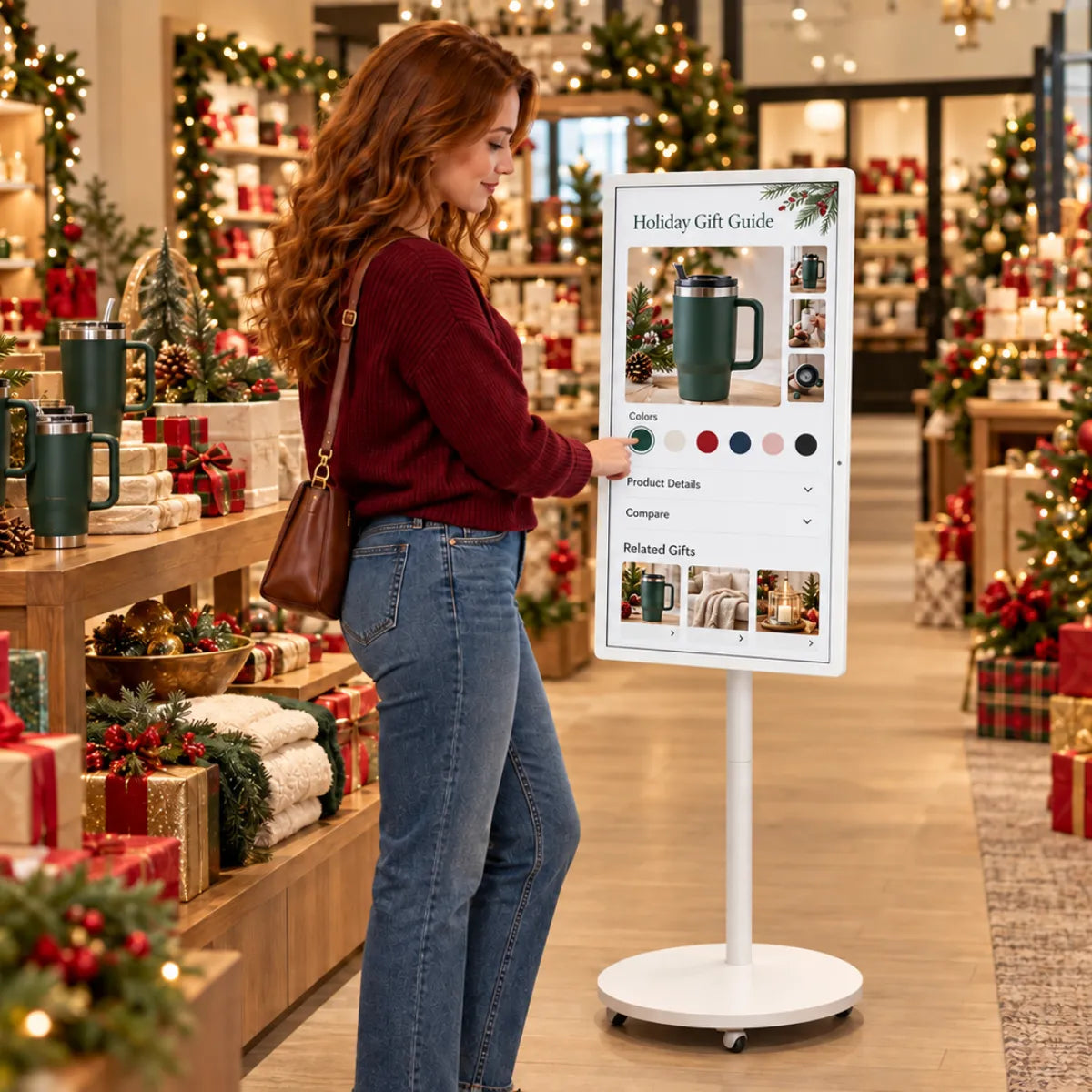
Since it is an on-the-go TV, this S1 is suitable for users who need to frequently move their display between rooms and classrooms, meeting areas or outdoor systems. The touchscreen feature increases interaction, so it can be used to teach, present, and collaborate.
Recommended Types of Content:
- Streaming platforms such as Netflix, Hulu, and Disney+
- Interactive learning videos and tutorials
- Slide presentations and conferences
- Gaming sessions from consoles or mobile devices
- Outdoor movie nights or casual gatherings
S1 is a portable balance that balances visual performance, mobility, and convenience, making it a good option when users need a reliable portable display.
Get A Quote Now!
When you need a portable TV that can be used in various kinds of content, the GFF S1 is created to satisfy those requirements. Get A Quote Now!
About the Author:
Nana Xu is a tech writer and product enthusiast who focuses on smart home devices and innovative display technologies. With a passion for user-friendly design and new trends in consumer electronics, she helps readers make smarter choices for modern living.