
Table of Contents
Flat screen TVs are only getting larger and larger. In fact, screen sizes have increased continuously as consumers are always after something bigger and something that can offer them an improved viewing experience. However, these screens are generally not practical to carry around, as they can cause back trouble when rearranging furniture or when you want to carry the television screen around.
Today’s homes place just as great an emphasis on being flexible as being huge, with the emergence of portable displays challenging the traditional ethos of “the bigger the better.” Rather than just pushing for the largest screen, this article will walk you through the true features of portability, where oversized screens fall short, and how to find the best screen size for portable displays that balances convenience, usability, and everyday practicality.
What Is a Portable TV/Display?
Essential Features of Portable Displays
The main characteristic of a portable display for home or an office isn’t just a handy screen. It is a completely different approach to screens that prioritizes mobility and flexibility. These displays are made to be transportable without any effort between rooms or settings, without needing permanent installation or a dedicated wall.
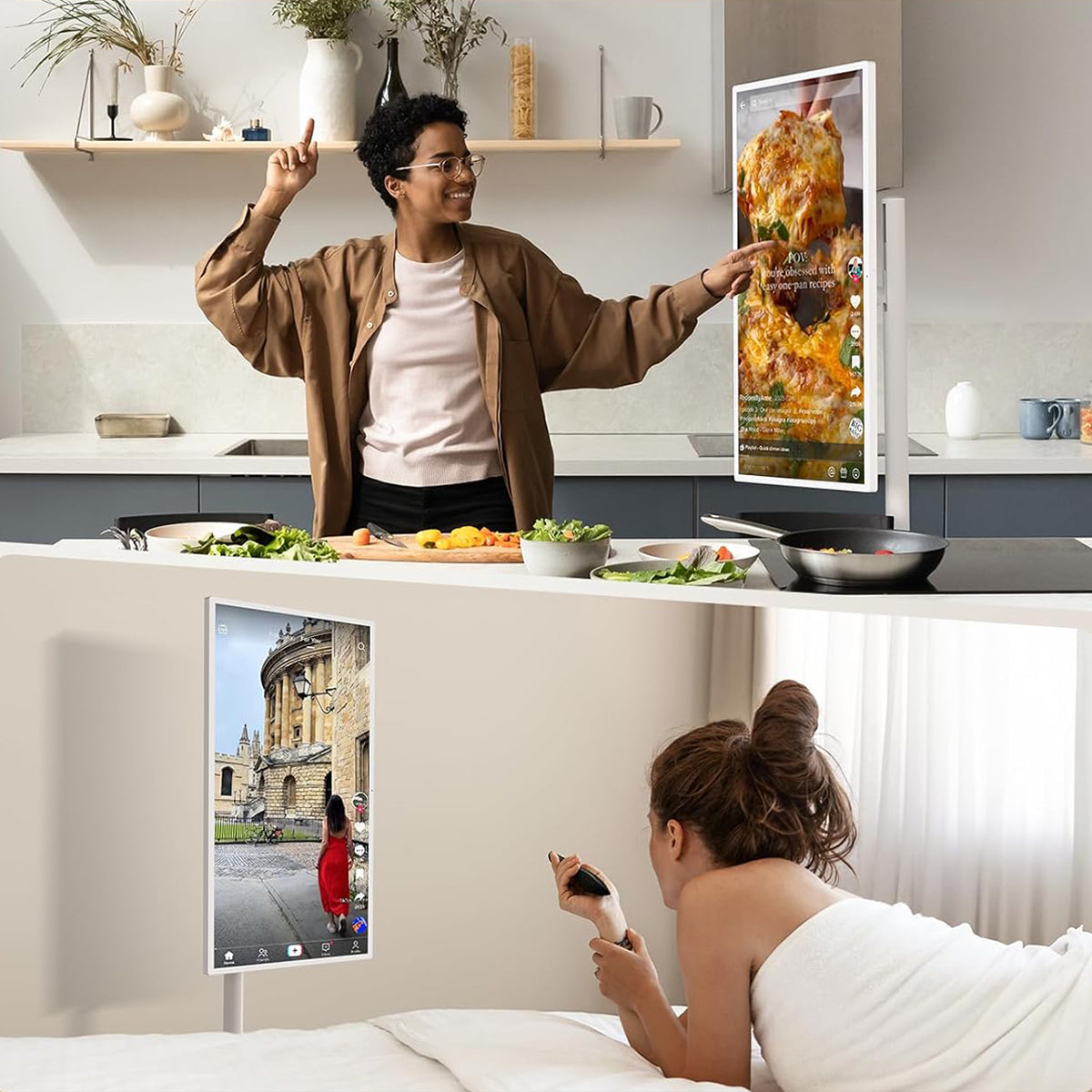
Generally, these models come with wheels, stands, or cordless designs to support seamless relocation from a living room to the bedroom, kitchen, or even an office meeting. Contemporary portable displays are lightweight yet functional enough to offer a blend of monitor, tablet, and mobile device experiences on a single screen.
These are meant for temporary use and allow you to position them where you need them, and once done, you can tuck them without any effort, with so many individuals showing interest in universal displays and lightweight designs that support hybrid work and mobile entertainment. Portable screens are becoming a defining aspect of how screens are utilized across environments.
Benefits of Portability
- Convenience — With it, move your display where you need it, from your couch to your desk to the kitchen, without rearranging furniture or rewiring.
- Multi-tasking — Supports hybrid work setups, casual home use, video calls, digital presentations, and small gatherings with ease.
- Space-saving — Perfect for tight rooms or open-plan layouts where you don't have, or want to spare, any wall space.
- Flexible connectivity — Many portable screens come equipped with USB-C, HDMI, or wireless connections that make setup a breeze and further reduce cable clutter.
- Versatility — These displays work equally well as external screens for laptops, enhanced viewing zones for entertainment, or additional workspace for productivity.
Why Bigger Screens Aren’t Always Better for Portable Displays
Portability Challenges of Large Screens
At first glance, a larger screen seems to have an advantage. However, as can be realized by examining portable displays, a larger screen size is a limitation rather than an advantage. A larger screen would mean a heavier and bulkier device that would be hard to move. Considering that space would probably already be limited in a house or a working environment, carrying a larger rolling TV screen would likely be inconvenient.
The larger size would mean that the TV could easily tip over. Large screens also require more clearance. The narrow space between doorways, hallways, and small rooms makes moving large screens a chore.
In research done and documented by The Interaction Design Foundation, large screens have the capability to hinder use or affect usability in negative ways.
Especially for a home/office hybrid that integrates both, which requires much flexibility in use and movement. The larger the screens, the harder it becomes to activate the most compelling advantage offered by portable monitors, which, in itself, means moving and using these monitors with utmost ease.

Functional Limitations in Everyday Use
Besides the lack of movement, an oversized screen generally underperforms in real-world portable scenarios. For instance, in kitchens, bedrooms, bathrooms, or casual workspaces, you rarely need a giant screen to consume content comfortably. In fact, large screens can feel intrusive, even overwhelming, and disturb how the space is meant to function.
Also, a large screen doesn’t necessarily mean better performance. Moreover, resolution, brightness, viewing distance, and placement matter far more than sheer size. Outdoors, for example, bigger screens can actually suffer from glare and reduced clarity unless viewing conditions are ideal.
Common functional drawbacks of oversized portable screens include:
- Excessive space requirements in small or shared rooms
- Reduced visual comfort when viewed up close
- Diminished practicality for short, task-based viewing
- Higher power consumption without proportional benefits
In many cases, the screen simply becomes “too much” for everyday use.
Finding the Right Balance
The goal is to find a screen that isn’t just maximizing size; it should be able to balance usability and mobility. The most effective rolling TV screen setups prioritize how and where the display will be used. A user-centric approach considers room size, viewing distance, frequency of movement, and whether the screen supports quick, flexible interactions.
A well-designed portable screen is large enough to be easily visible when used in a shared space, as well as small enough that it glides from one place to the next easily. A portable screen is one that is easily adjustable to the space, not the space to the screen. A good portable screen is one that meets the needs above.
Ultimately, the optimal portable experience lies in selecting a screen that fits your lifestyle, as opposed to your lifestyle fitting the screen. While size definitely impacts the display, it merely does so in a limited fashion.
Small Screen Size vs Big Screen Size
Drawbacks of Very Small Screens
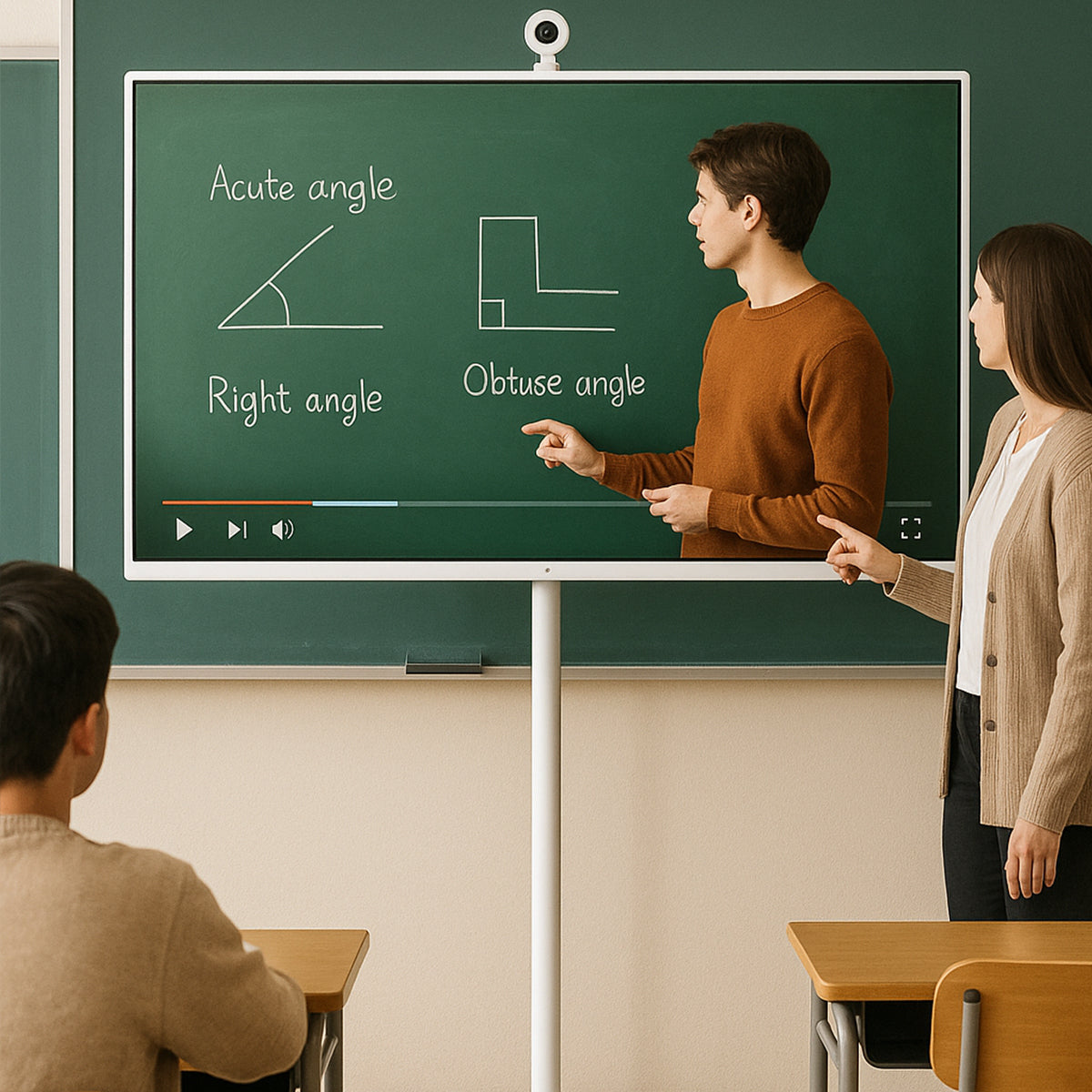
Although compact devices like tablets or small monitors might look appealing for portability, they often fall short when shared visibility matters. Portable displays that are too small might work for a single individual, but can become a struggle to use in group situations like family movie nights, video calls with multiple participants, or collaborative brainstorming in a portable screen for office setting.
Screens that are under 30 inches significantly reduce visual clarity for audiences sitting more than a few feet away. Therefore, making them less effective in shared environments. Small screens also lack presence in outdoor settings, where elements like natural light compete with screen visibility. When a screen is too small, it stops being a flexible tool and starts feeling like a personal device, limiting its usefulness across settings.
Drawbacks of Very Large Screens
Very large displays face multiple practical limitations that undermine portability and convenience:
- Hard to move — heavy and often awkward to maneuver
- Takes up more space, making furniture layouts feel cluttered
- Oversized screens can reduce the key benefits of portable displays
- May require multiple people to reposition safely
- Can overwhelm small or mid-sized rooms intended for hybrid use
In these ways, going “bigger” often comes with trade-offs that outweigh the perceived viewing benefits.
Finding the Middle Ground
The ideal portable screen would hit the sweet spot between too small and too large for office and home use; it would have a size somewhat bigger than a typical tablet, such as about 30–40 inches, which would greatly enhance visibility for a group without going overboard on daily handling.
This size range comfortably fits hybrid work sessions, kitchen recipe viewing, casual entertainment, and backyard gatherings without dominating the space. Portable displays can provide great viewing experiences without compromising on mobility or usability by making sure not to sacrifice convenience, the essential ingredients that make for true flexibility in a modern living environment.
Best Screen Size for a Portable Display
32-Inch Screen as the Sweet Spot
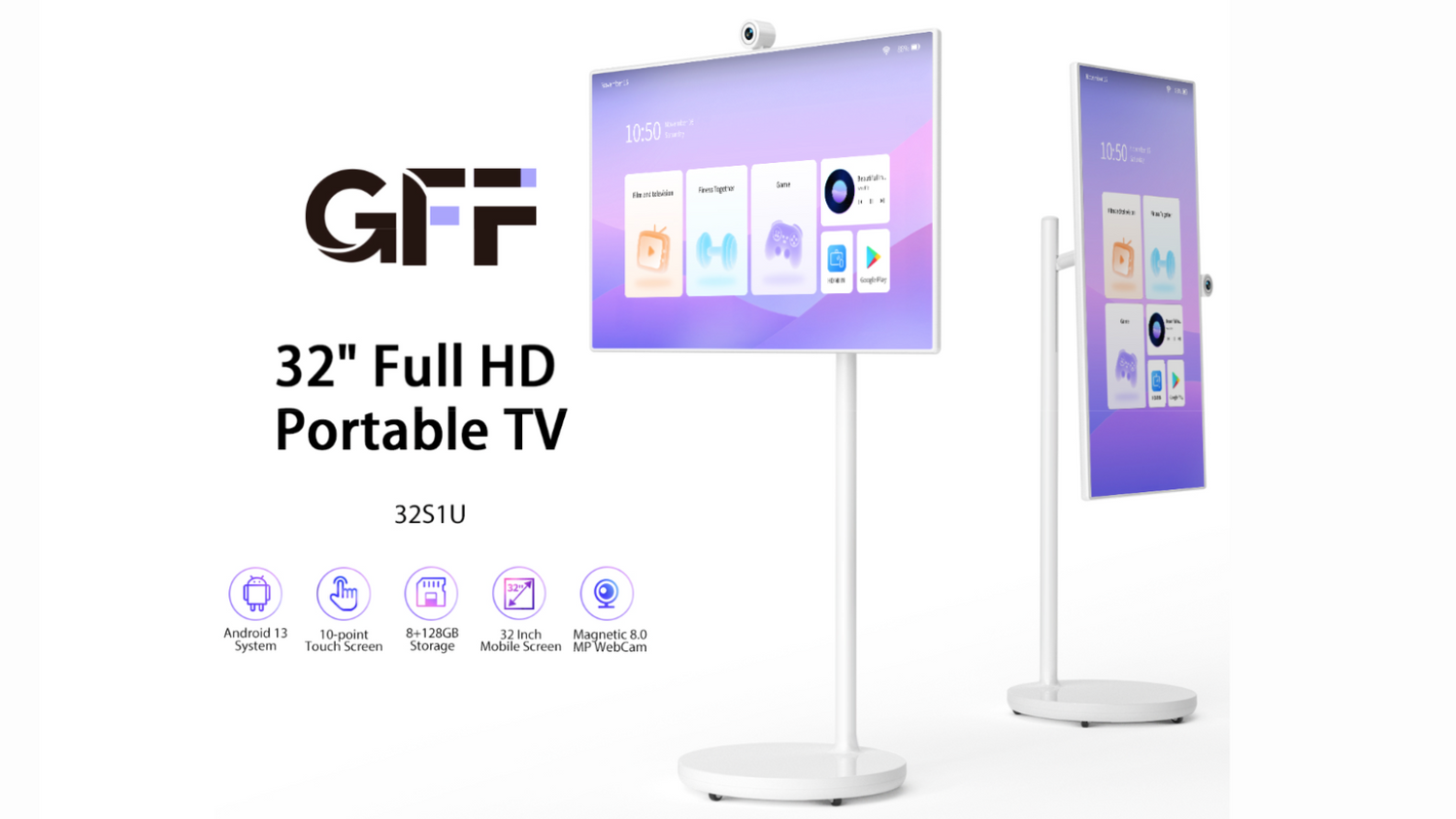
While discussing the best screen sizes available for portable displays, it has to be said that none beat the legendary 32-inch mark. Not only is it large enough to cater to watching and working with other individuals as needed or desired, but it is also compact and small enough to ensure that it really works as a portable display.
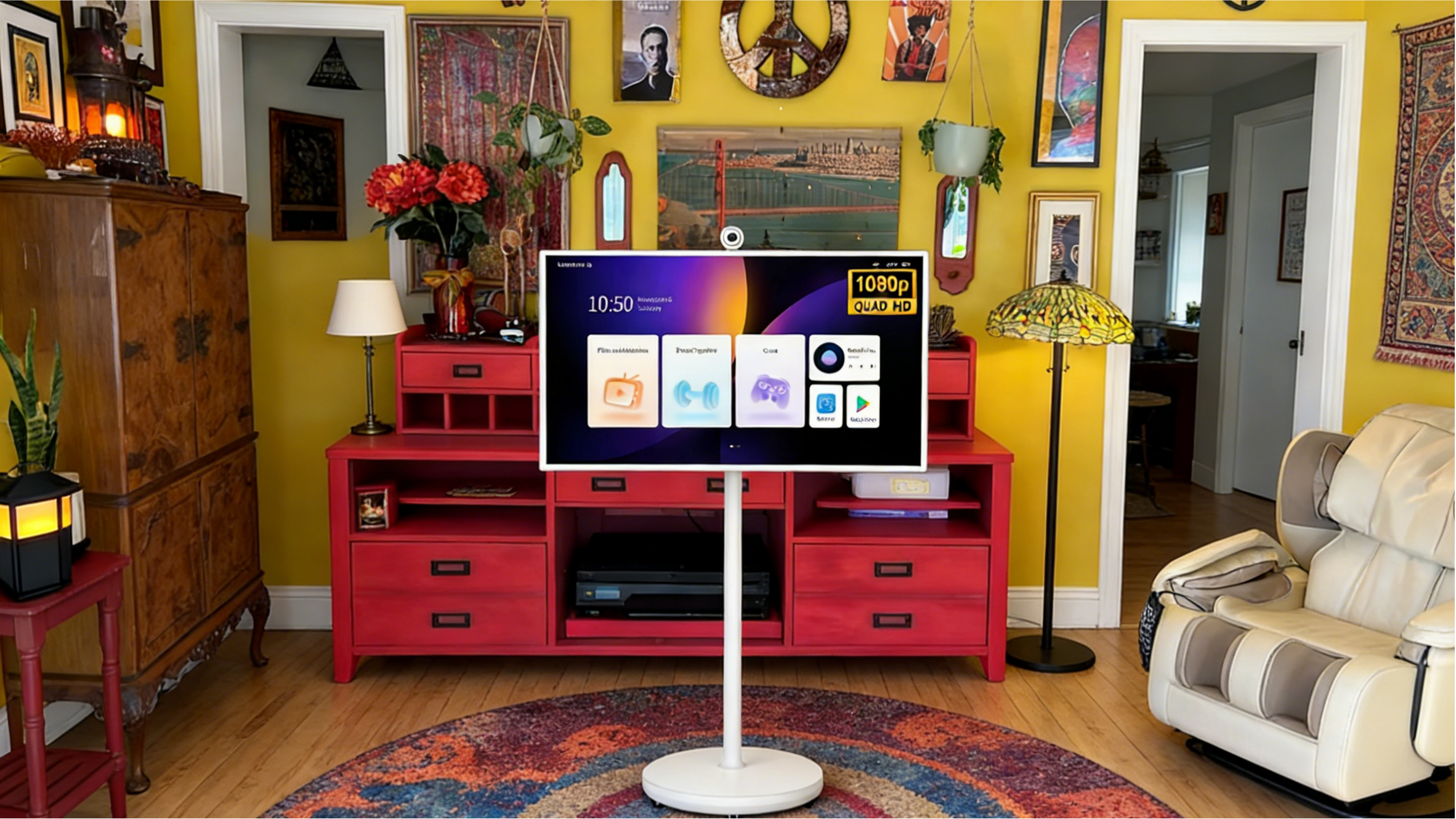
A display screen of this size just works perfectly with any of your interiors and offices. This can also be best exemplified by displays like the GFF S1. This display works as a phenomenal and excellent portable display that operates smoothly and effectively as a smart display in your home or office.

Benefits of Choosing the Right Size
- Improves usability by keeping screens easy to move and reposition.
- Eliminates risks of tip-overs and stability problems common with displays that are too large.
- Avoids any awkward furniture settings due to bulky screens.
- Offers a clear upgrade from tablet-sized devices without permanently taking up space.
- Allows a portable display for the home to fit naturally into various rooms.
- Preserves the visual balance, so interiors become well-intentioned and uncluttered.
- Supports convenience and functionality without sacrificing portability
- Guarantees that portability remains a plus, not a compromise, while delivering a sophisticated viewing experience.
If you’re ready, we can now finalize the article or move straight into the next content brief.
Conclusion — The Sweet Spot for Mobility and Viewing
When it comes to portable displays, size should support movement, not limit it. A balanced rolling TV screen offers flexibility without sacrificing usability or comfort. Looking for a screen that fits seamlessly into your home or office? Get A Quote Now!