

Table of Contents
I went looking for a 32 inch 4K TV expecting dozens of choices, and I was wrong about that. Nearly every 32-inch set in the stores is 720p or 1080p, and the handful that are true 4K don't all call themselves TVs. Some are monitors, and a couple are touchscreens on wheels.
So the question changes a little. You're not really picking a TV, you're picking how you want to use a screen this size. Does it sit in the bedroom forever, live on your desk, or go wherever you go? Hang on to your answer for a minute.
The Quick Version: A Side-by-Side Table
Only four screens passed both tests (a full 32 inches and real 4K), and here's how they line up.
| Model | Type | Touch | Battery | Software | Rough US price | Good fit if you |
|---|---|---|---|---|---|---|
| Samsung Q8F 32" | Regular TV | No | None | Tizen | $450 to $500 | want a TV for one room |
| Samsung Smart Monitor M7 (M70F) | Smart monitor | No | None | Tizen | About $400 | work at a desk and stream after hours |
| LG StanbyME 2 Max | Rolling touchscreen | Yes | Up to 4.5 hours | webOS | $1,299.99 at launch | want a screen that lifts off its stand |
| GFF S2-32 Ultra | Rolling touchscreen | Yes | Up to 8 hours | Android 15 | $699.99 on GFF's site | move your screen around all day |
Prices jump around (sales, bundles, the usual), so check the store page before you pull the trigger.
TV, Monitor or Rolling Screen: How They Differ
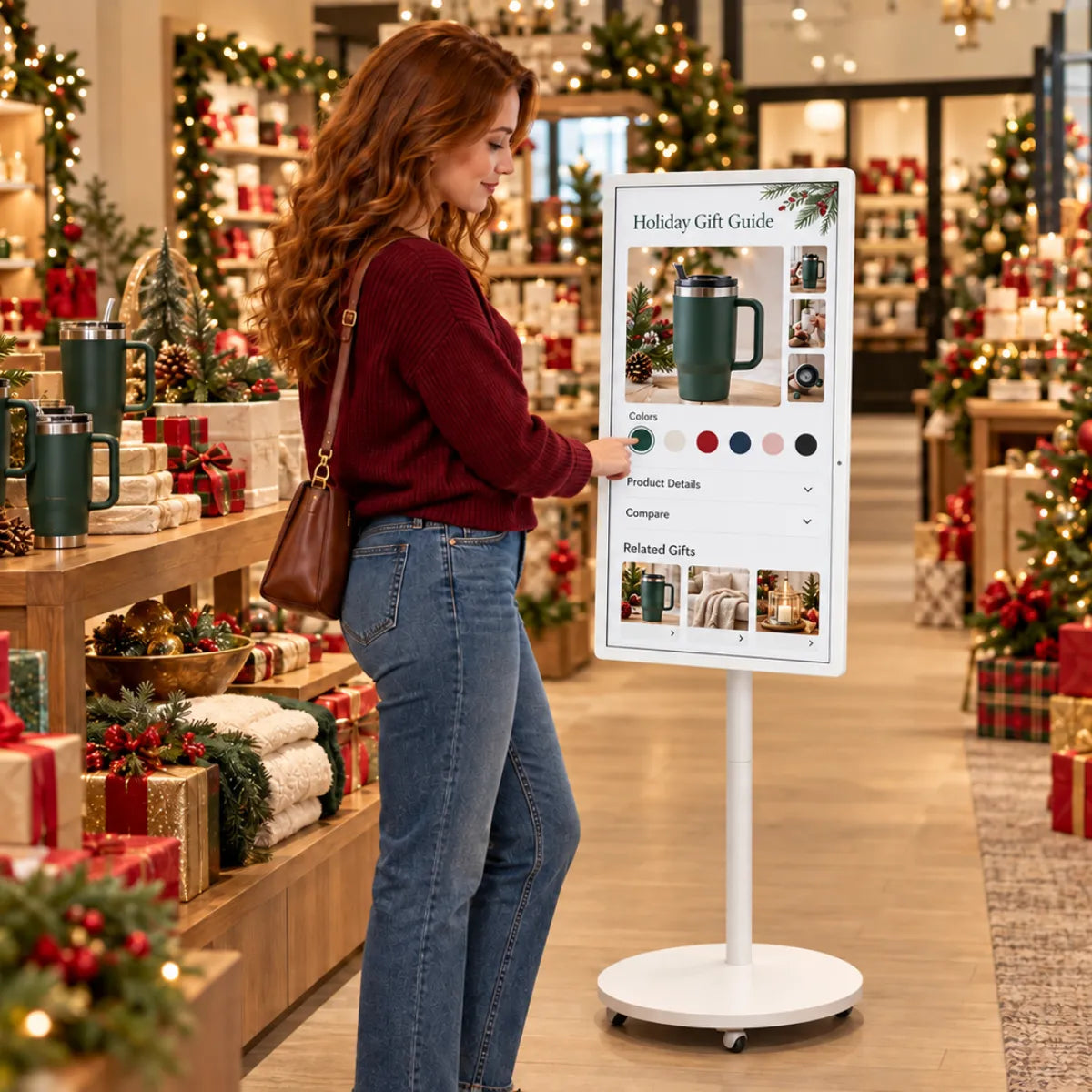
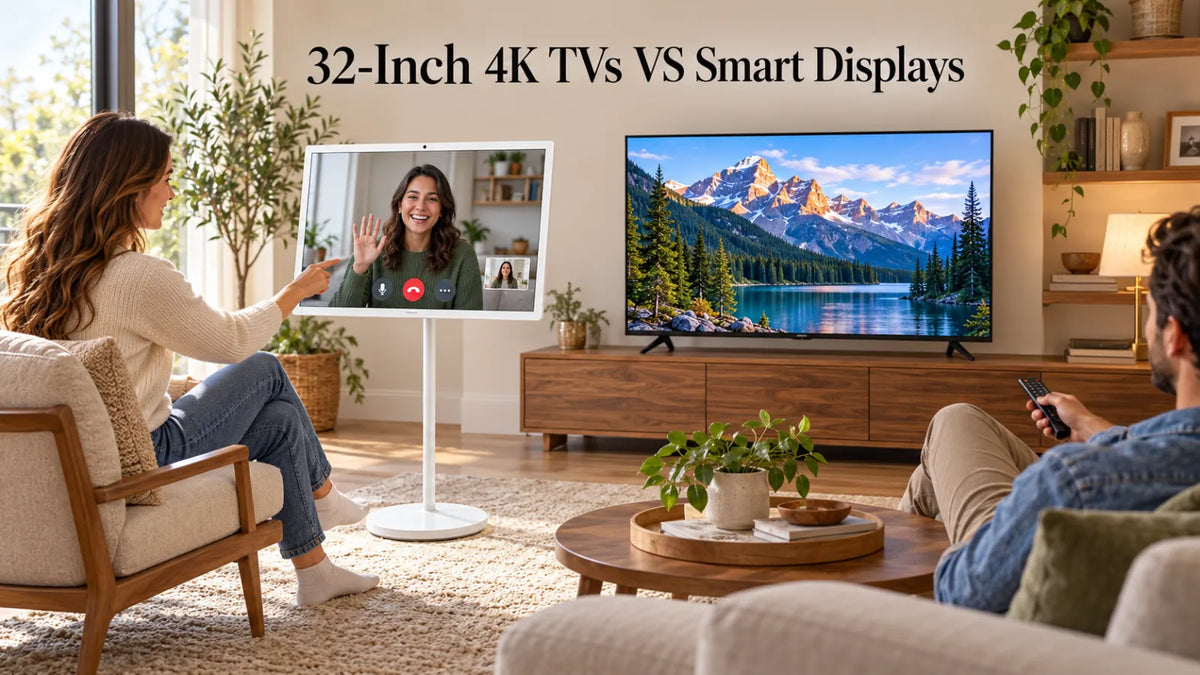
In product photos these three can look nearly the same, but they're built for different spots in your home. A regular TV expects you on the couch with a remote, and it never leaves the wall outlet. A smart monitor is a desk screen at heart, though it has Netflix and friends built in, so you don't have to boot up a laptop just to watch something. The rolling kind is the odd one out, with wheels, a battery and a touchscreen you poke at like a giant phone.

Each Model Up Close
Samsung Q8F 32": the plain TV
Samsung is one of the very few brands still making a 32-inch TV in true 4K, and this is it. The QLED panel gets bright and colorful, the usual apps are already there when you switch it on, and you can throw videos at it from an iPhone using AirPlay. Alexa and Google Assistant both work with it too.
I'd put it in a bedroom, a kitchen or a dorm room, somewhere you'll set it up once and forget about. Just know it needs to stay near an outlet (no battery, no touch), and it tops out at 60Hz, which is fine for Netflix but not what a competitive gamer wants.
Samsung Smart Monitor M7 (M70F): the one for your desk
Here's a screen that does double duty. Plug your laptop in with one USB-C cable and it shows your work while charging the laptop at up to 65W; pull the cable at five o'clock and the same screen opens YouTube or Netflix on its own.
If you work from home and you're tired of owning a monitor and a TV, this is the obvious pick, and it's also the cheapest thing on this list. Just keep in mind it's meant to stay on a desk, with no battery, no touch and no wheels.
LG StanbyME 2 Max: the expensive mover
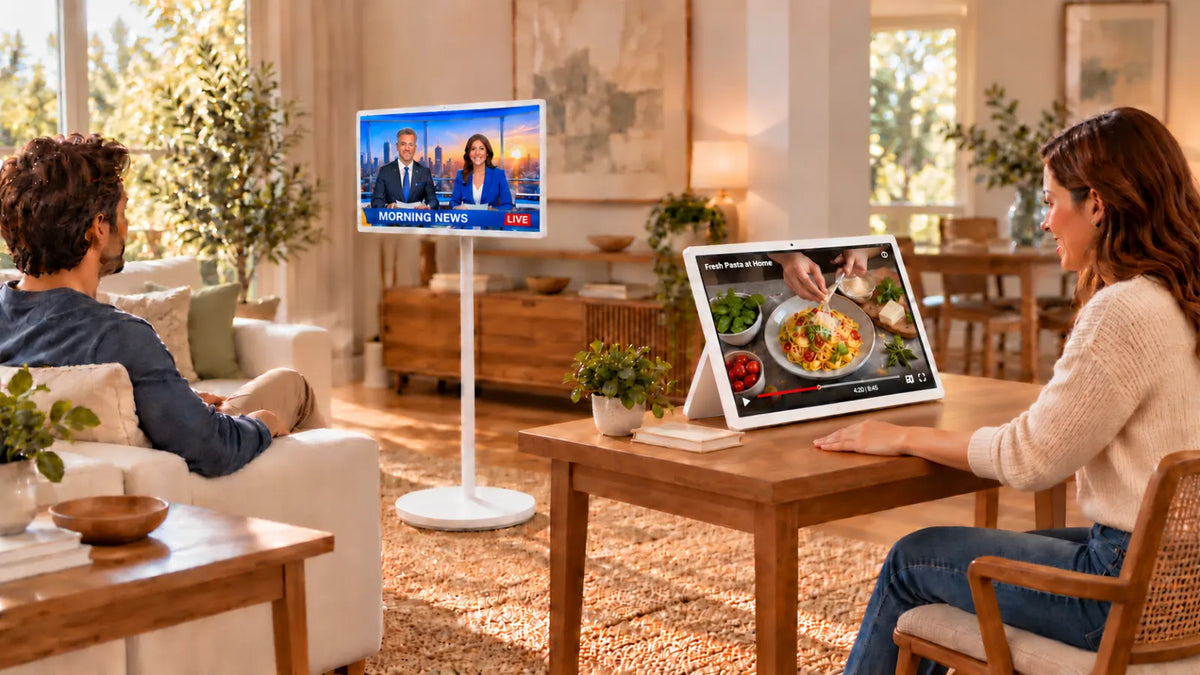
LG more or less started the TV-on-wheels trend, and the Max is the biggest version yet: 32 inches, 4K, touch, running webOS. My favorite part is that the screen unclips from the stand, so you can lay it on the dining table like an oversized tablet and click it back on later. LG rates the battery for up to 4.5 hours, and you charge it over USB-C.
The main drawback is the price, because at $1,299.99 at launch it costs nearly twice as much as the GFF below, and while 4.5 hours of battery is decent, it won't carry you through a long day away from the charger.
GFF S2-32 Ultra: the one that lasts all day
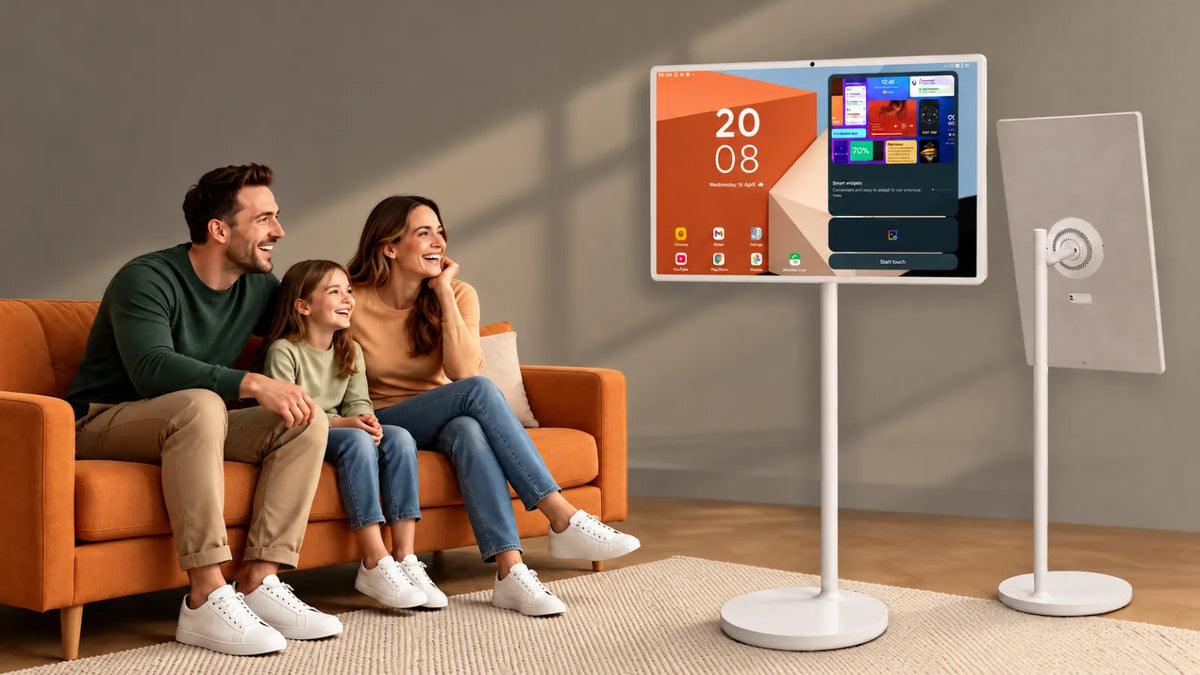
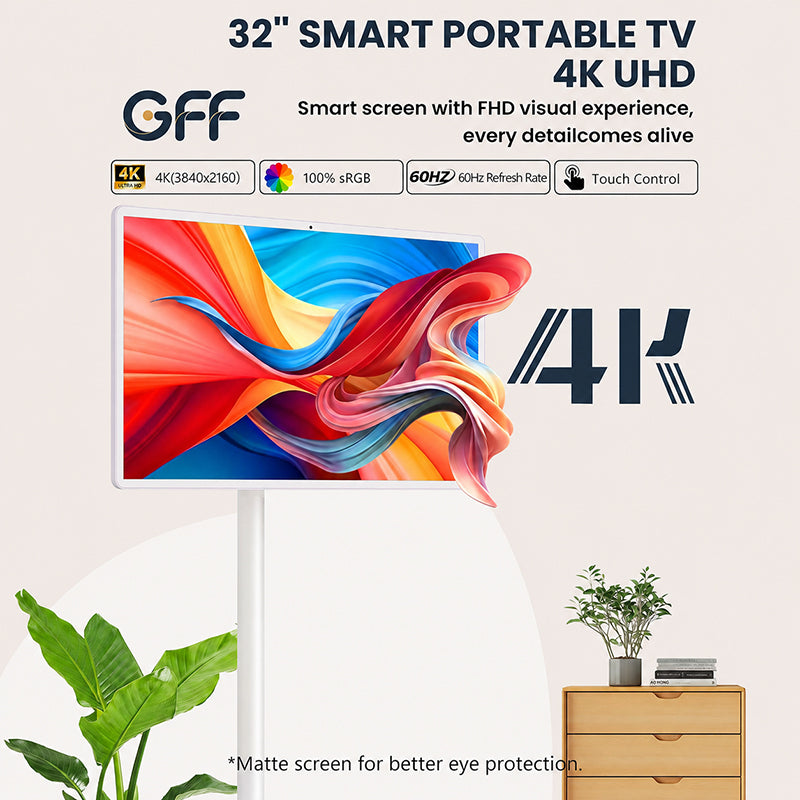
The GFF S2-32 Ultra from GFF AI is another 4K touchscreen on wheels. It's sold as 32 inches, and the panel measures 31.5, which is normal for this size class. The thing I keep coming back to is the battery. GFF rates the 20,000mAh pack at up to 8 hours with no cord, almost double the LG, and when you do plug in, it takes 90W fast charging.
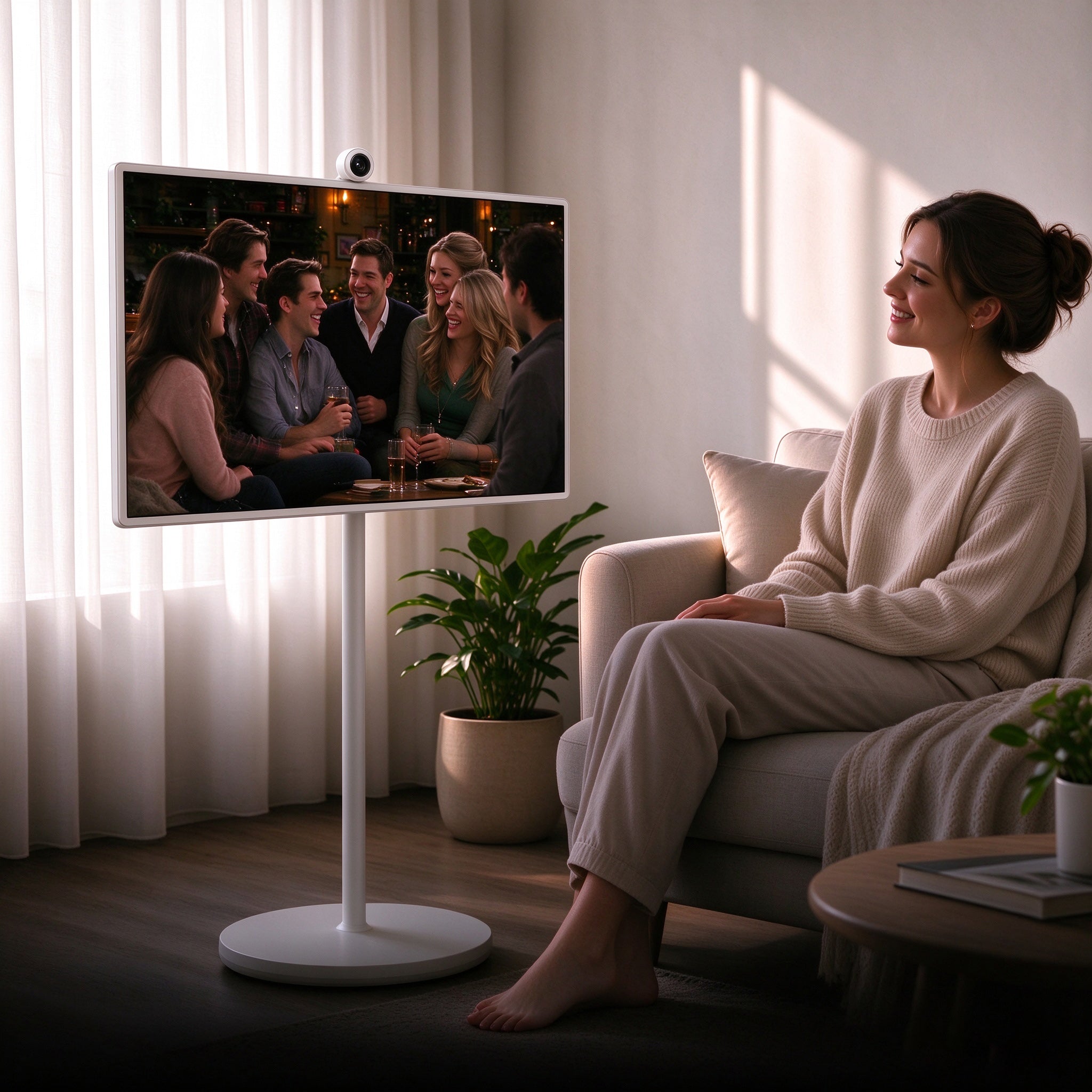
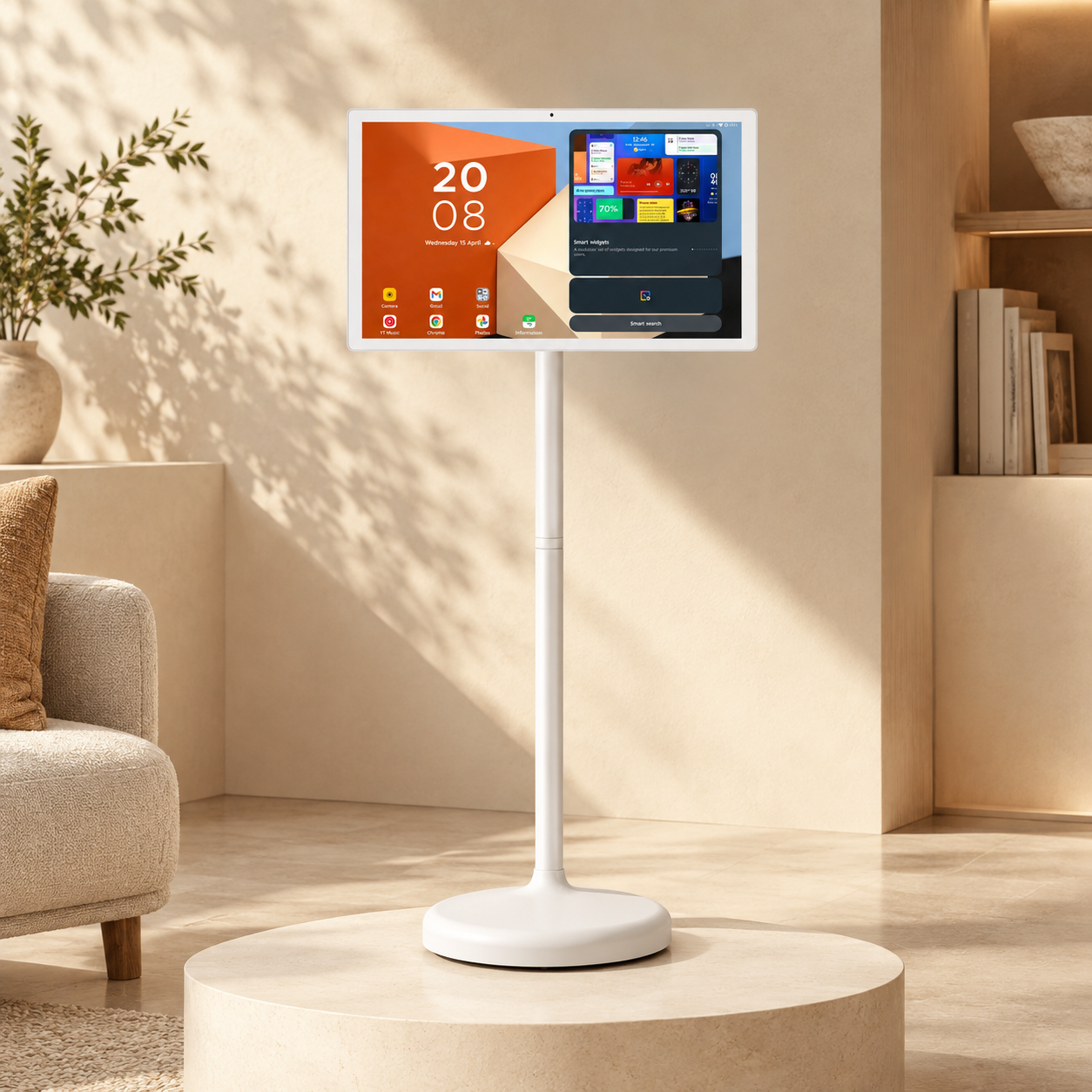
It runs Android 15 with the full Google Play Store, so whatever workout or recipe app you use on your phone is probably sitting there waiting. You also get 256GB of storage, a 4K HDMI port, USB-C, plus a built-in camera and mics, meaning a Zoom or Google Meet call can happen right on the screen instead of on a propped-up phone. The stand goes up and down, tilts, and turns the screen sideways for portrait mode.
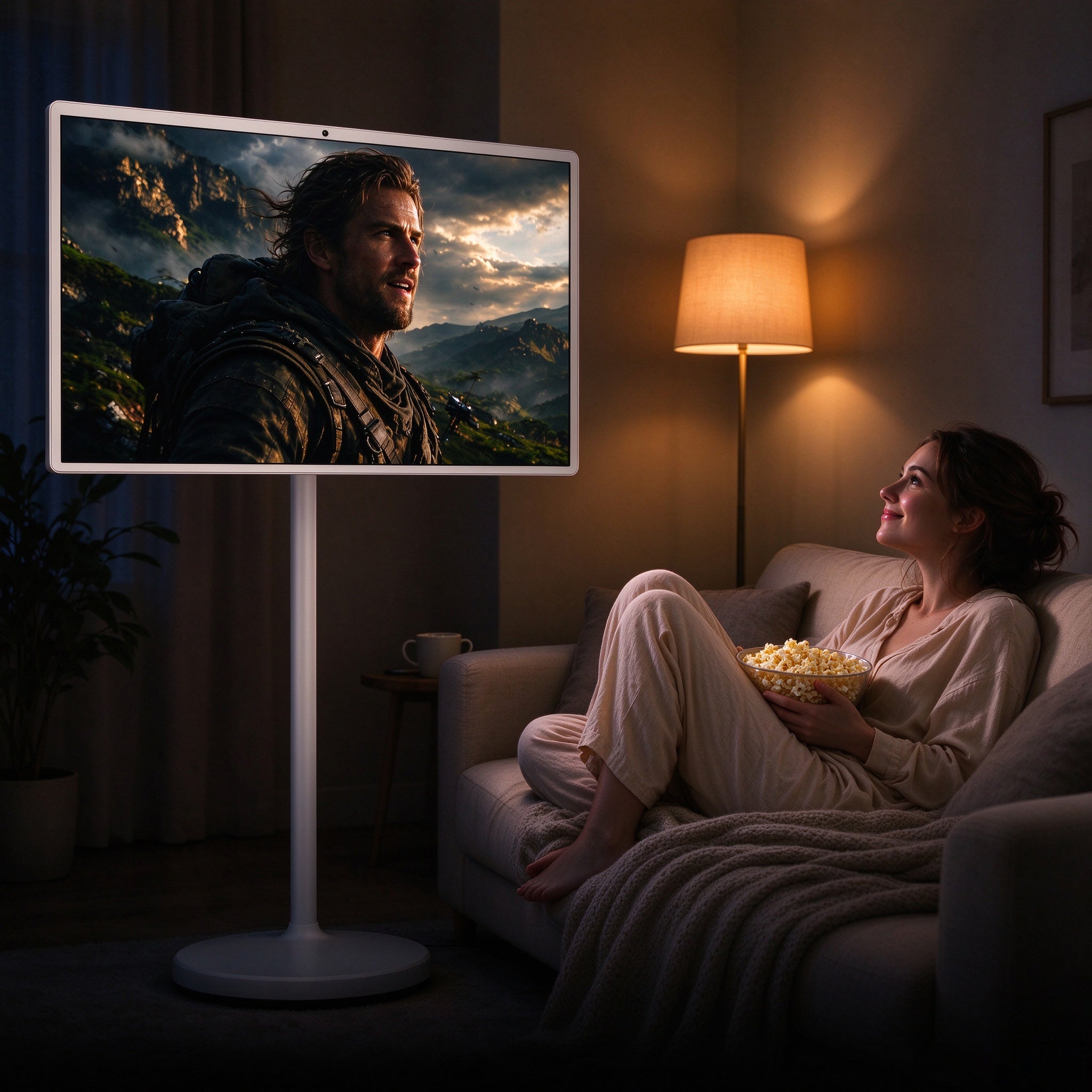
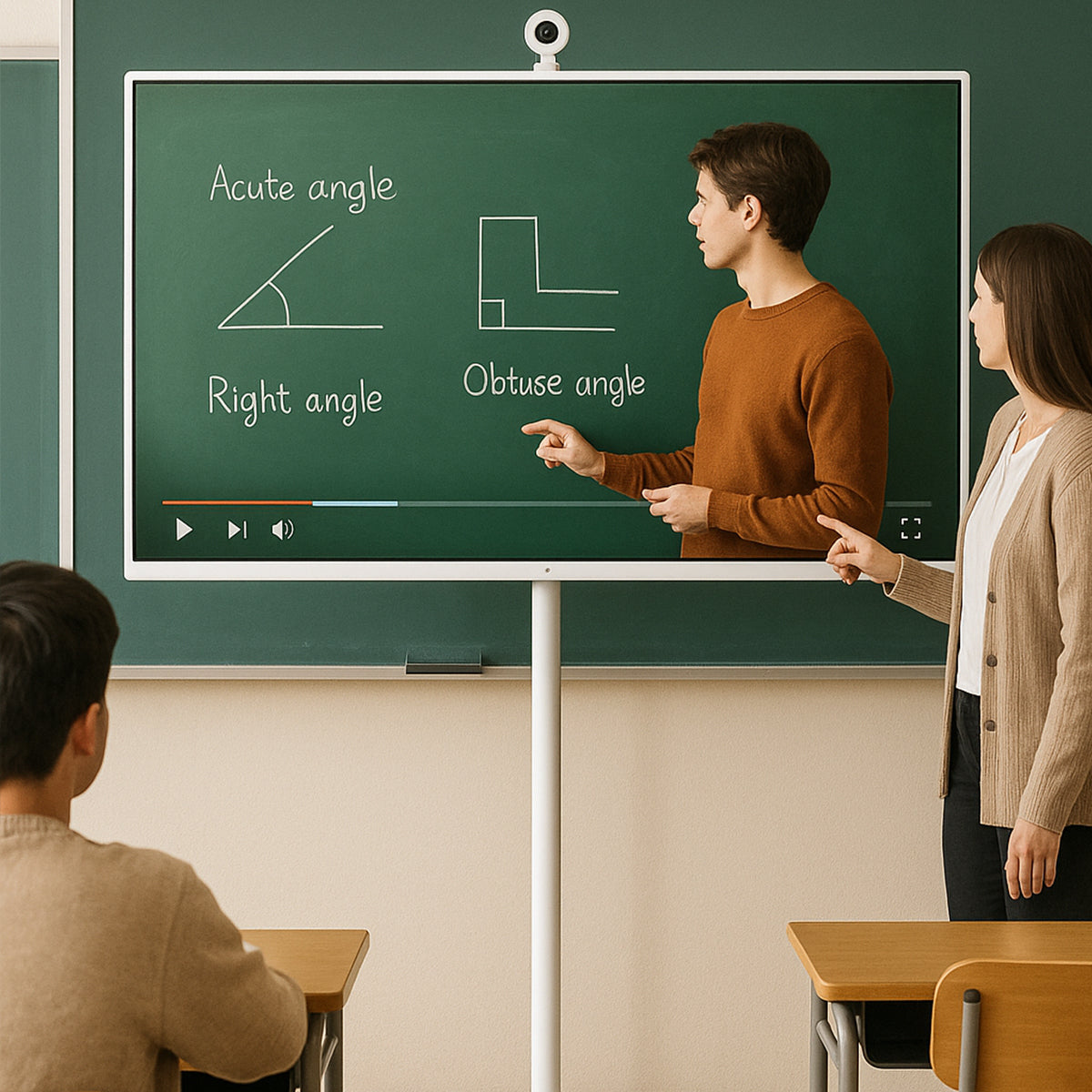
I'd point families and people who work from home toward this one, especially if your day bounces between the kitchen, the bedroom and the patio.
A few things to know first, though: GFF is a younger, smaller company than Samsung or LG, the warranty is 12 months, and Android feels a little different if you're used to a Samsung or LG TV menu. You'll also spend a few minutes putting the stand together when the box shows up.

So, Which One Should You Get?
Remember that question from the top? Here's where it earns its keep.
- If it's staying in one room, go with the Samsung Q8F, since it's a proper TV and you won't be paying extra for wheels or a battery you'll never use.
- If it's going on your desk, the Samsung M7 makes the most sense, because you get one-cable laptop hookup and streaming apps at the lowest price here.
- If you want to move it around and a big brand name matters most to you, the LG StanbyME 2 Max is your pick, as long as the price fits your budget.
- If you want to move it and you care most about battery, get the GFF S2-32 Ultra; it runs about twice as long as the LG for a lot less money.
Can't decide? Think about last Saturday. Maybe you started a show while cooking and finished it in bed, or took a call in the spare room and then watched the game on the porch. If that sounds familiar, you'll use a rolling screen a lot. If you mostly sat in the same chair all day, save your money and get the regular TV or the monitor.
FAQ
1. Why are 32-inch 4K TVs so hard to find?
Most brands figure buyers at this size care more about price than pixels, so they stick with 720p or 1080p. The Samsung Q8F is one of the rare regular TVs that goes all the way to 4K at 32 inches.
2. Can you really tell the difference with 4K on a 32-inch screen?
Up close, yes. Sitting at a desk or a kitchen counter, you'll notice sharper text and finer detail right away, but from the far side of a big living room it's much harder to see.
3. Is a smart monitor the same thing as a TV?
Not really. Both run streaming apps, but a smart monitor is designed to sit on a desk and hook up to a laptop (often with just one cable), while a TV assumes you're on the couch with a remote.
4. Which 32-inch 4K screen lasts the longest on battery?
The GFF S2-32 Ultra lasts the longest at up to 8 hours based on GFF's rating, while the LG StanbyME 2 Max is rated for up to 4.5 hours and the two Samsung models don't have a battery at all.
5. Can a rolling touchscreen take the place of a TV?
For many homes it can, since it plays the same streaming apps and goes wherever you happen to be, but if you want a very large screen for movie night in a big room, a bigger fixed TV is still the better choice.
Final Thoughts
Honestly, all four of these look great at 32 inches, so I wouldn't lose sleep over picture quality. Think about your routine instead. One room you always watch in? Get a TV. A desk you sit at all day? Get the monitor. A house where you're never in one spot for long? That's what the rolling screens are for.
If that last one sounds like your household, take a closer look at the GFF S2-32 Ultra, which gives you 4K, touch control and up to a full workday of battery at roughly half the price of the big-name alternative. Try picturing the first room you'd roll it into, and if a few spots come to mind right away, you've probably already found your answer.