
Table of Contents
The strongest Samsung Movingstyle alternatives are Android-based touch screens on wheels that offer a bigger battery, full Google Play access, and a far friendlier price.
Before you pick one, though, check three things: does it have* a battery at all, is the screen genuinely touch-enabled, and which app store does it run? Those three answers separate the good rolling screens from the disappointing ones.
I've spent a fair bit of time around these things now, and here's the thing nobody tells you upfront. "Portable screen on wheels" describes two very different products, and Samsung sells one of each. Get the difference wrong and you'll spend seven hundred dollars on something that can't leave a power outlet.

What Is the Samsung Movingstyle?
Samsung's Movingstyle line is their answer to the rolling smart screen trend. There are two models, and they're much less similar than the shared name suggests.
The Movingstyle LSM7F (27-inch)
This is the flagship, and it's genuinely clever. You get a 27-inch QHD panel at 2,560 x 1,440 running at 120Hz, mounted on a rollable stand. The good bit is that the screen detaches. There's a built-in handle, so you can lift it off the stand and carry it like a large briefcase, then prop it on a table using the kickstand.
It runs Samsung's Tizen system with TV Plus, Gaming Hub, and the Art Store. You get HDR10+ and Dolby Atmos, plus touch, Bixby voice, and gesture control if you own a Galaxy Watch. Battery life is three hours unplugged.
Price: $1,199.99.
The Movingstyle M7 (32-inch)
This one confuses people, and I don't blame them. The M7 is a 32-inch 4K UHD smart monitor on a height-adjustable rolling stand. It pivots, swivels and tilts; the 17.7-inch weighted base hides urethane wheels, and a 13-foot power cable runs neatly down the column.
Here's what the name doesn't tell you. The M7 has no battery, and it isn't a touchscreen. It rolls between rooms, but it stays tethered to a wall socket the whole time, and you control it with a remote.
It's a monitor with wheels, which is a perfectly reasonable produc, just not the same category as the LSM7F.
You do get 4K at 60Hz, USB-C with 65W, HDMI, Microsoft 365 built in, Multi Control, Knox security and SmartThings. Full specs are on Samsung's product page.
Price: $699.99.
What Samsung Genuinely Gets Right
I'm not going to pretend these are bad products, because they aren't. Samsung earns its reputation here in a few real ways:
- Panel quality is excellent, and the 120Hz on the LSM7F is smoother than almost anything else in this category
- The detachable screen on the LSM7F is close to unique, very few brands have pulled that off
- Build finish feels premium, and both models look like furniture rather than gadgets
- Support, warranty and repair are what you'd expect from a company that size
- If you already own Galaxy phones and a SmartThings kit, everything talks to everything
Why People Start Looking for Alternatives
Most of the frustration I hear falls into a handful of buckets.
The price. Twelve hundred dollars for a 27-inch screen is a lot, and it's the objection that comes up first, every time. One reviewer on Samsung's own Canadian site said flat out that the price didn't match the product and recommended a competitor instead.
Three hours of battery. That's the LSM7F's limit, and it's thin for a device sold on freedom. Three hours covers a film. It doesn't cover an afternoon in the garden or a full working day away from a socket.
Tizen isn't Android. Samsung's system is polished but closed. You get the apps Samsung offers, and that's the list. No Google Play, so no sideloading a niche app your household actually needs, and no swapping in a different launcher.
The M7's two missing features. No battery, no touch. If you assumed a "Movingstyle" would do both, that's an expensive surprise.
Weight. Several owners describe both units as heavy to shift. Wheels help, but sadly, stairs don't care about wheels.
What to Consider Before Buying an Alternative
This is the section I wish someone had given me first. Work through these before you spend anything.
Does it have a real battery, and how big?
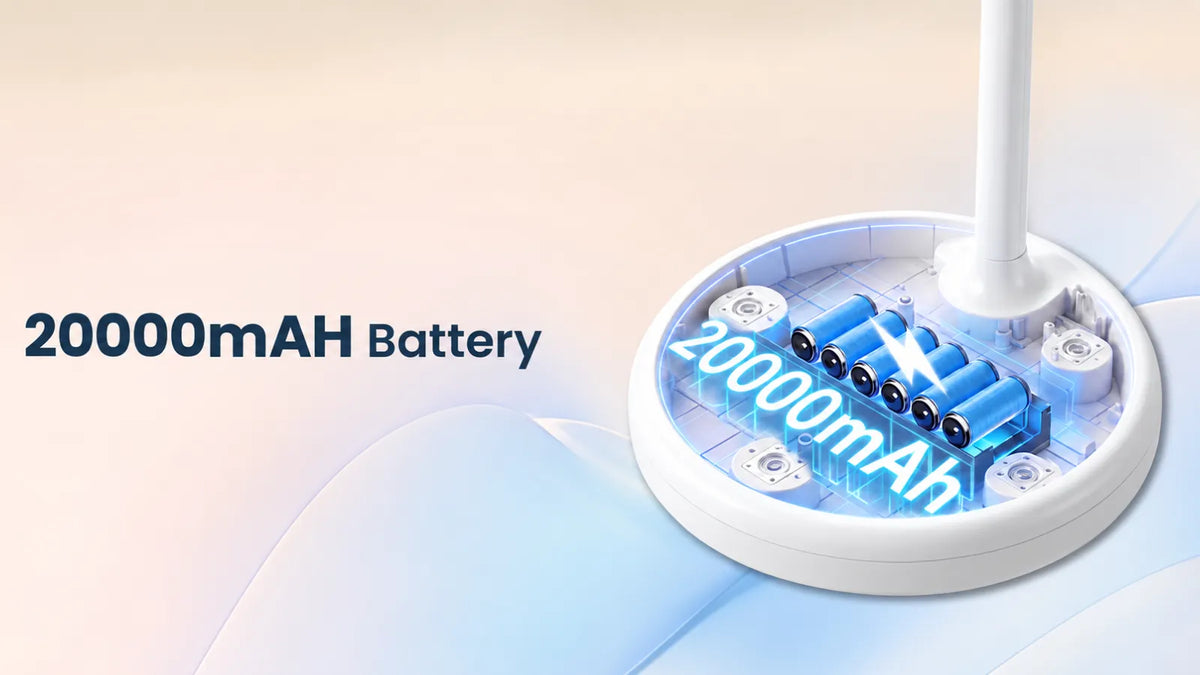
Plenty of "portable" rolling screens have no battery. Check the mAh figure and the claimed hours, then knock a bit off, because those numbers assume moderate brightness. Anything under 8,000mAh on a large screen means a few hours at best. Understanding how long a 20,000mAh battery lasts on a portable TV can help you judge whether a model’s battery will cover a movie night or an afternoon of use.

Is it EDLA certified?
This one's technical, but it matters more than any spec on the box. Google EDLA certification means the device ships with licensed Google services, so you get the real Play Store, real Netflix, real YouTube, and proper updates.
Screens without it rely on sideloaded apps that break after updates and often can't run Netflix at decent quality at all. If a listing doesn't mention EDLA, assume it doesn't have it.
Touch or no touch?
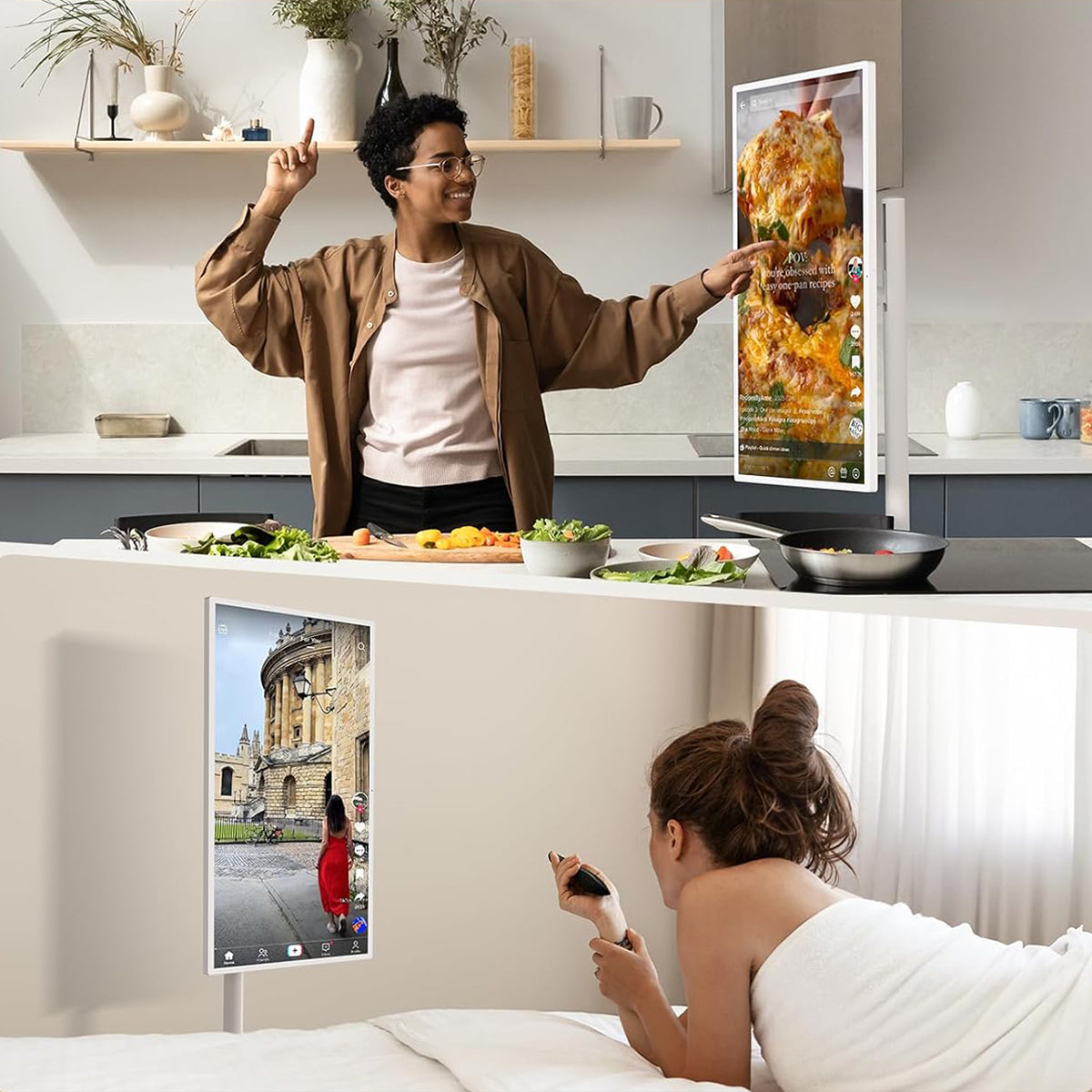
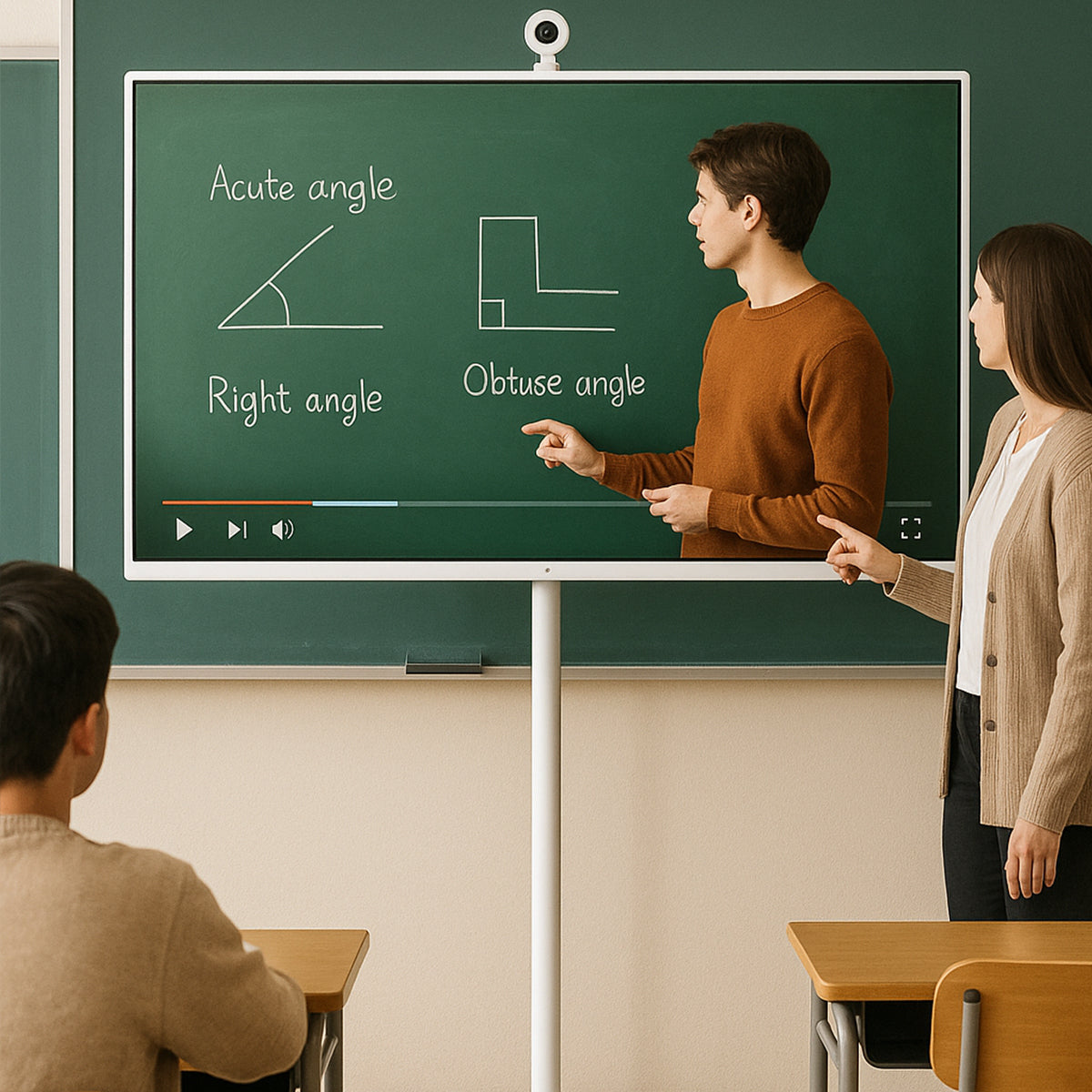
A touchscreen changes how a device gets used, not just how it's controlled. Kids can tap to check off chores, and you can scroll through recipes in the kitchen or interact with lessons in a classroom. Whether a touch screen TV is worth it depends on how often you’ll use those hands-on features.
Size versus resolution
Bigger isn't automatically better. A 22-inch Full HD screen can look crisp up close, while a 32-inch screen gives you more room for movies, recipes, or shared viewing. At the same resolution, pixels are more noticeable on the larger screen, especially at close range. When choosing between 22-inch and 32-inch portable smart screens, consider your viewing distance and available space. If you’ll use a 32-inch screen up close, 4K is worth considering for sharper text and finer detail.
The stand and the wheels
Look for swivel and tilt, not just height. And check the wheel count; a five-wheel base rolls over a rug threshold far better than a three-wheel one. Sounds trivial until you're pushing a screen across a doorway every evening.
Ports
You'll want HDMI, USB-C and at least one full-size USB. Without them, the screen can only ever be a streaming box.
For a closer look at the different types of portable TVs and the features to prioritize, explore our Ultimate Portable TV Buying Guide.
GFF AI as a Movingstyle Alternative
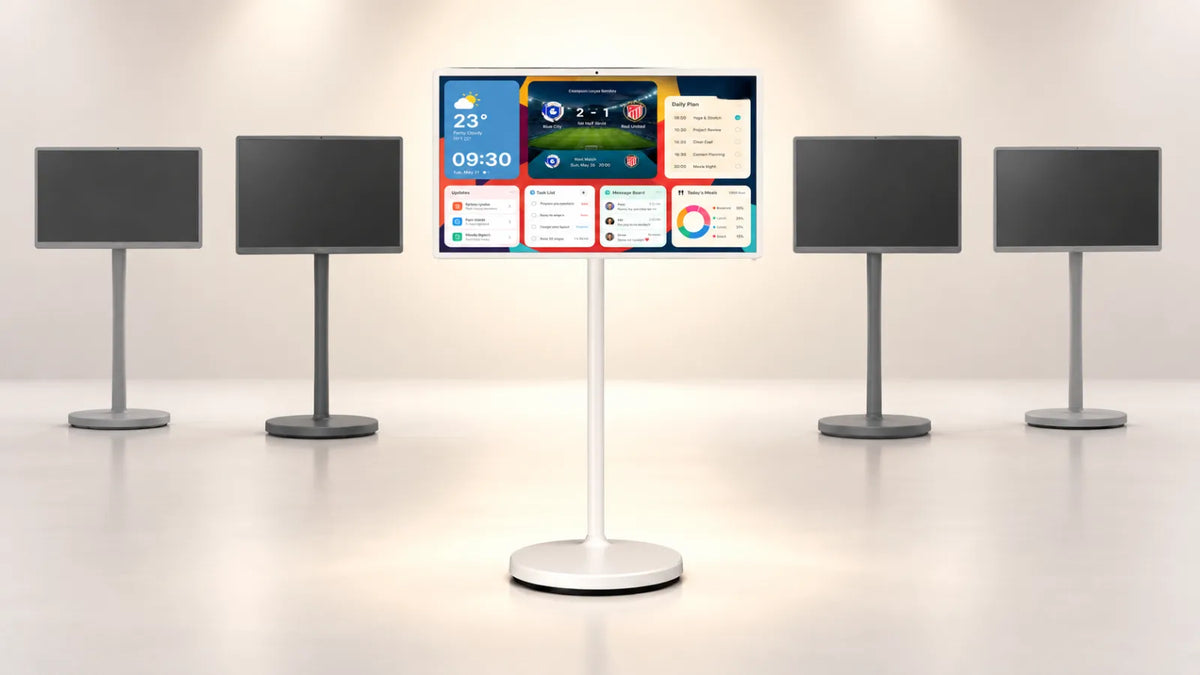
GFF AI makes rolling Android touch screens that line up against both Samsung models, and the comparison is more interesting than I expected.
Against the Movingstyle M7 (32-inch)
GFF's 32-inch model is the direct answer here, and it's not really a close contest on features. Both are 32-inch 4K. But the GFF adds a 20,000mAh battery rated for around eight hours, a proper touchscreen, and a 90W fast charger. The M7 has neither a battery nor a touchscreen.
You also get Android 15 with EDLA certification, which means the full Play Store, 8GB of RAM with 256GB of storage, a 13MP camera for video calls, and 4K HDMI plus USB 3.0 and Type-C. For a good deal, less than $699.99.
Eight hours versus permanently plugged in is the headline. That's the difference between a screen that moves and a screen that relocates.

Against the Movingstyle LSM7F (27-inch)
Same GFF 32-inch model, different argument. You're trading away the detachable screen and the 120Hz panel, which are the LSM7F's two best tricks, and I won't pretend otherwise.
What you gain is 4K instead of QHD, a bigger screen, roughly eight hours of battery instead of three, and open Android instead of Tizen. Against a $1,199.99 price tag, that's a lot of ground made up.
If you want something smaller: the GFF S1-22
The 22-inch S1-22 is the one I'd point a smaller household toward. It's FHD, EDLA-certified on Android 15, with 6GB RAM and 128GB storage, a 7,800mAh battery good for three to four hours, an 8MP camera, voice control and a five-wheel swivel base.
Three to four hours matches the LSM7F, and at 22 inches the 1080p panel stays sharp. It's easy to move, easy to tuck away, and it suits a bedroom, a home office or a small kitchen far better than a 32-inch screen would.
Where Samsung still wins
Being straight about this: if you want a screen you can physically lift off its stand and carry to another building, only the LSM7F does that. If you want 120Hz for gaming, Samsung has it, and GFF doesn't.
And GFF's mirroring handles full-screen and local media but not AirPlay, Google Cast, or streaming cast services, so heavy casting users should know that going in.
FAQ
Does the Samsung Movingstyle M7 have a battery?
No. The M7 runs on a 13-foot power cable routed through its stand and must stay plugged in. Only the 27-inch LSM7F has a built-in battery, and that lasts three hours. This is the single most common misunderstanding about the Movingstyle range.
Is the Movingstyle M7 a touchscreen?
No, it isn't. You control it with a remote. The LSM7F is the touch model of the two.
What's the cheapest good Samsung Movingstyle alternative?
An EDLA-certified Android rolling screen will nearly always undercut Samsung, because you're not paying for the Tizen ecosystem or the brand. GFF AI's 22-inch and 32-inch models both land well below Samsung's $699.99 and $1,199.99 price points while adding battery and touch.
Is Android better than Tizen on a portable screen?
For most households, yes, but only if the device is EDLA certified. Android gives you the full Play Store and far more app freedom. Without EDLA, though, you're stuck with sideloaded apps that break, and Tizen would be the better experience.
Can I use these screens outdoors?
Battery-equipped models, yes, on a covered patio or in the garden for a few hours. None of these is weatherproof, so don't leave one out in the rain. The M7 can't manage it at all without an extension lead.
How much battery life do I actually need?
Three hours covers a film or a work session. Eight hours covers a whole day of moving room to room without thinking about it. If the screen will mostly live in one spot and you just want the option to move it, three is fine. If it's genuinely nomadic, go bigger.
Pick the Screen That Matches How You'll Use It
The Movingstyle is well made, and if the detachable design or 120Hz panel is what you're after, Samsung has no real competition. But most people looking at these screens want something simpler than that: a good display that moves around the house, holds a charge, responds to touch, and runs the apps they already use.
That's the gap GFF AI fills. Their 32-inch 4K model brings a 20,000mAh battery and full Android 15 with Google Play to a price well under the M7's, and the 22-inch S1-22 does the same thing in a lighter, smaller package. Both are EDLA certified, both are touch, and both roll on five wheels.
Have a look at the GFF 32-inch and S1-22 side by side, and start with the question that matters most: where will this screen actually spend its day?